Z-Image Turbo

Turn clear English or Chinese prompts into polished images with confident composition, photorealistic detail, and readable bilingual text.

How to create with Z-Image Turbo

Move from a clear idea to a finished image in three focused steps—no reference image required.

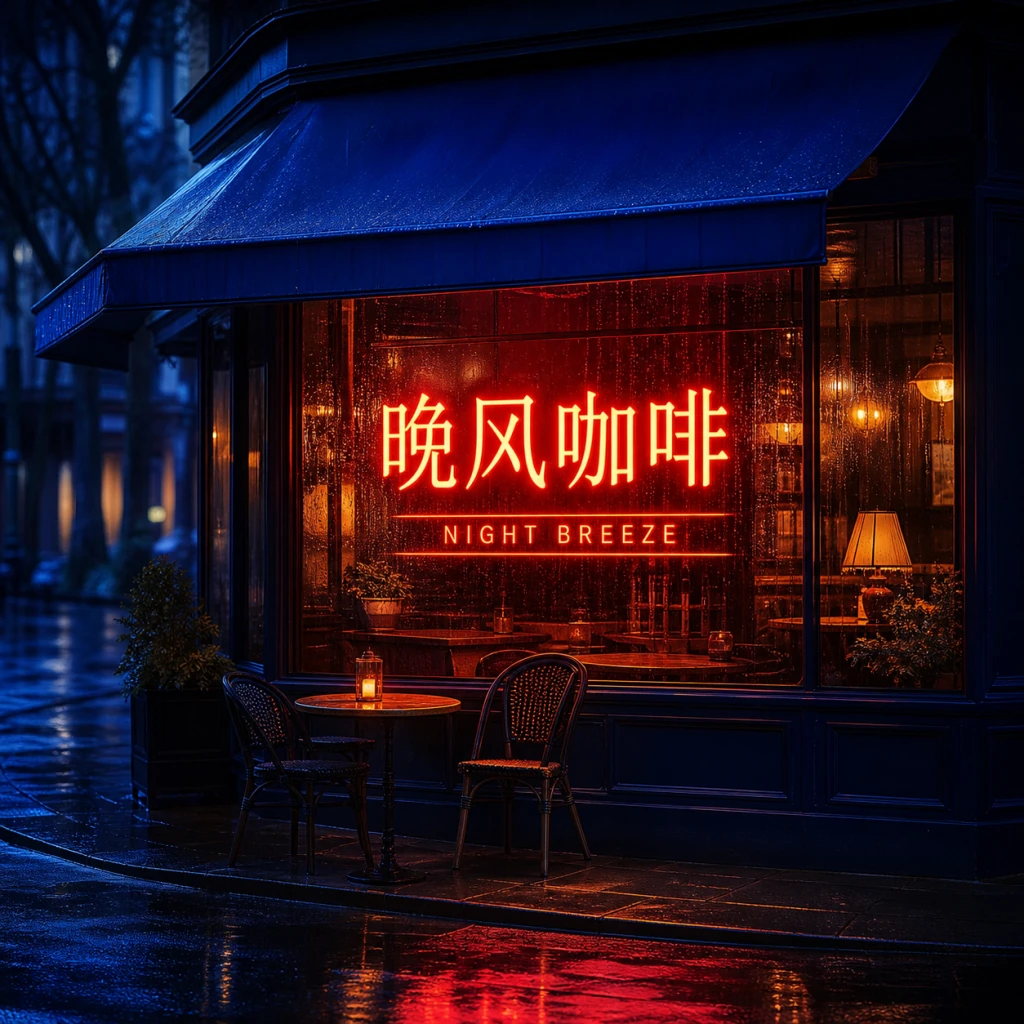
A quiet corner cafe after rain, amber windows, cobalt awning, cinematic street photography…

Step 1: Describe the scene

Name the subject, setting, camera, light, palette, and finish you want. Concrete visual language gives the model a strong starting point.

红色霓虹招牌写着“晚风咖啡”,雨夜街道,玻璃反射,真实摄影…

Step 2: Direct every detail

Add positions, colors, materials, and any short English or Chinese text. Keep each instruction literal and easy to verify.

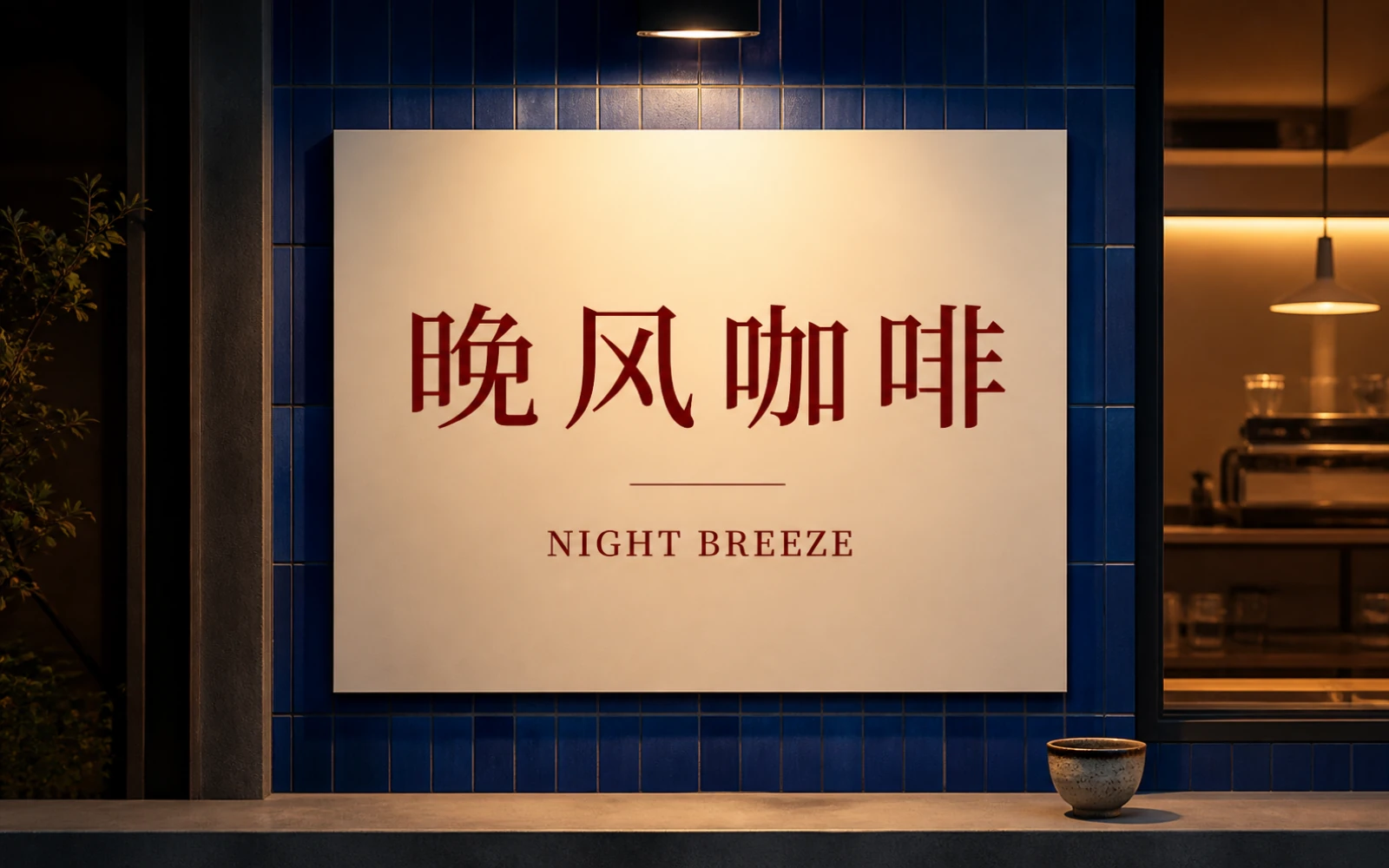
Bilingual night cafe poster displaying ‘晚风咖啡’ and ‘NIGHT BREEZE’ on a rainy street

Step 3: Generate and refine

Create your image, review composition and spelling, then adjust only the details that need another pass.

What Z-Image Turbo does best

The 6B-parameter Turbo model is distilled for efficient text-to-image generation, with particular strength in instruction following, photorealism, and bilingual text.

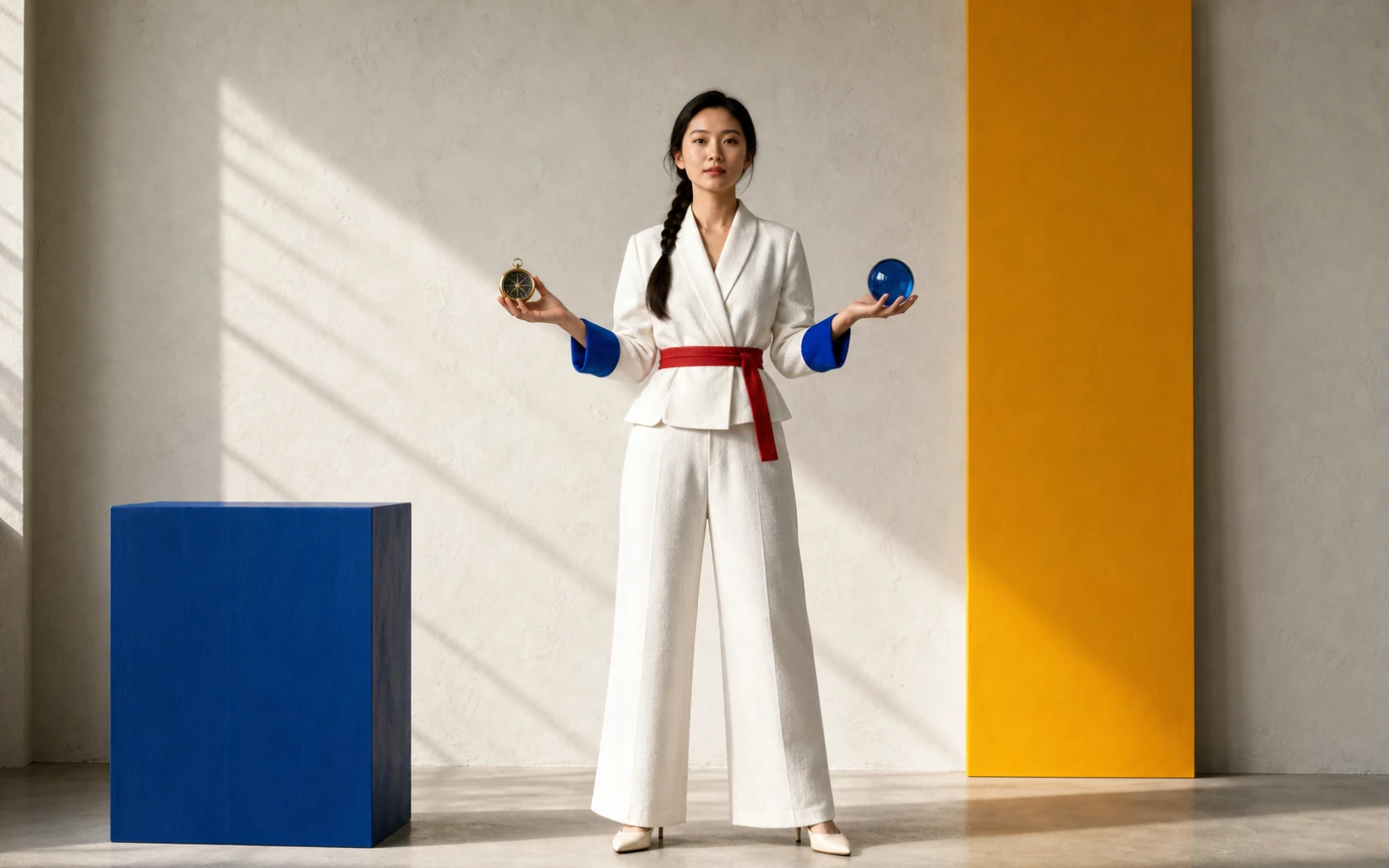
Photorealistic creative director holding a blue glass sphere and brass compass in a structured studio scene

Instruction adherence and realism

Keep complex prompts visually organized

Direct the subject, wardrobe, props, position, camera, and light in one prompt. Z-Image Turbo is designed to preserve those relationships while maintaining convincing photographic detail.

  • Assign specific colors, materials, and positions
  • Separate foreground, subject, and background clearly
  • Use camera and lighting terms to set visual priority
Typographic artwork displaying the Chinese text ‘灵感成真’ and English text ‘IDEAS, RENDERED’

English and Chinese text rendering

Build short text into the image

Z-Image Turbo is trained to render both English and Chinese text. Use concise, quoted copy and describe where it belongs so posters, signs, and product visuals remain intentional.

  • Put required copy in quotation marks
  • Specify language, hierarchy, and placement
  • Check every character before publishing
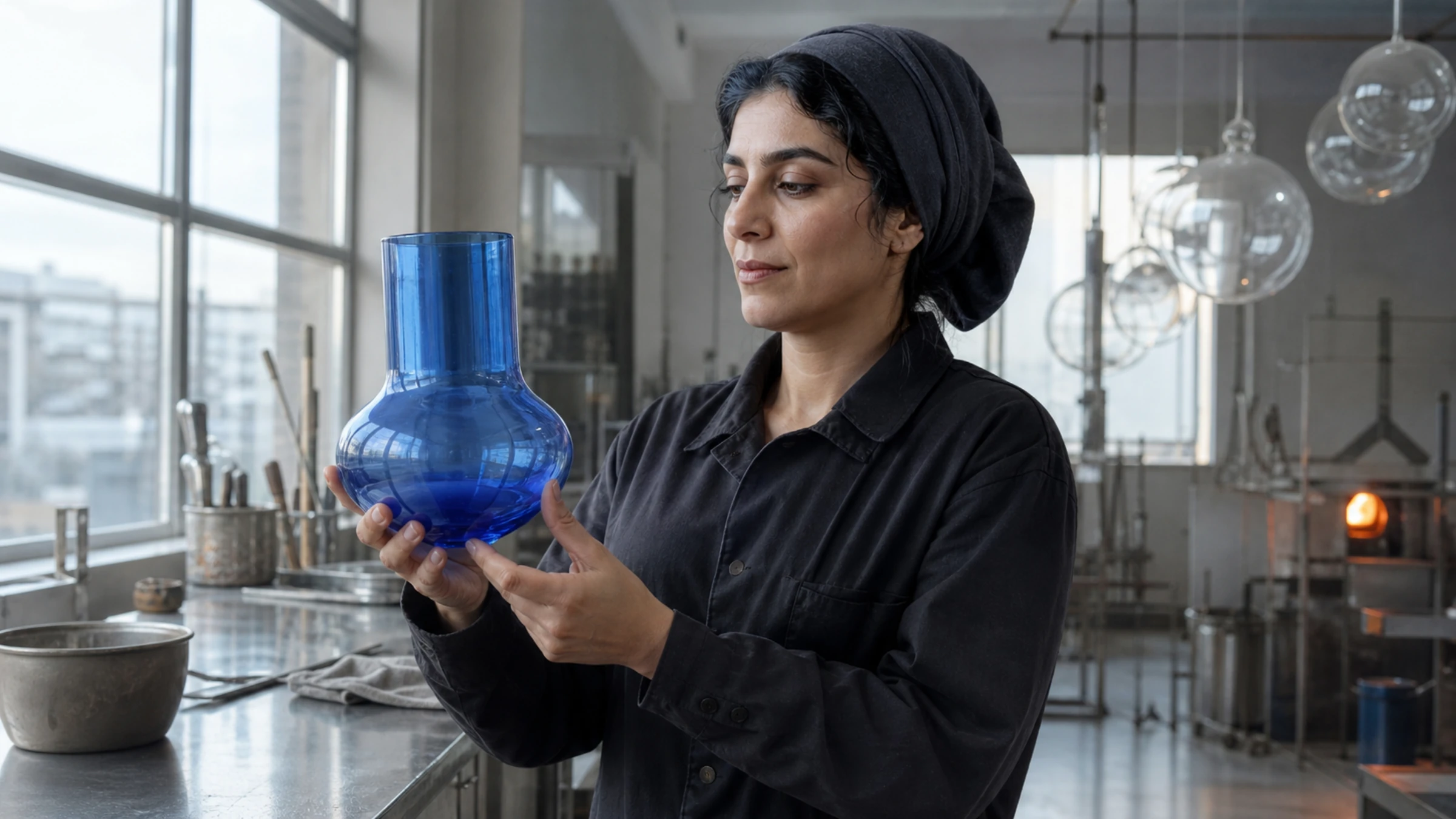
Photorealistic environmental portrait with natural skin, fabric, and window light
View capability example 1

Make every instruction visible

Start with one clear scene, direct the details in English or Chinese, and create with Z-Image Turbo on PixPix.

Z-Image Turbo questions

Essential model facts and practical prompting guidance for creating on PixPix.

Z-Image Turbo is the distilled text-to-image model in Alibaba's Tongyi-MAI Z-Image family. It uses a 6-billion-parameter single-stream diffusion transformer and is designed for efficient generation with eight neural function evaluations (NFEs).