


Amazon A+ Content Generator
Upload product photos and use GPT Image 2 to generate structured A+ modules, feature graphics, lifestyle scenes, and specifications for Amazon and ecommerce product detail pages.
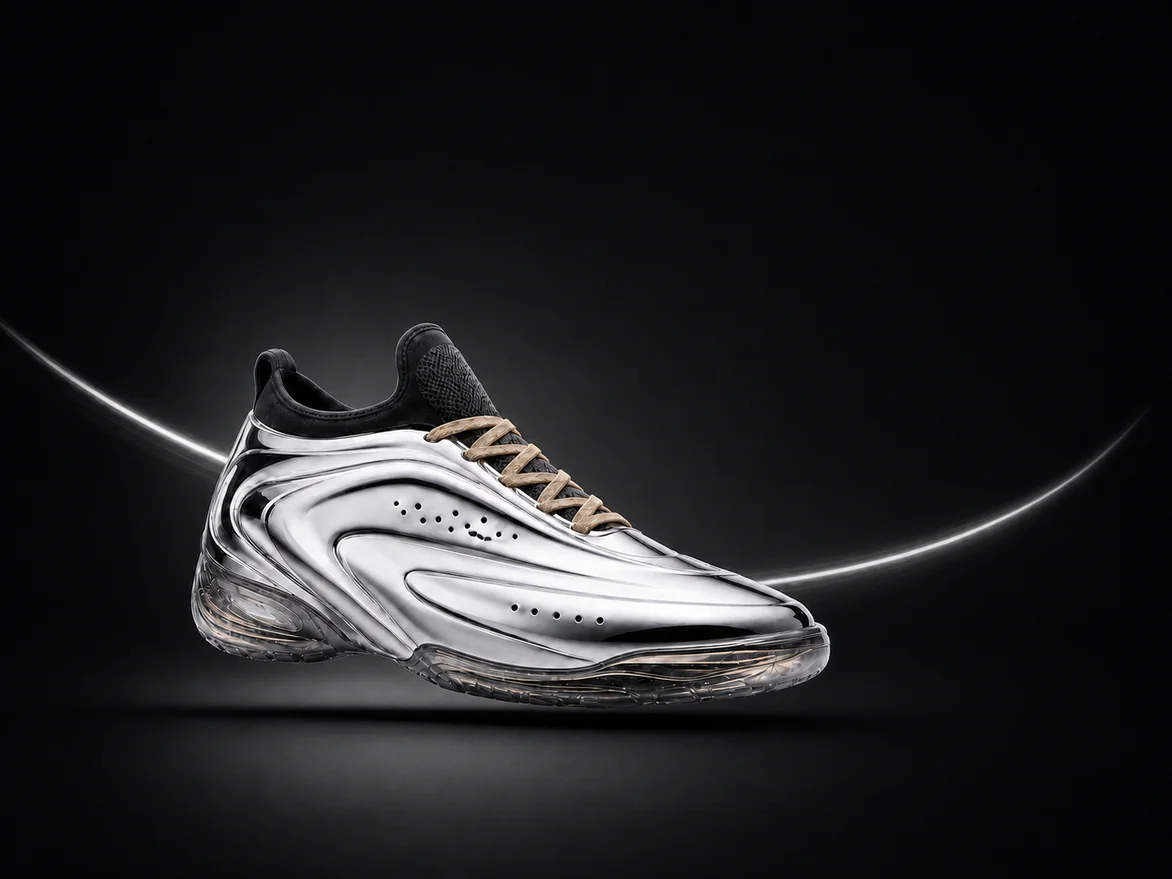
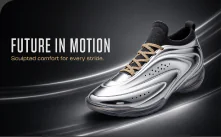
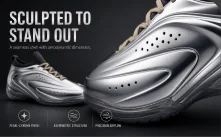
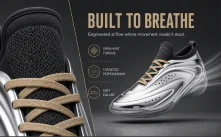
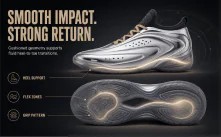
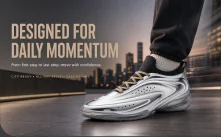
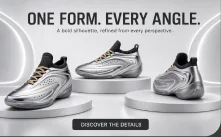
A+ Content Examples
Different products need different content structures. PixPix creates consistent A+ detail page assets based on product characteristics and usage scenarios.
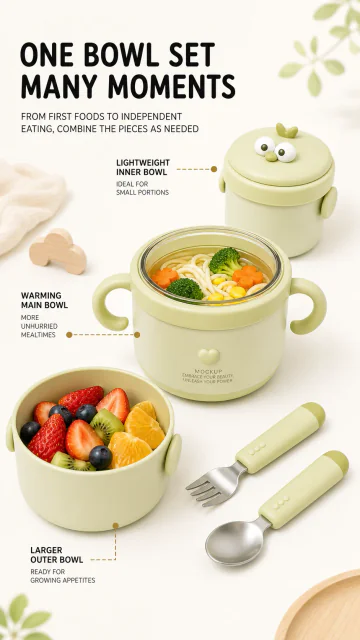
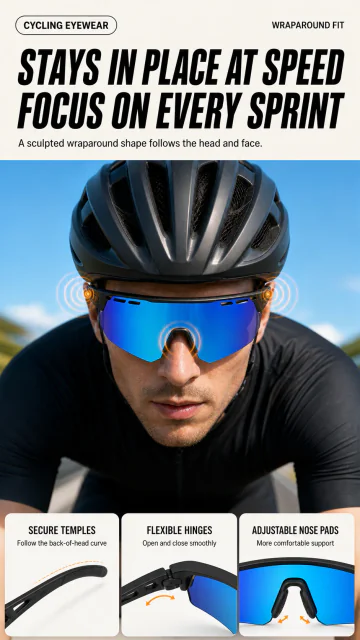
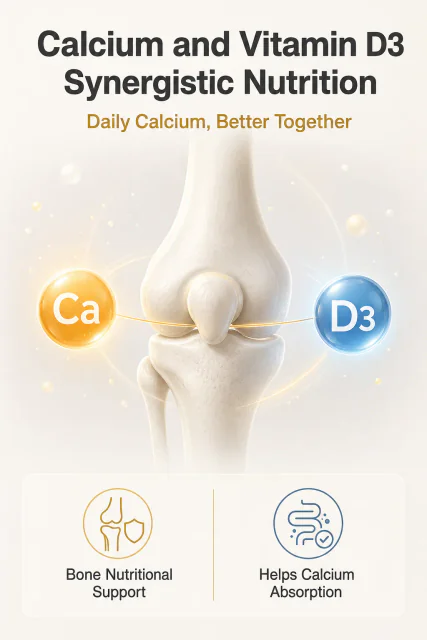
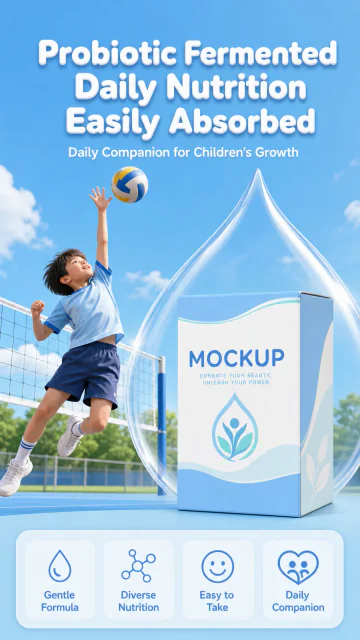
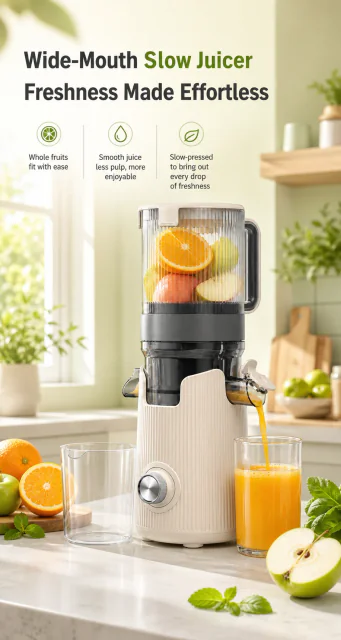
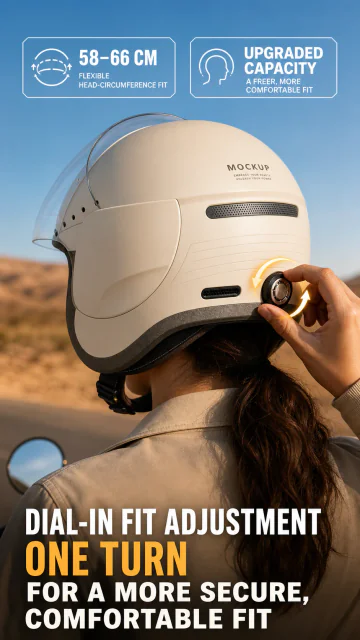
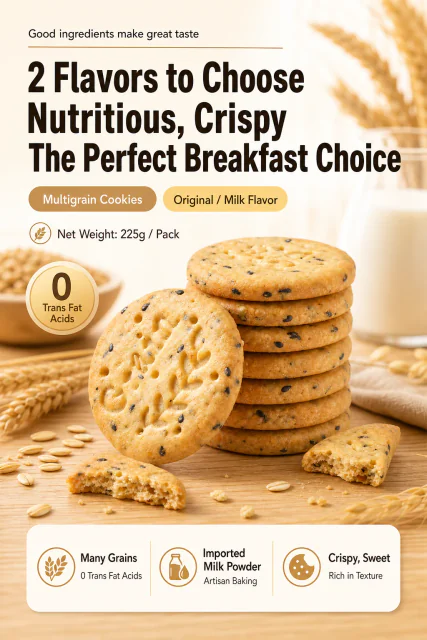
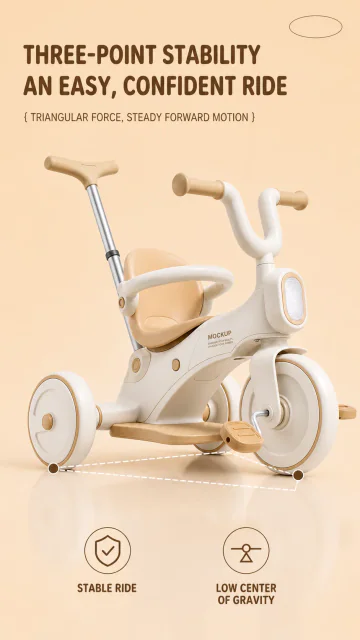
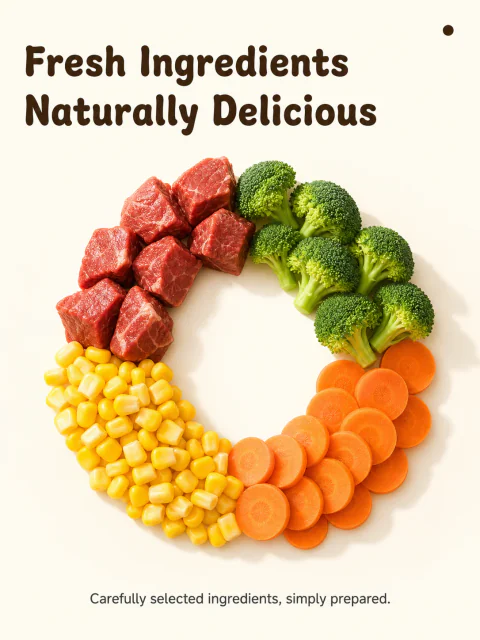
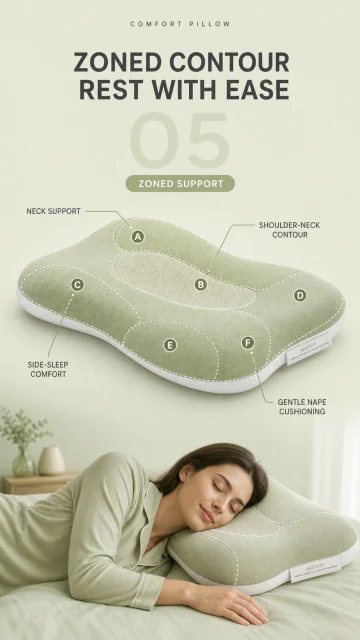
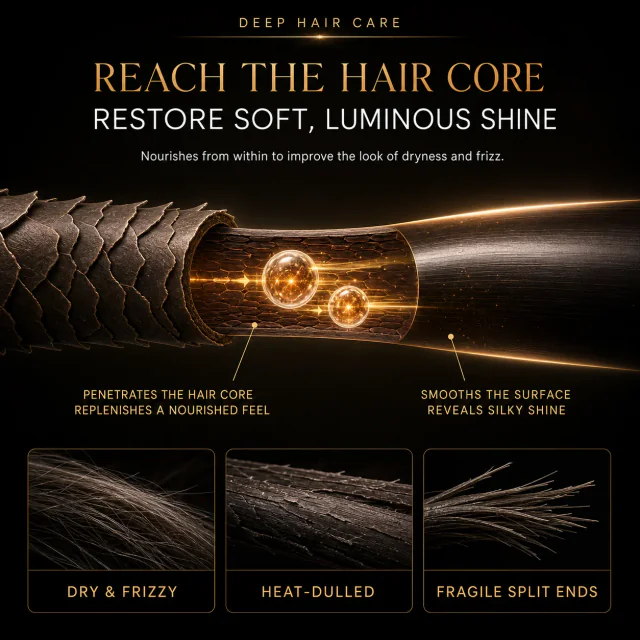
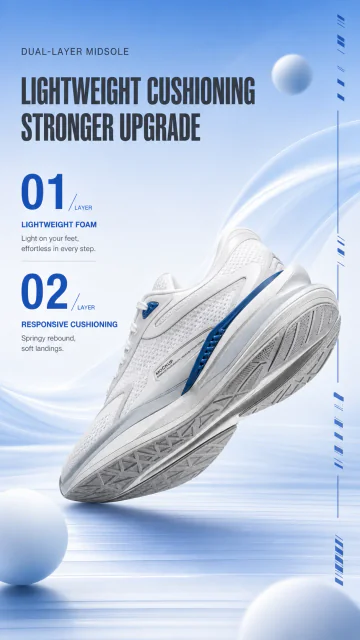
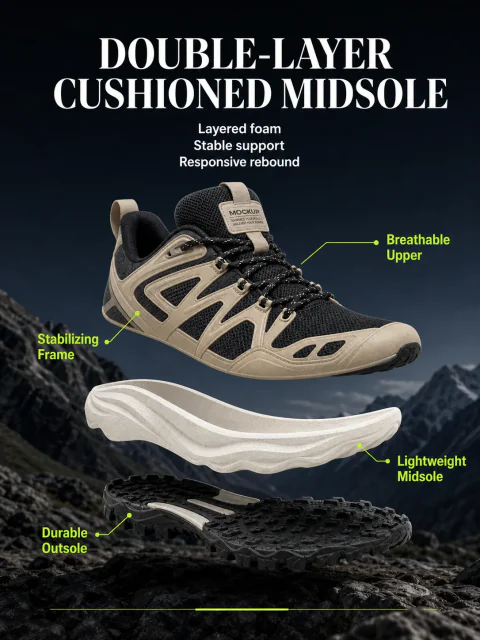
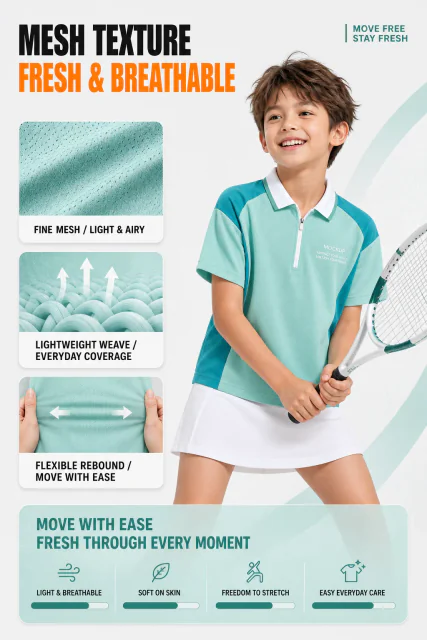
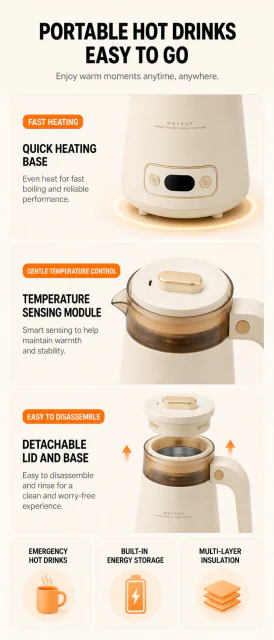

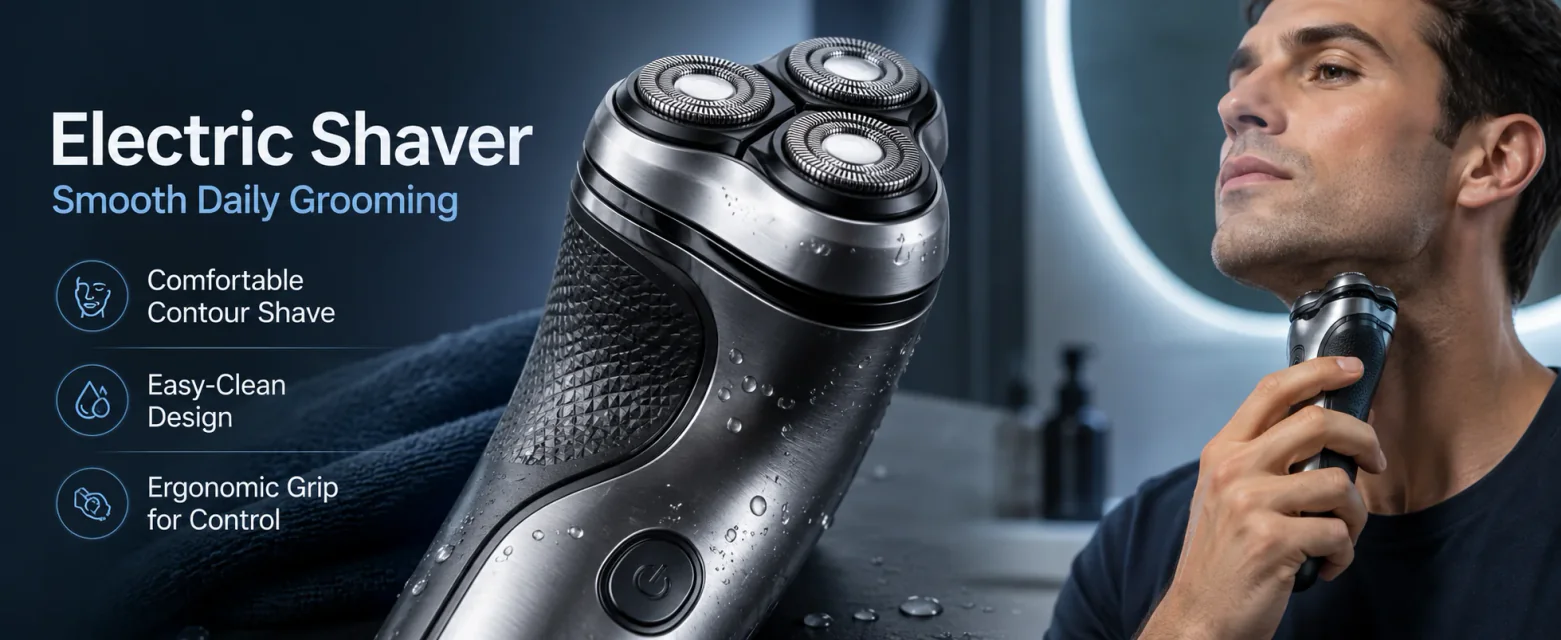


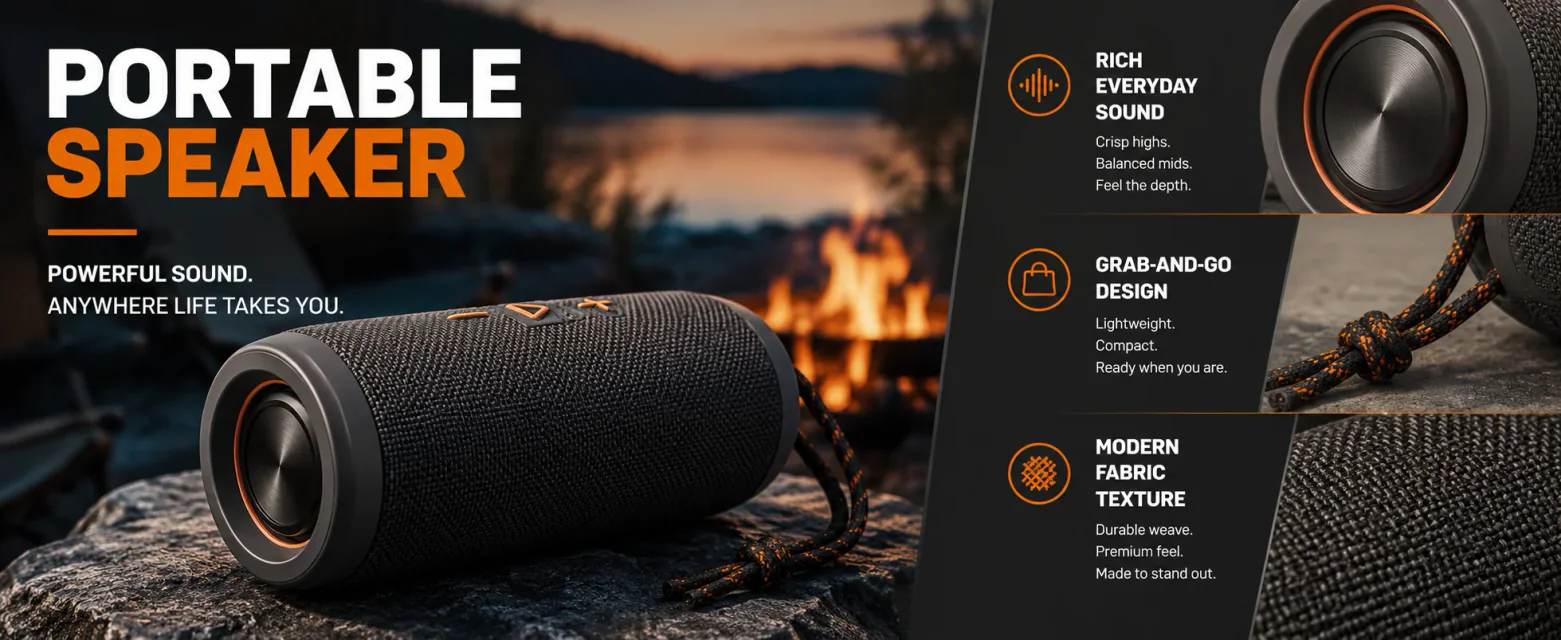
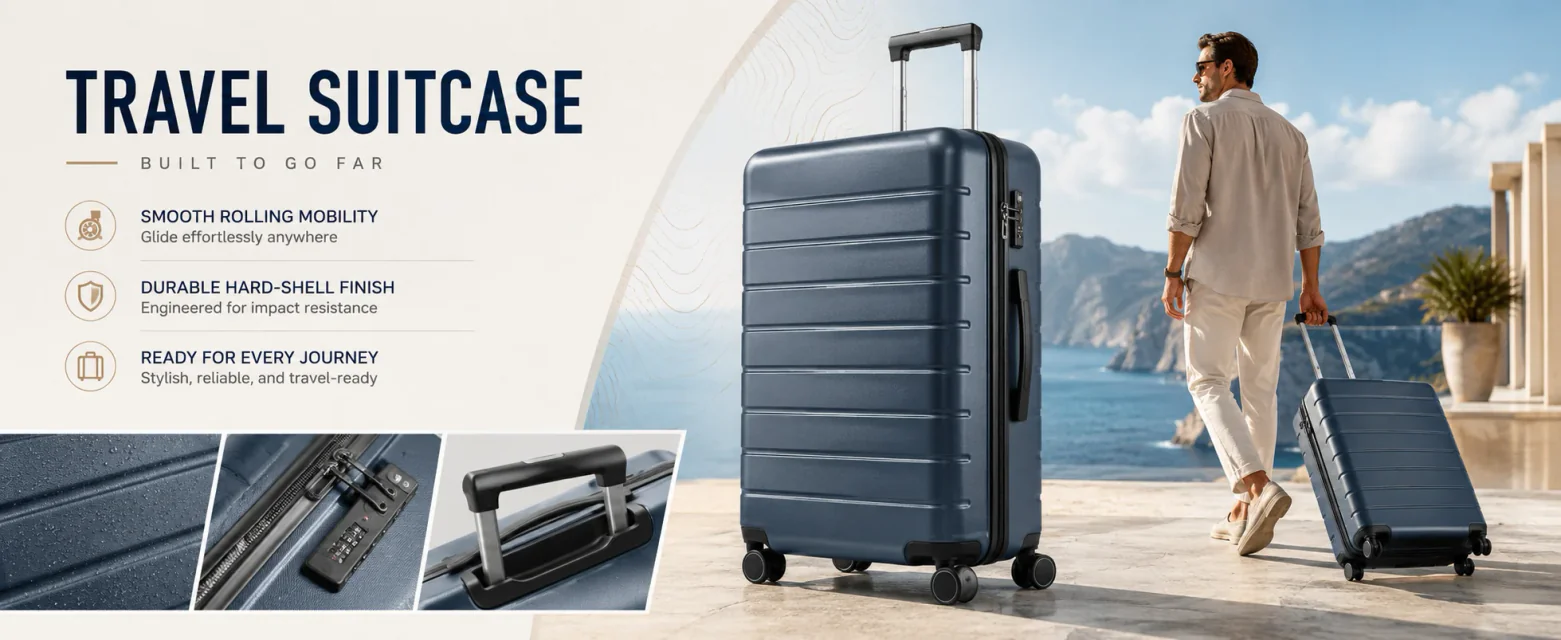

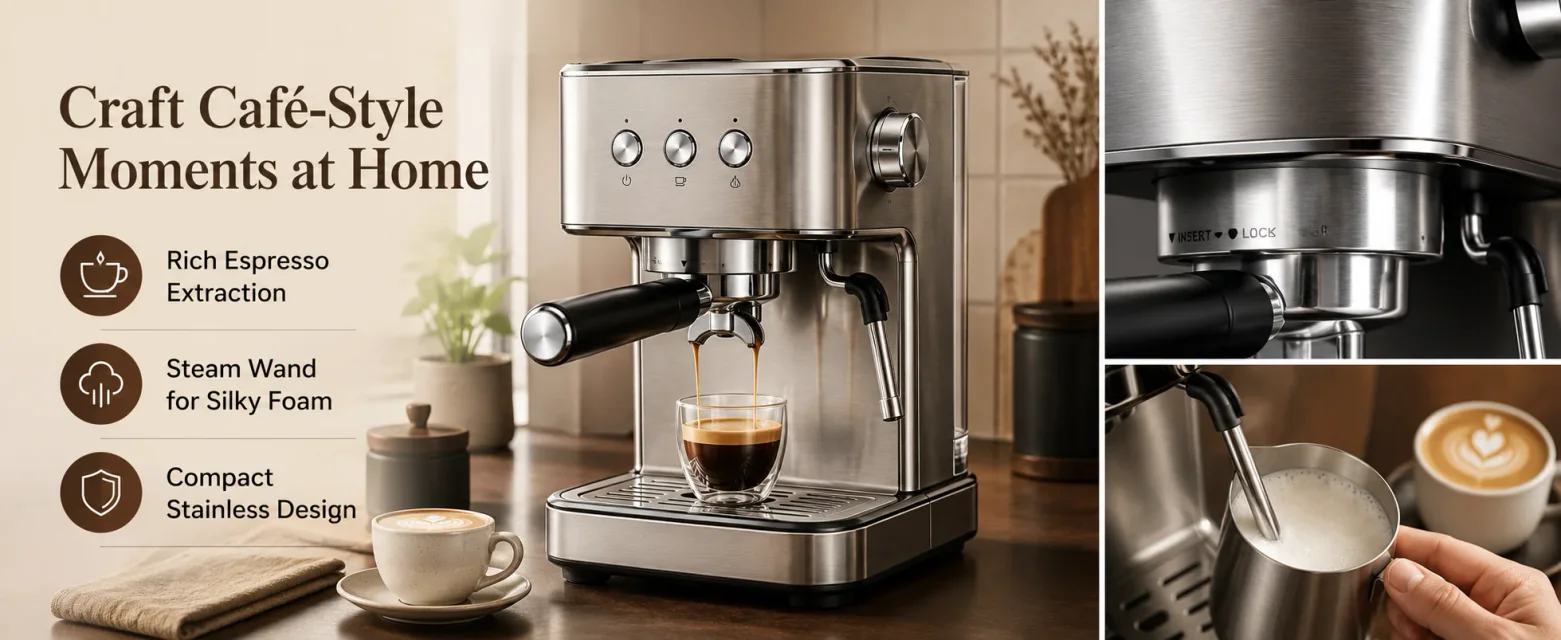
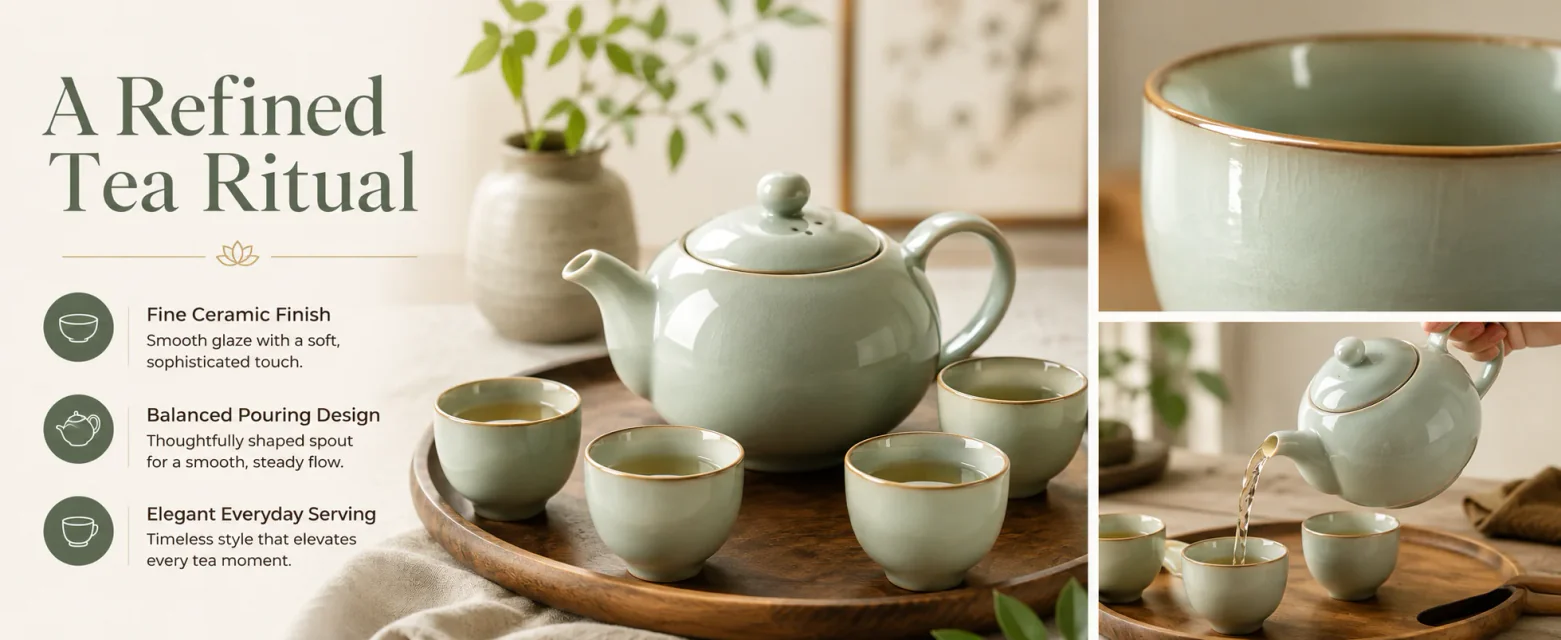

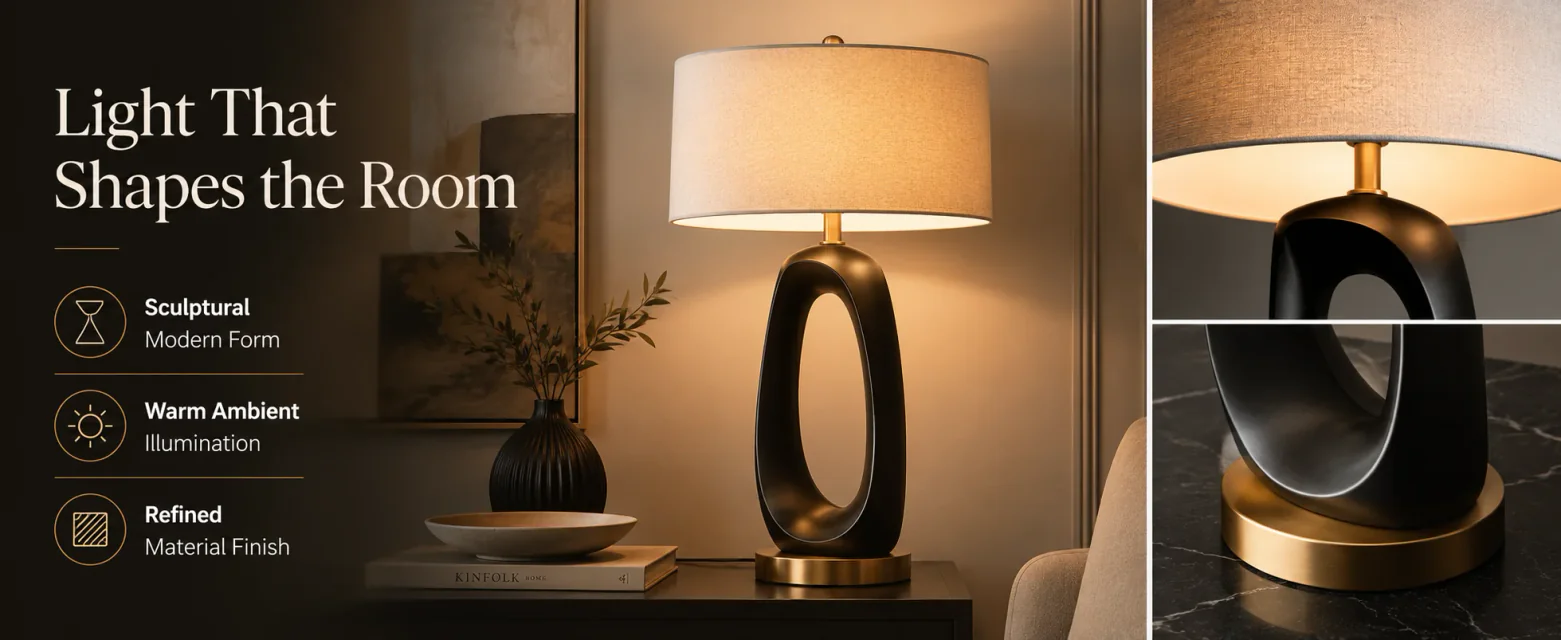
Create Complete A+ Content with GPT Image 2
Turn product information into clear, consistent modules for ecommerce detail pages.

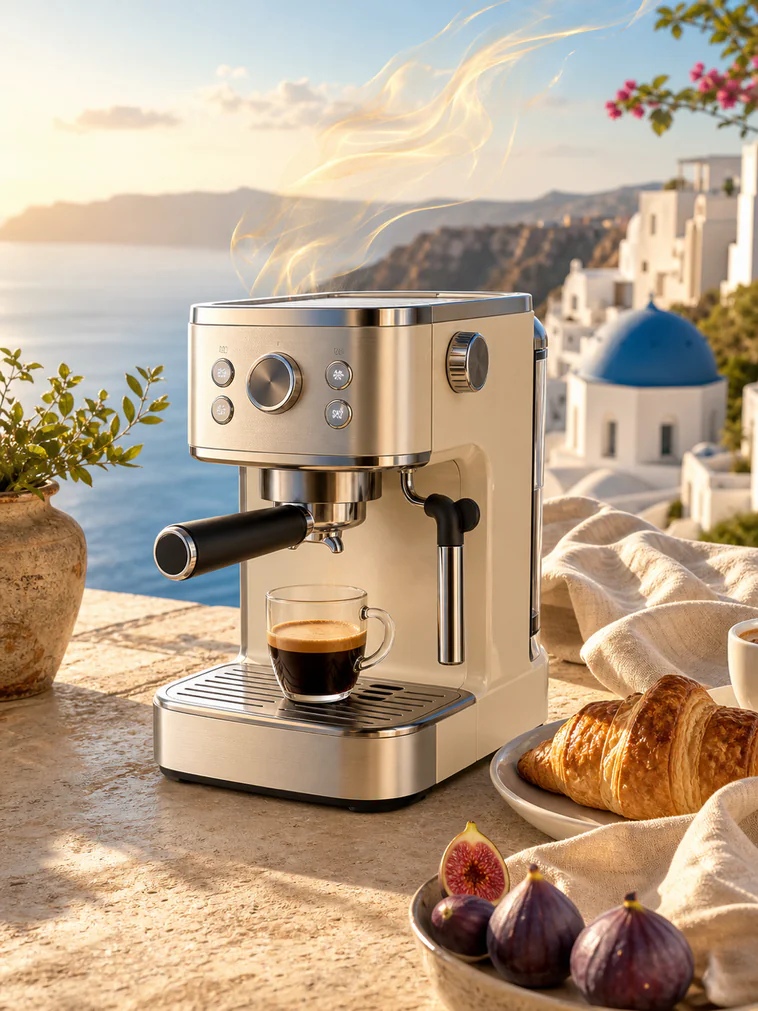
Plan the Product Page Structure
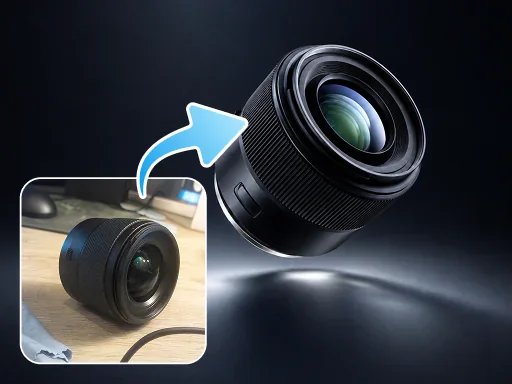
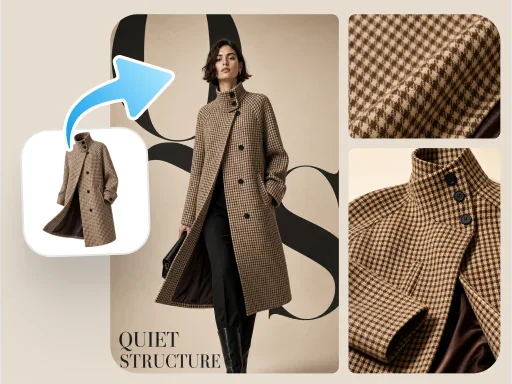
Make full use of the appearance, color and structure information in the original product image.
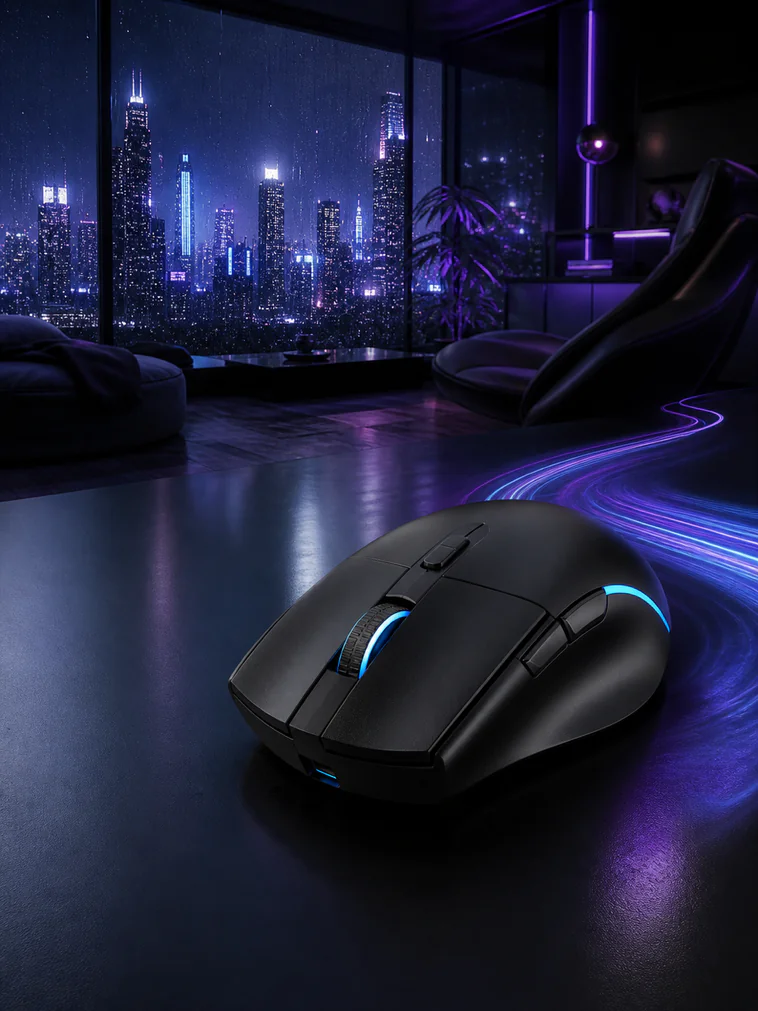
Visualize Key Selling Points
Generate corresponding content based on selling points, scenarios and supplementary requirements.
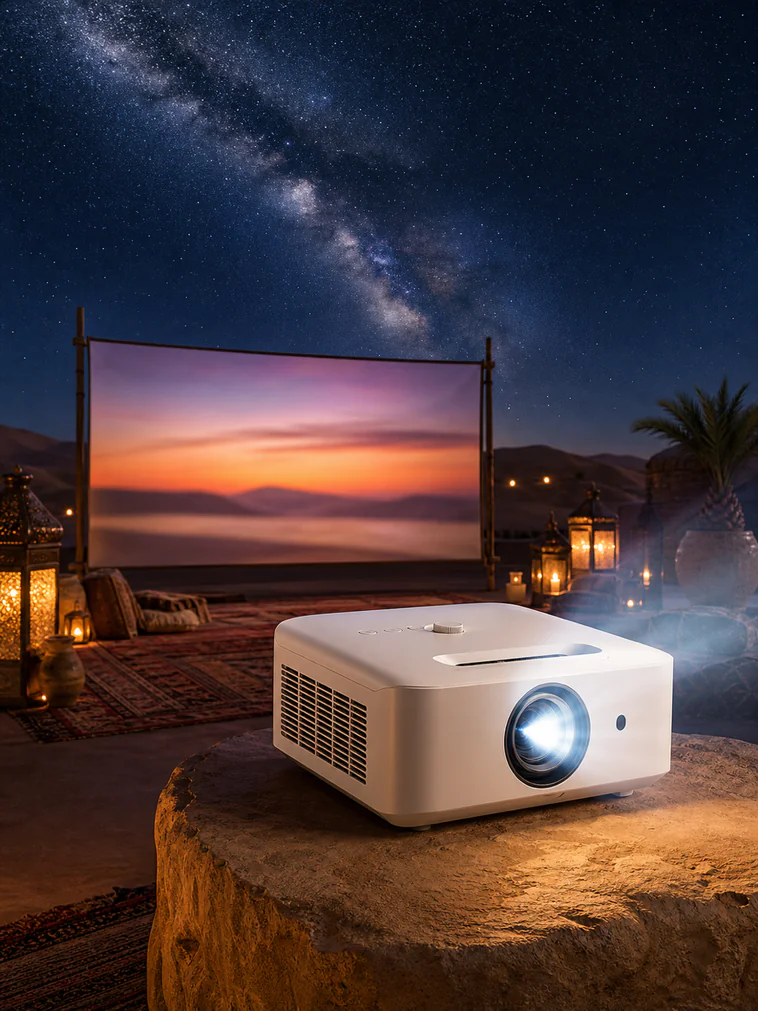
Adapt Modules to Different Sizes
Generate product visuals of different proportions according to platform and placement requirements.

Keep Brand and Product Consistent
From changing scenes to optimizing details, it’s all done in the same process.
Built for Different Ecommerce Detail Page Needs
Create new pages, enrich existing listings, and prepare content for different platforms.
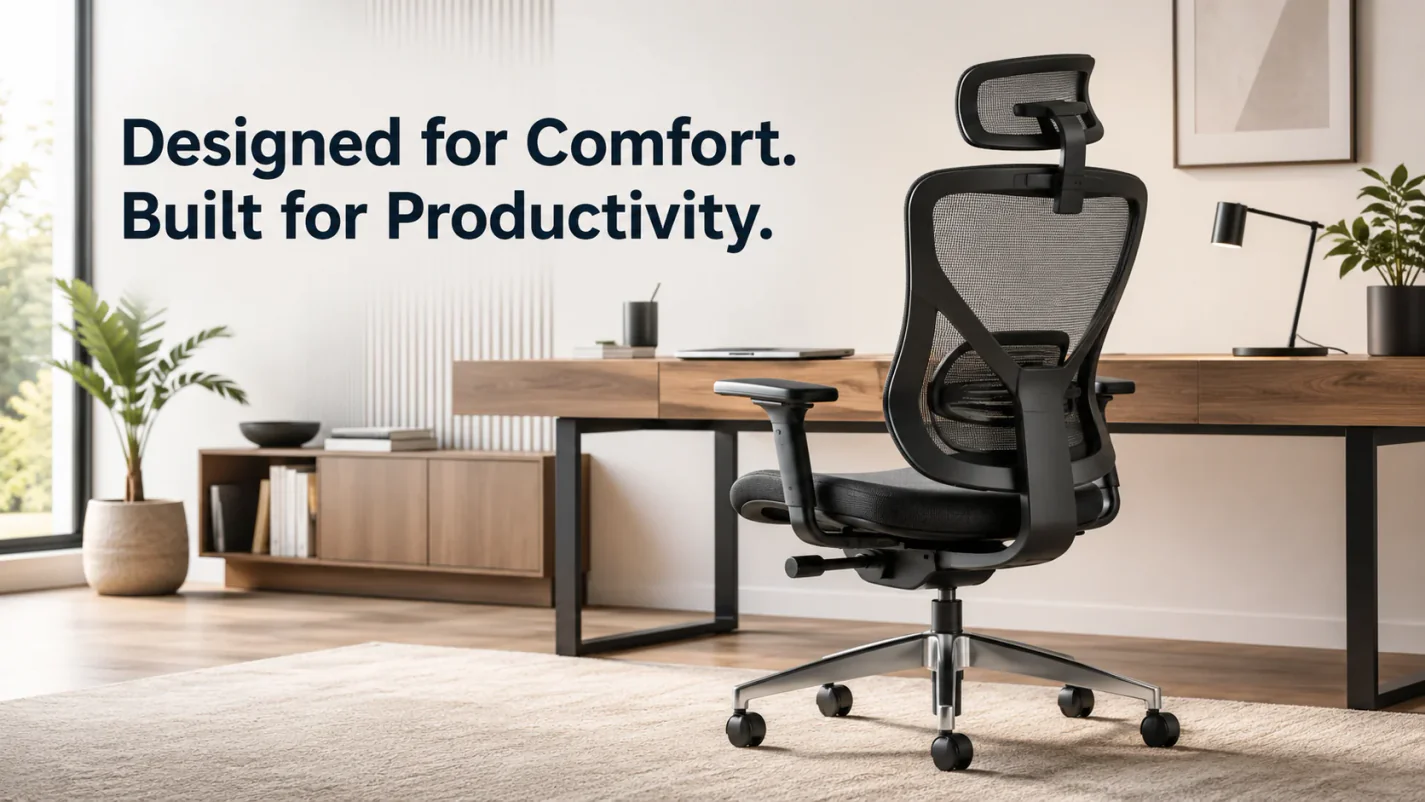
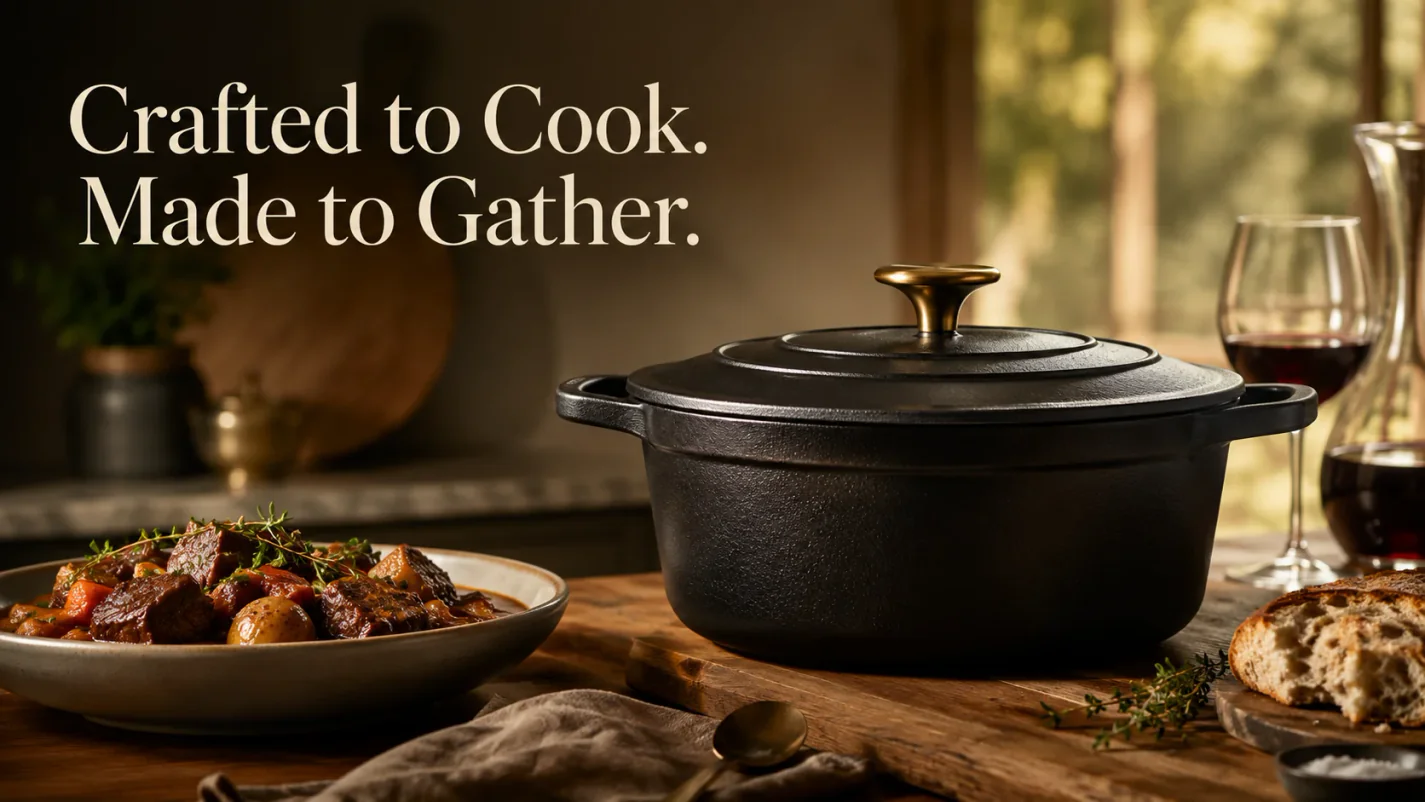
Launch New Product Detail Pages Faster
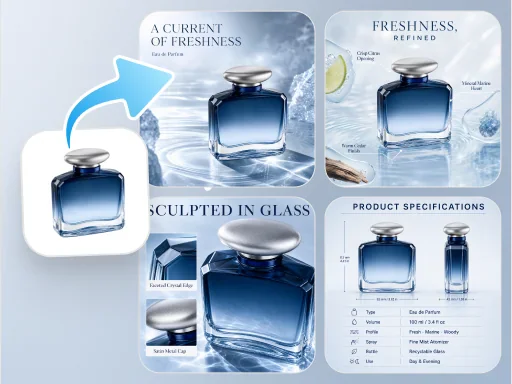
Quickly generate the main image, selling point image and specification image from the original product image to reduce the time waiting for shooting and design scheduling.
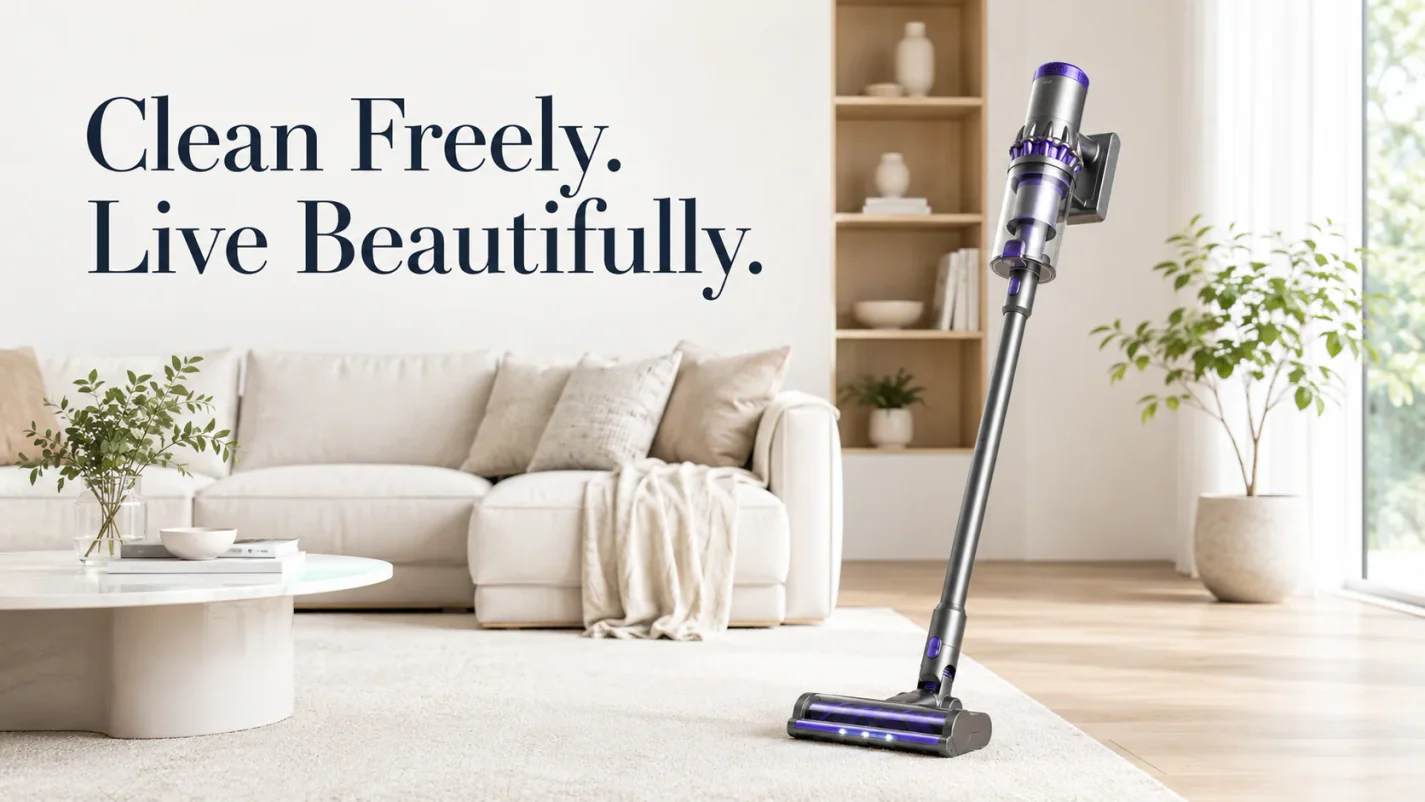
Add More Complete Content to Existing Pages
Add scenes, details and selling point pictures to existing pages to express product information more completely.
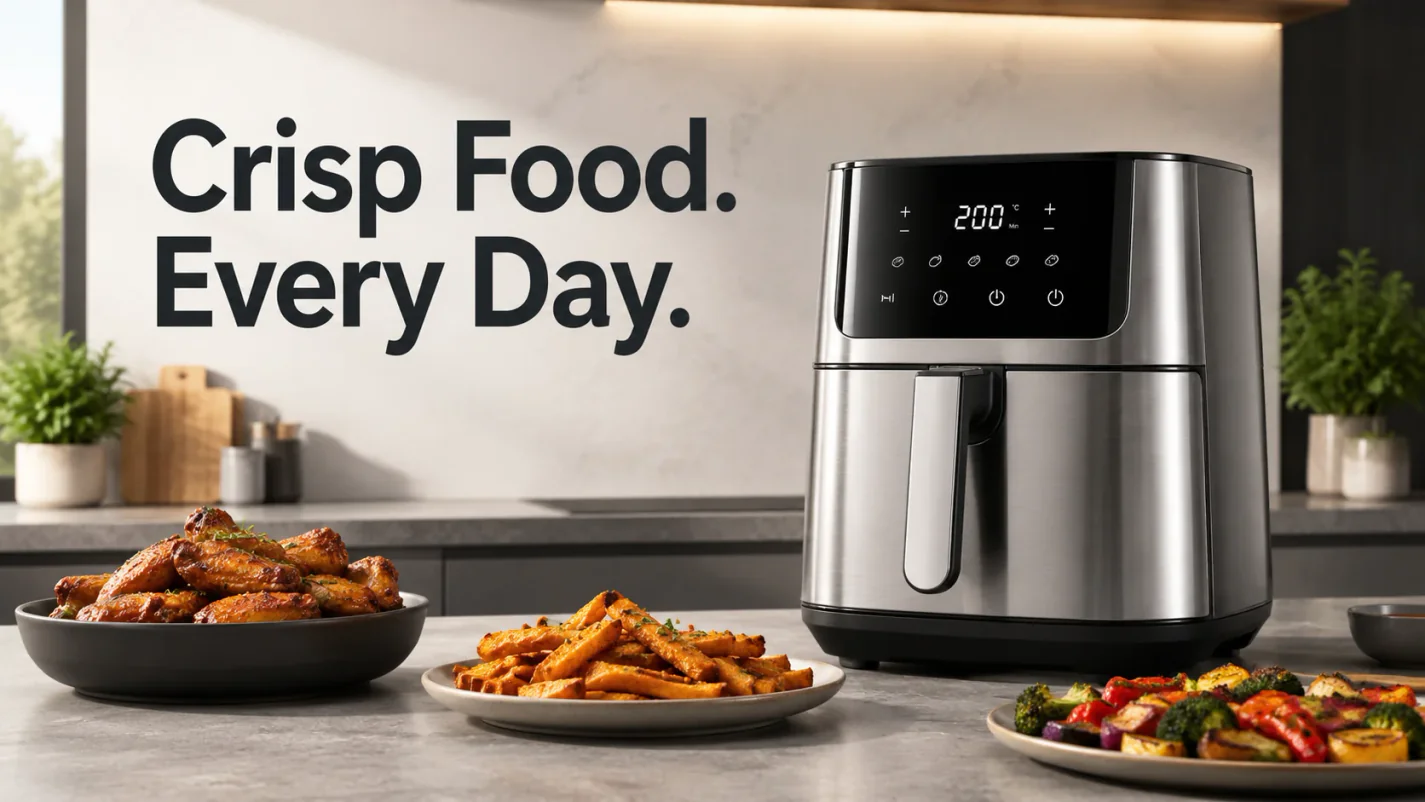
Prepare Versions for Different Platforms
Based on the platform, language and image proportion requirements, generate product visuals that are more suitable for corresponding channels.
Test Different Content Structures Quickly
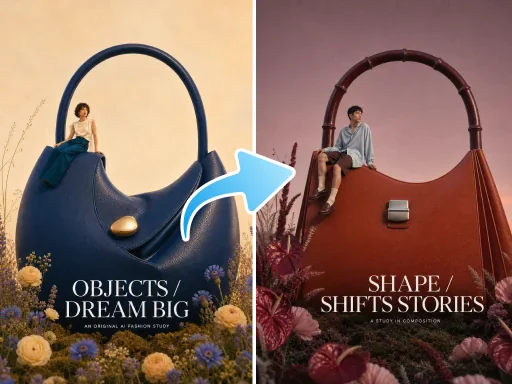
Generate different scenes and content directions around the same product, providing more options for image selection and visual testing.
Generate A+ Content in Three Steps
Upload product photos, choose the platform and modules, then download ready-to-use page assets.
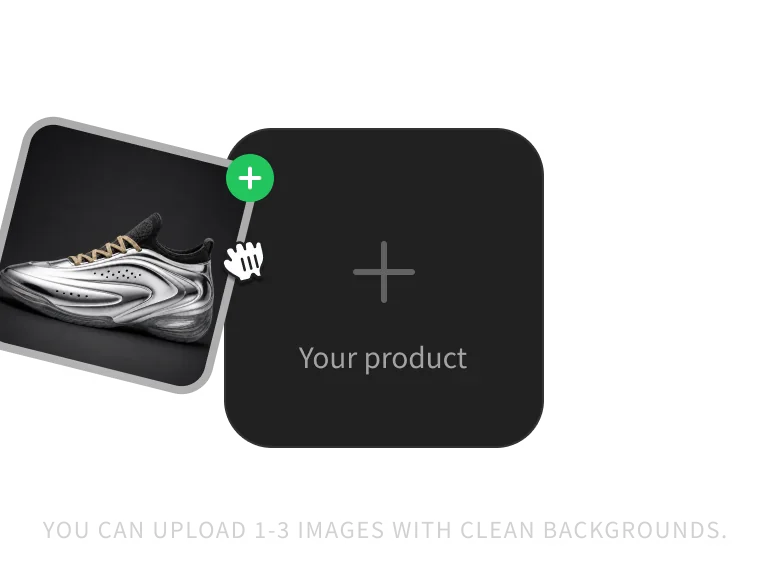
Step 1: Upload Product Images
Upload 1–3 clear, original images of your product. Pictures from different angles can help AI understand the product structure more completely.
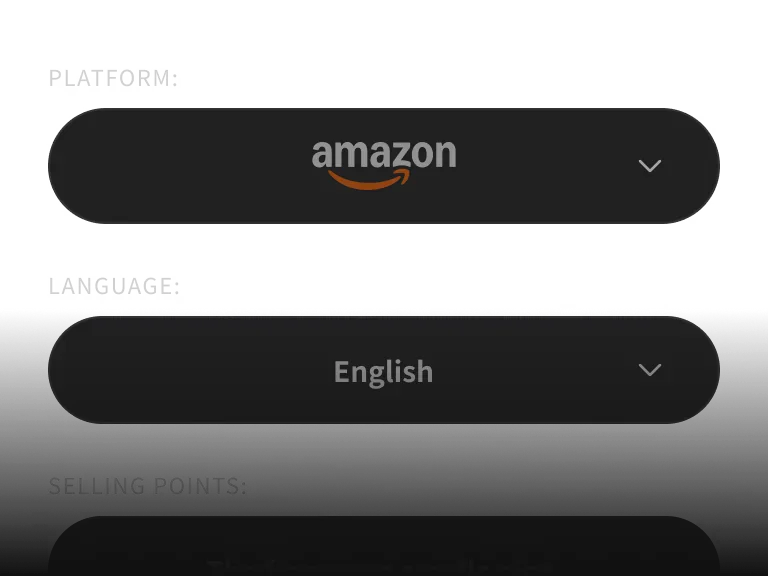
Step 2: Choose Platform, Language, and Modules
Choose the target platform, language and package structure, and you can also add the product name, core selling points and target audience.
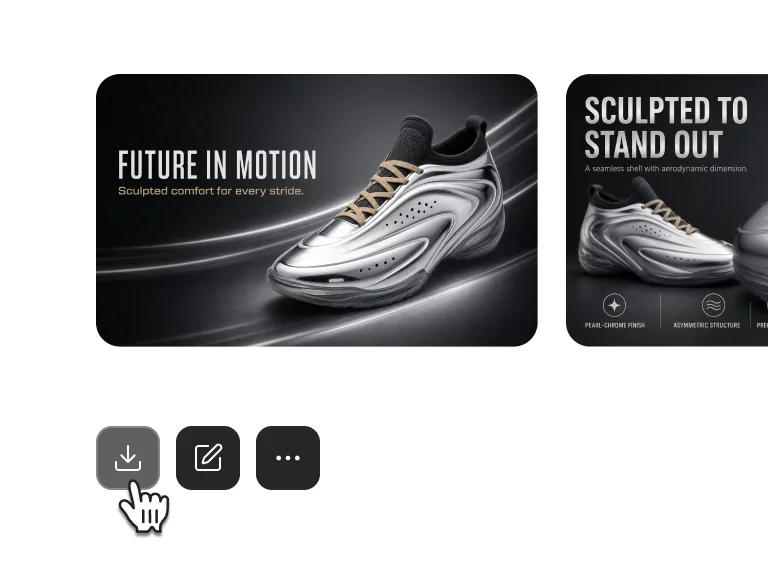
Step 3: Download Detail Page Assets
Review the complete product image set, download it, and check each image against your target platform’s requirements before publishing.
Related tools
Continue from product image sets to retouching and ecommerce detail page production.
Upload Product Photos and Start Creating A+ Content
Create a clearer, more complete product detail page without a lengthy design workflow.
PICK YOUR PLAN
Get more generations and priority access to new PixPix creative features.
Amazon A+ Content Generator FAQ
Common questions about the models, workflow, and usage boundaries.
Use clear, unobstructed product photos with even lighting. Complementary angles help the AI understand the product shape, material, and details.