Midjourney Niji 7

Shape expressive characters and cinematic anime worlds with clearer details, closer prompt reading, and confident linework. Start from text or a reference image, then turn one idea into a polished visual direction.

How to create anime art with Niji 7

Move from a reference or written idea to a deliberate anime result in three focused steps.

Your image
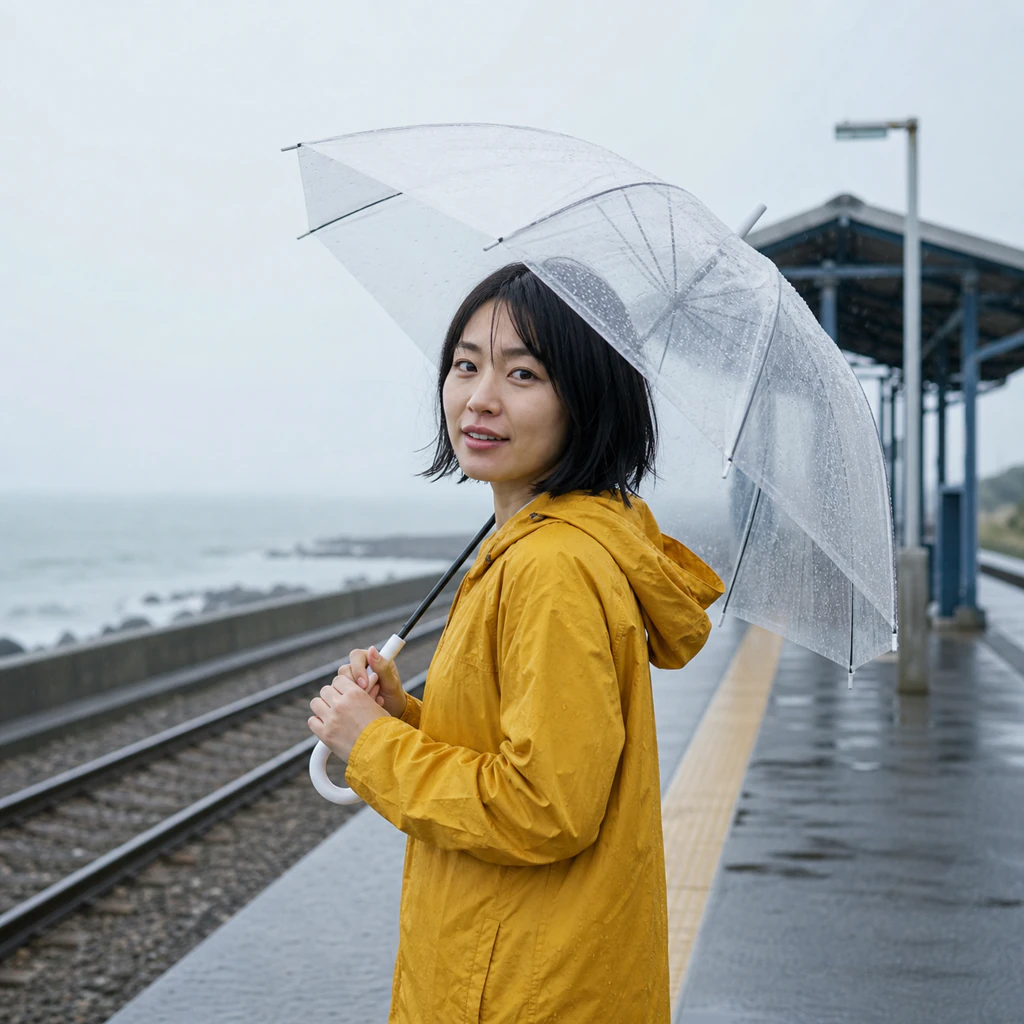
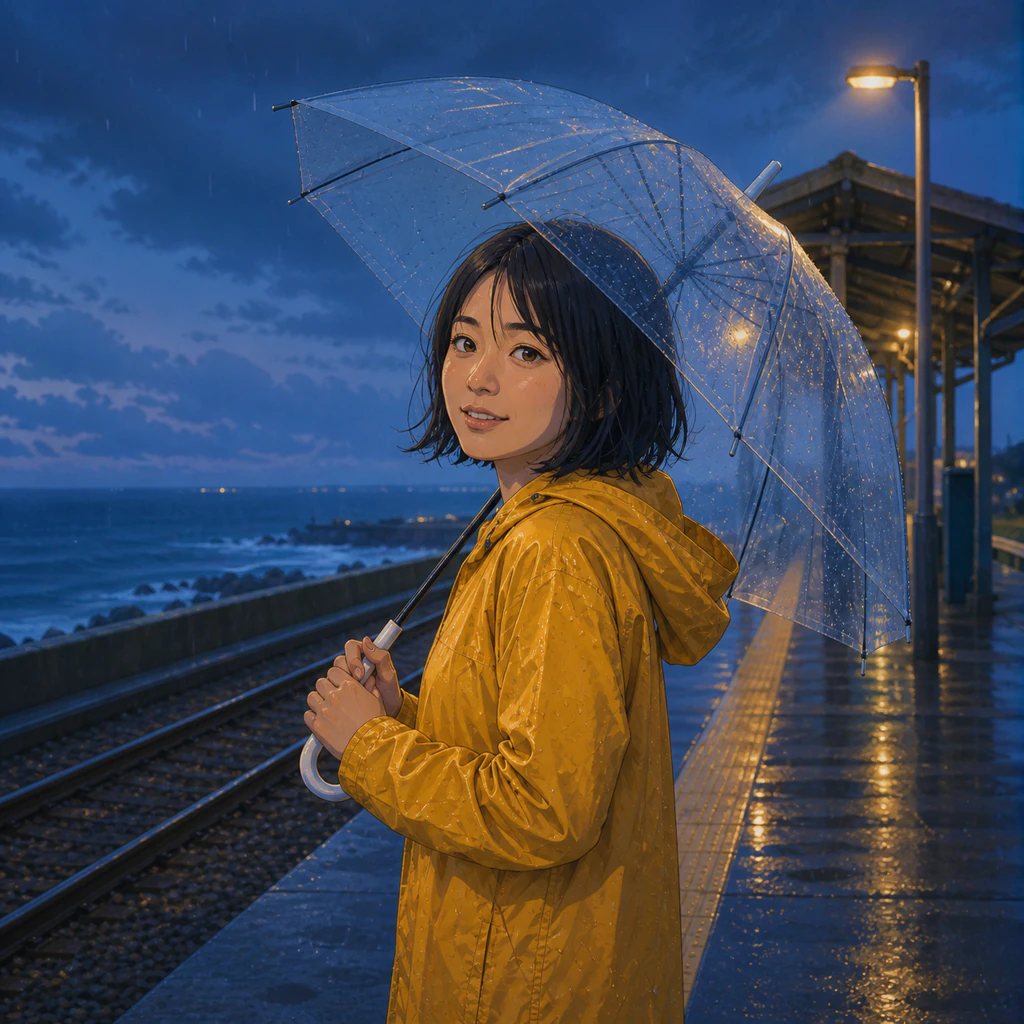
Live-action portrait used as a reference for the Niji 7 tutorial
Add a reference image

Step 1: Add a reference (optional)

Upload an image to guide the pose, subject, composition, or visual direction. Use material you are authorized to upload.

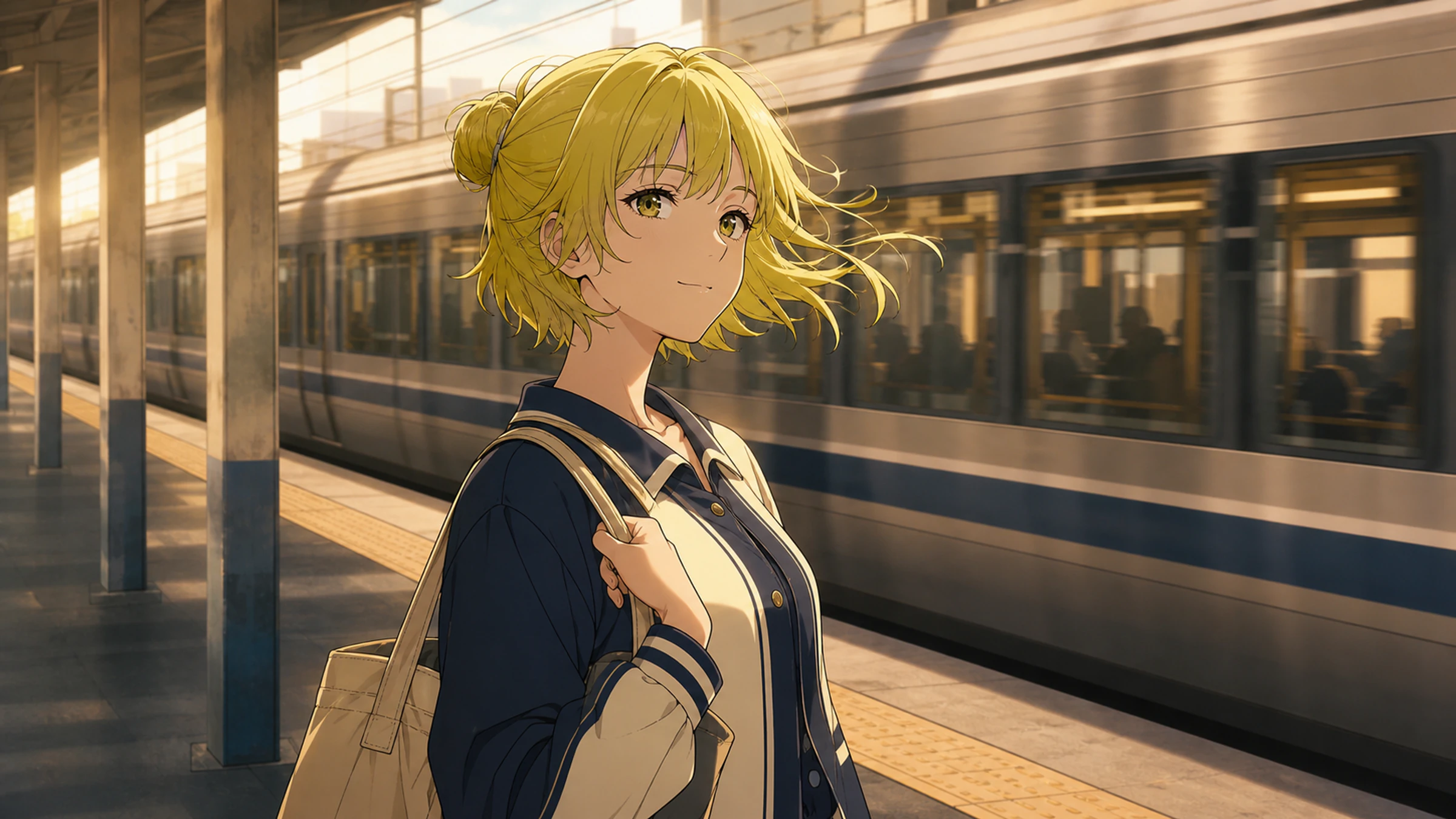
Reimagine this live-action portrait as a polished anime key visual — preserve the pose and yellow raincoat, add clean linework, cel shading, blue-hour rain, and cinematic rim light.

Step 2: Direct the scene

Name the character, action, camera, setting, light, palette, and rendering style. Niji 7 responds best to clear, literal direction.

Anime character result demonstrating a Niji 7 reference-image workflow

Step 3: Generate and refine

Choose the available ratio and output options, generate your image, then adjust the prompt to strengthen character and scene continuity.

What Midjourney Niji 7 does best

Niji 7 is tuned for anime and Eastern illustration, with stronger coherence, clearer small details, more literal prompt reading, and cleaner linework.

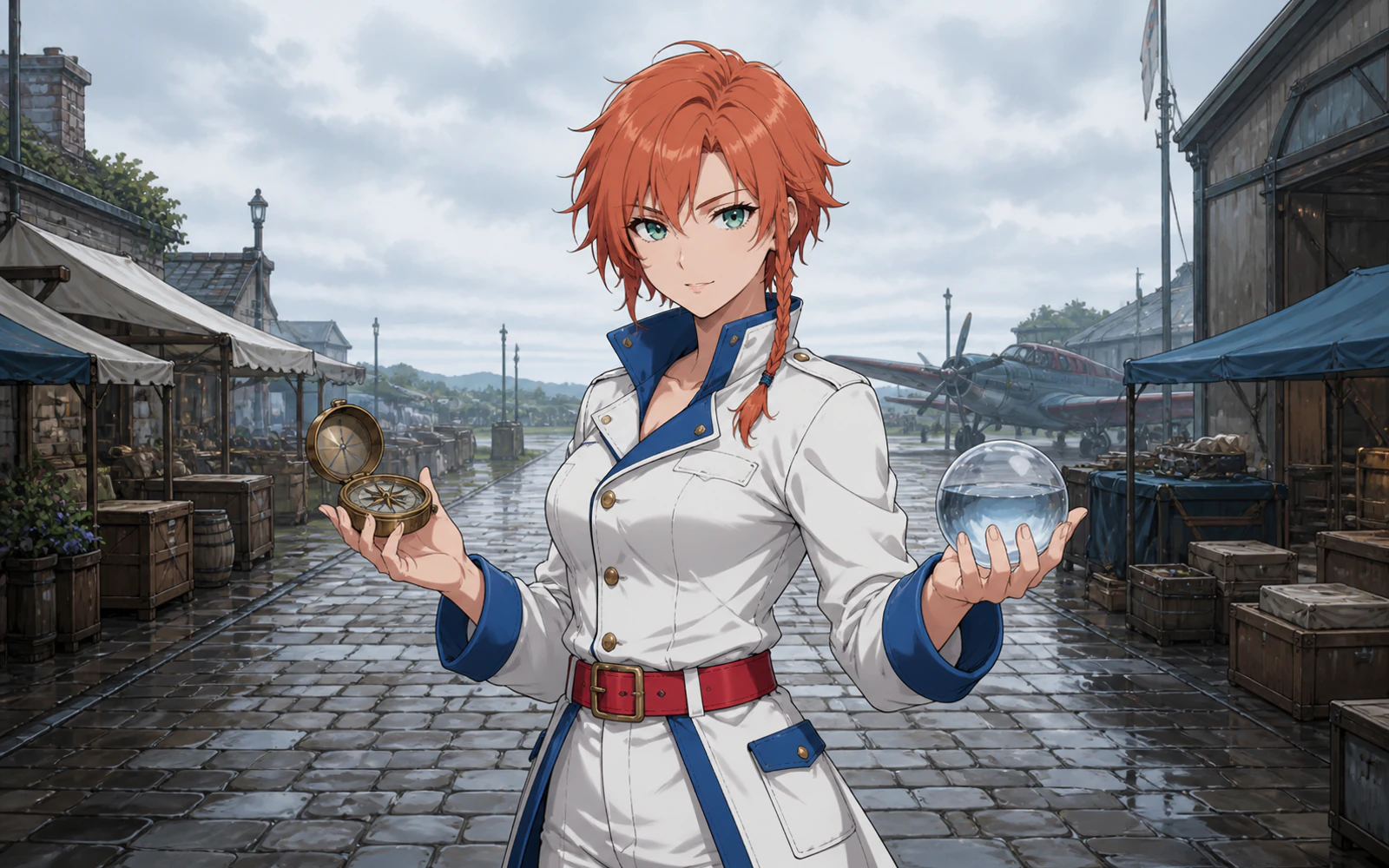
Red-haired anime navigator holding a compass and glass sphere in a rainy airfield market

CHARACTERS & PROMPT COHERENCE

Keep the character clear inside a complex scene

Direct appearance, pose, props, wardrobe, and location in one prompt. Niji 7 improves coherence while preserving small features such as eyes, reflections, and background elements.

  • Describe character traits and action in concrete language
  • Hold facial detail, accessories, and environmental cues together
  • Use camera and lighting terms to establish visual hierarchy
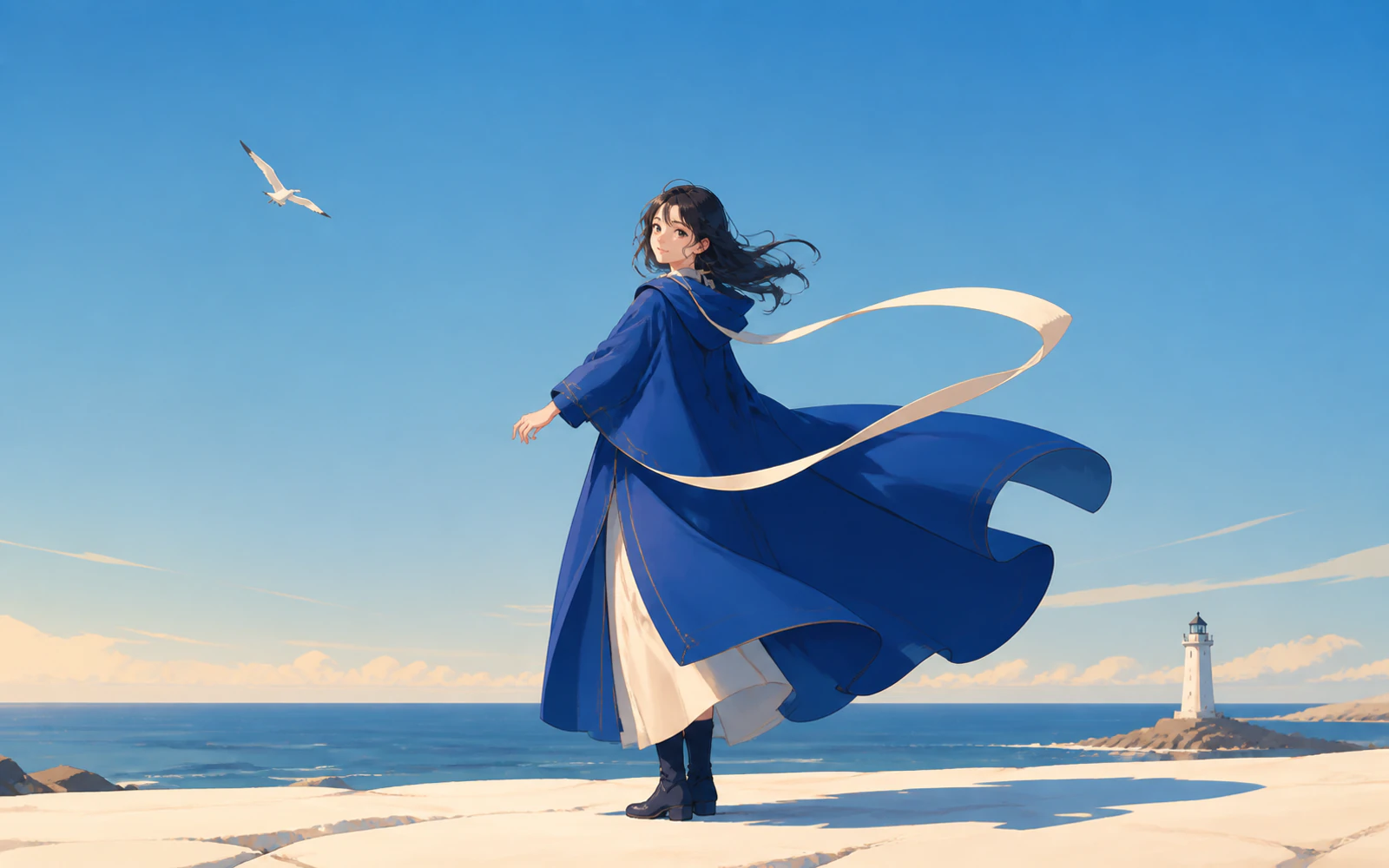
Anime woman in a flowing blue coat beside the sea and lighthouse under a clear sky

LINEWORK & SPATIAL DESIGN

Build readable depth with cleaner lines

Niji 7's flatter, cleaner rendering makes silhouettes and structural lines easier to read, from character close-ups to layered architecture and action compositions.

  • Separate foreground, subject, and background with intentional values
  • Use clean contours for costumes, props, vehicles, and environments
  • Pair flat shading with selective texture and atmospheric depth
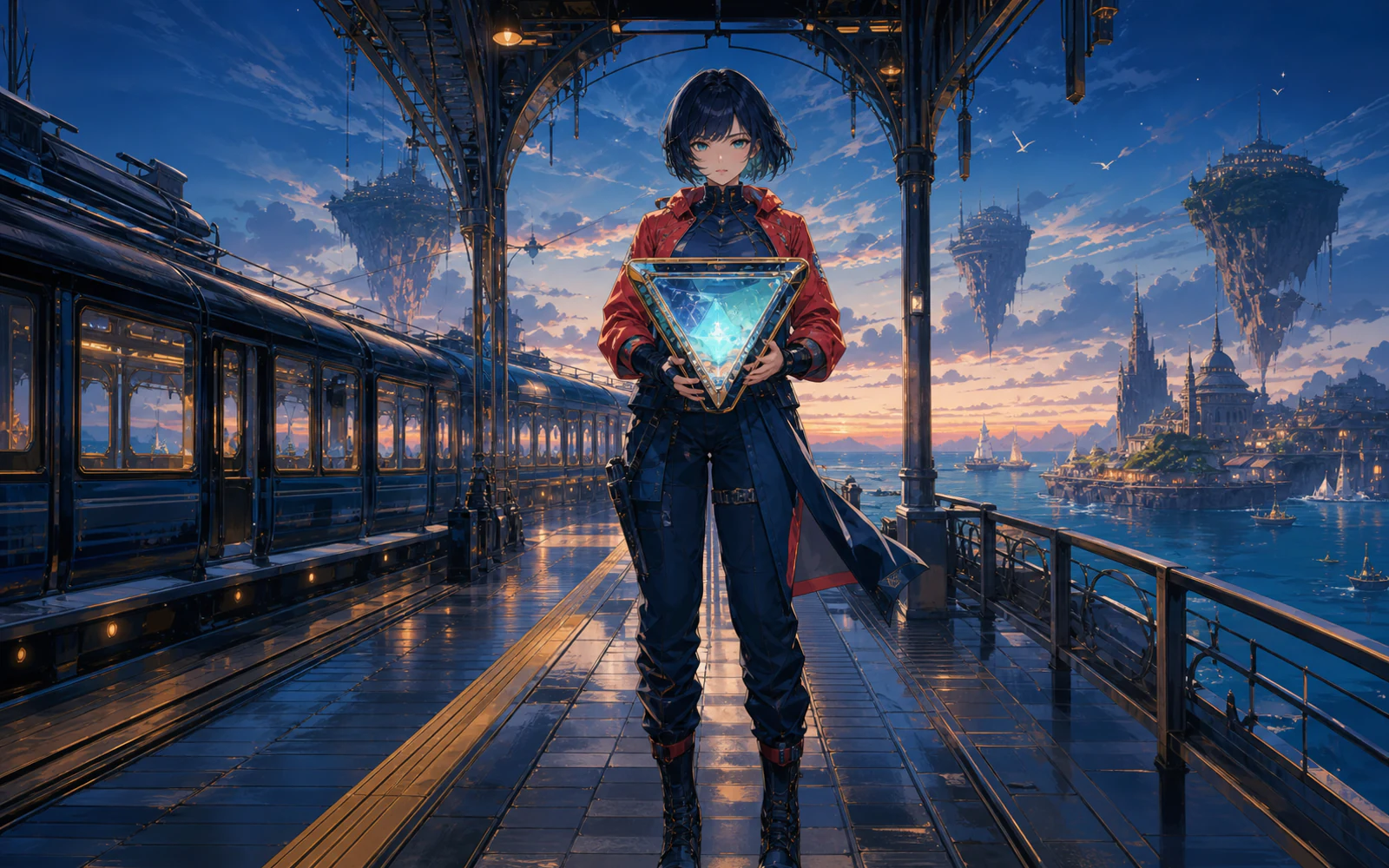
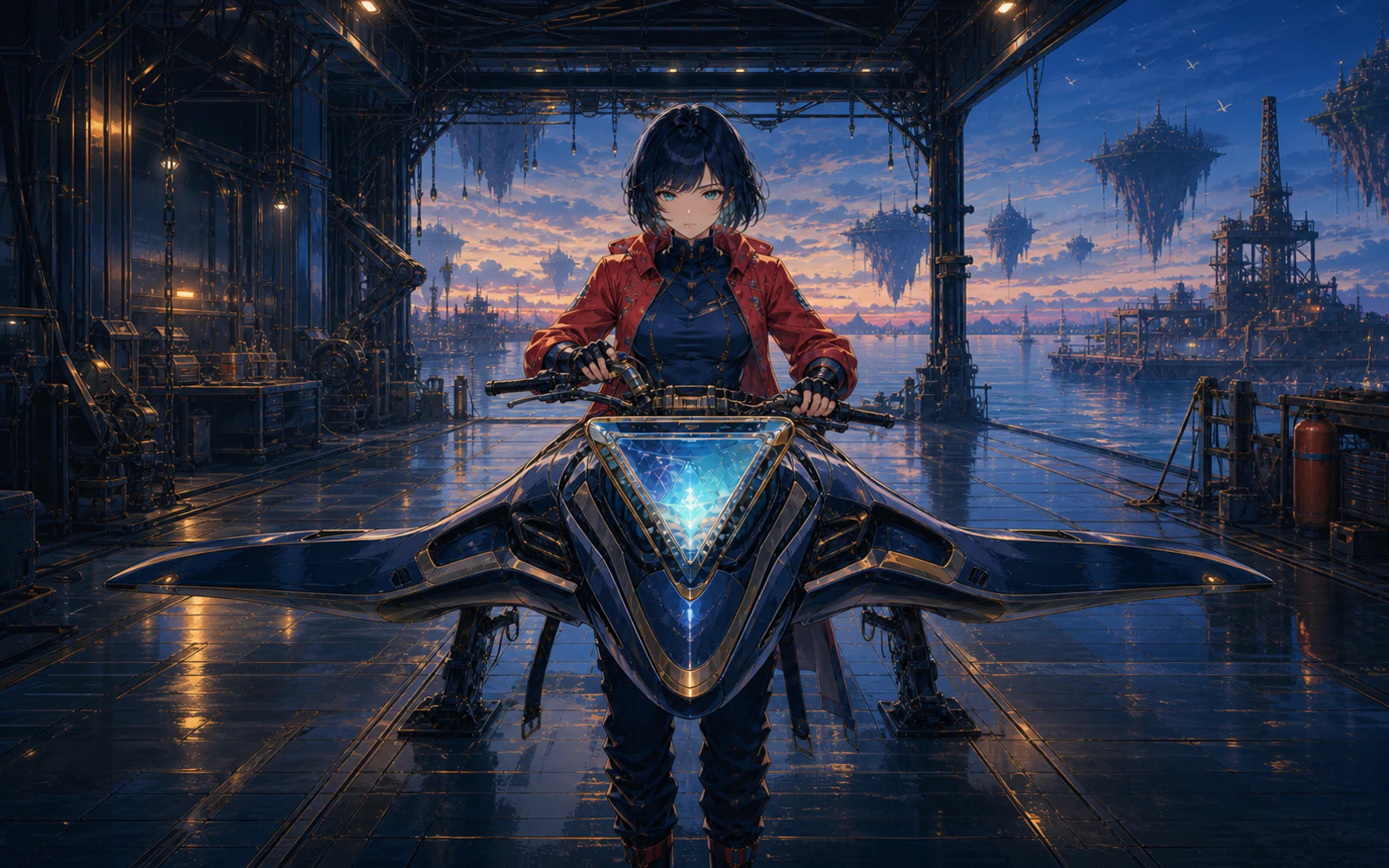
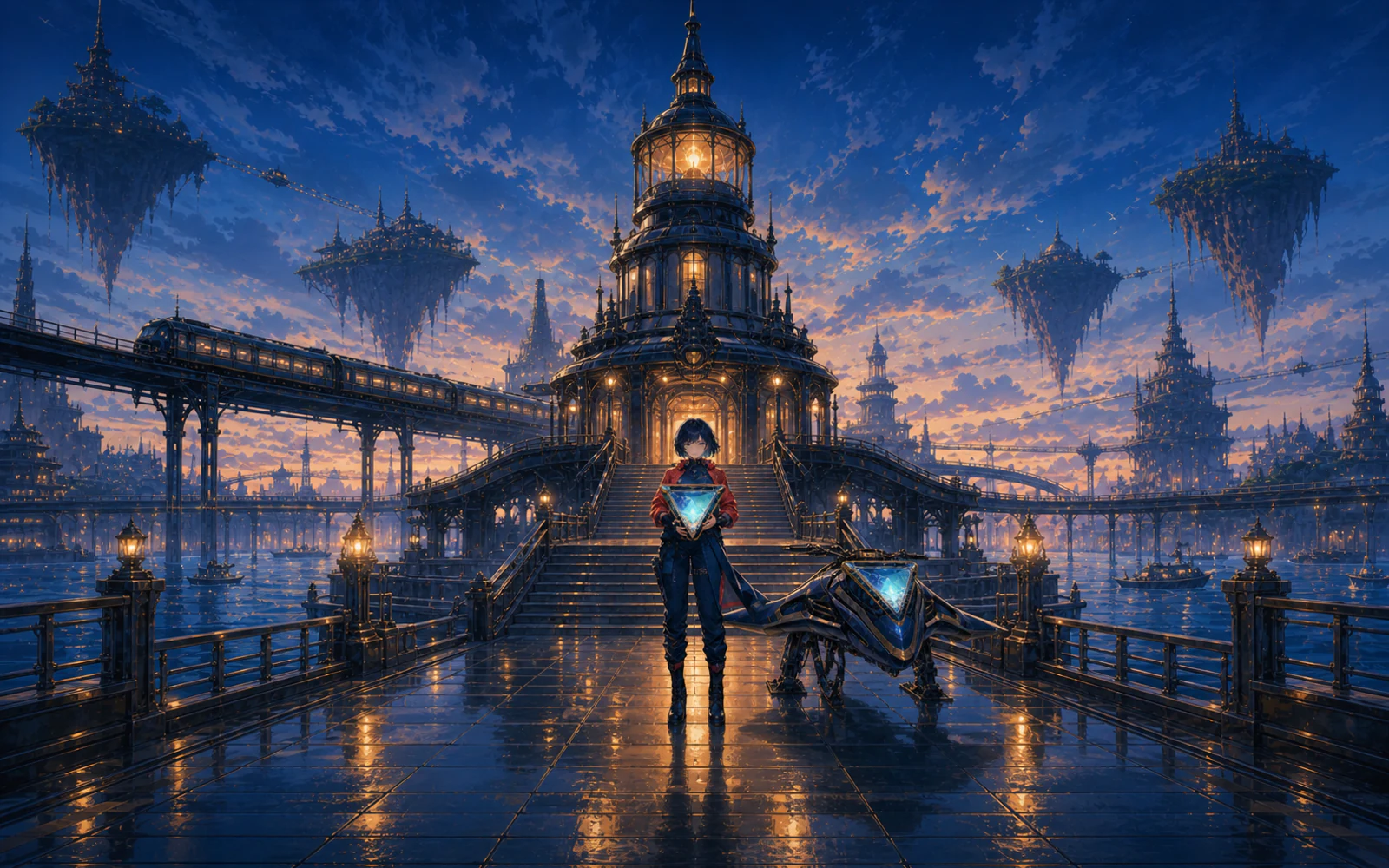
Tidal Courier standing beside a moonlit train with a luminous crystal
Tidal Courier vehicle moving through the blue canal city
Tidal terminal architecture glowing at dusk

SERIES & WORLD BUILDING

Carry one story language across a visual series

Repeat character anchors, color cues, materials, and world details to explore connected key art, vehicles, and environments without losing the central direction.

  • Reuse a concise character and palette description
  • Keep signature props and architectural motifs consistent
  • Vary shot scale while preserving the same world rules
Cinematic anime screenshot with crisp character staging and atmospheric light
Show style example 1

GIVE YOUR NEXT WORLD A CLEARER LINE

Start with a character, a moment, or a reference image. Direct the details, choose your format, and create with Midjourney Niji 7 on PixPix.

Midjourney Niji 7 questions

Key facts about the model and practical guidance for creating with it on PixPix.

Niji 7 is Midjourney's anime- and Eastern-aesthetics-focused image model, developed with Spellbrush and launched on January 9, 2026. It improves coherence, prompt understanding, text rendering, style-reference performance, and small visual details.