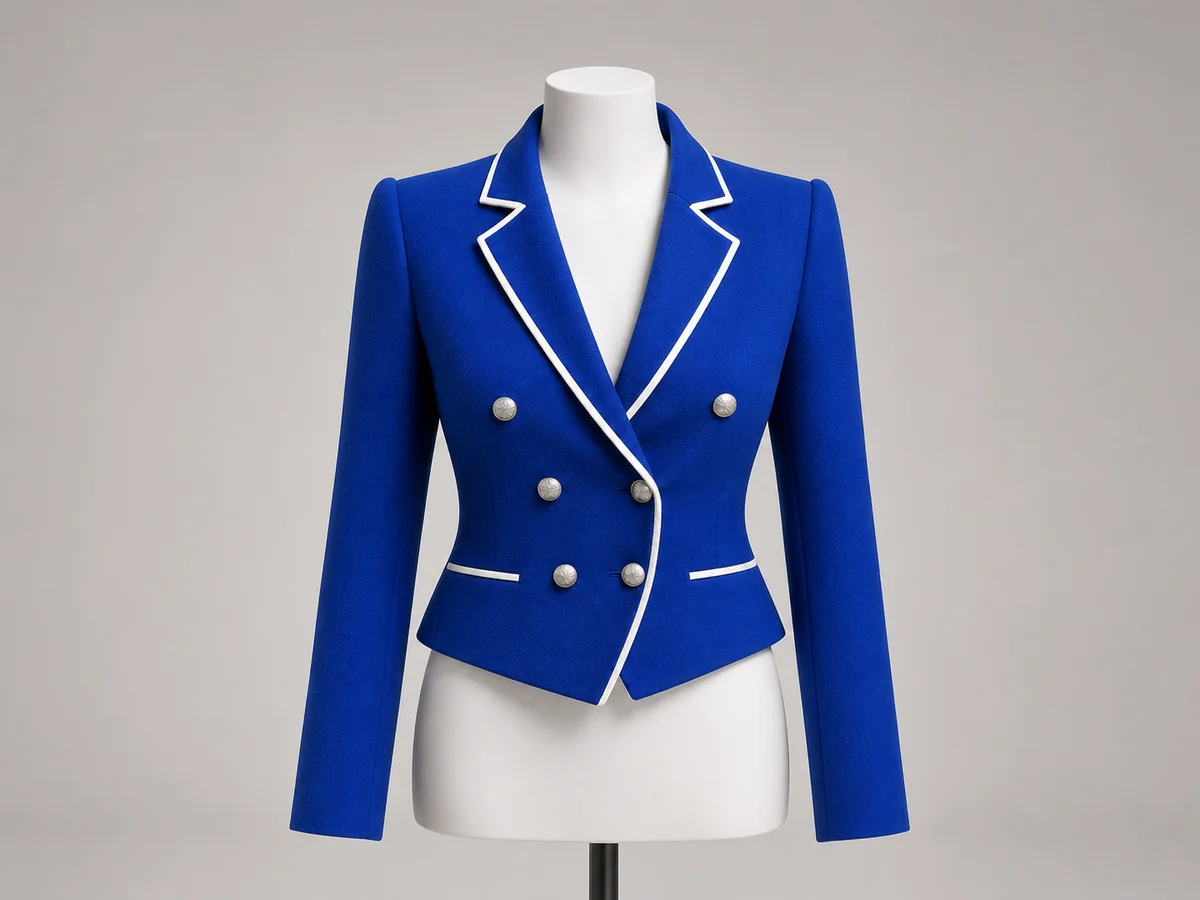
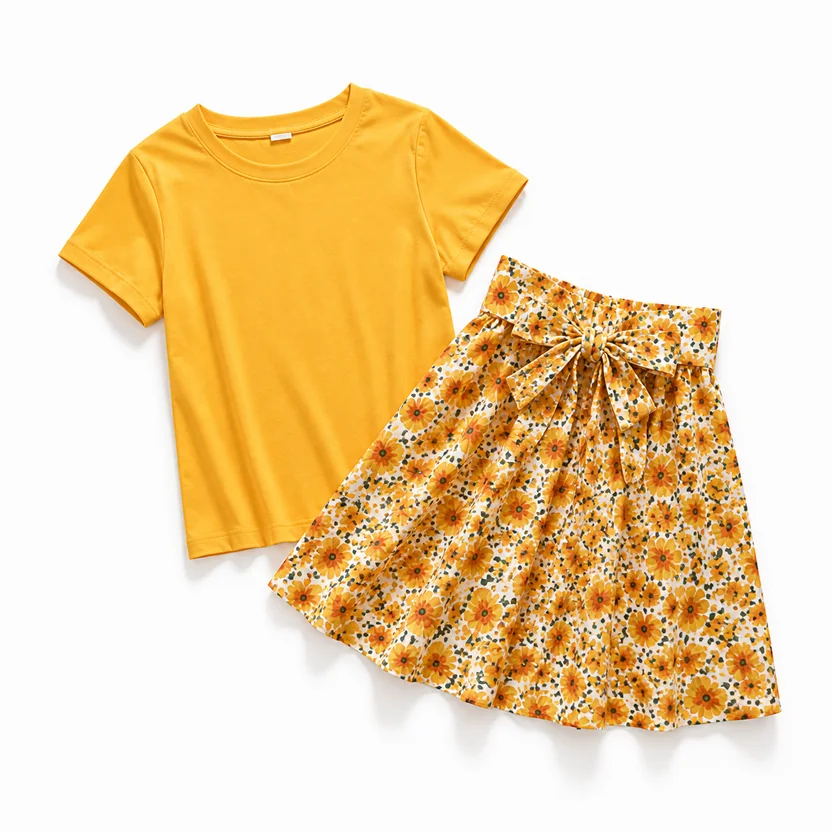
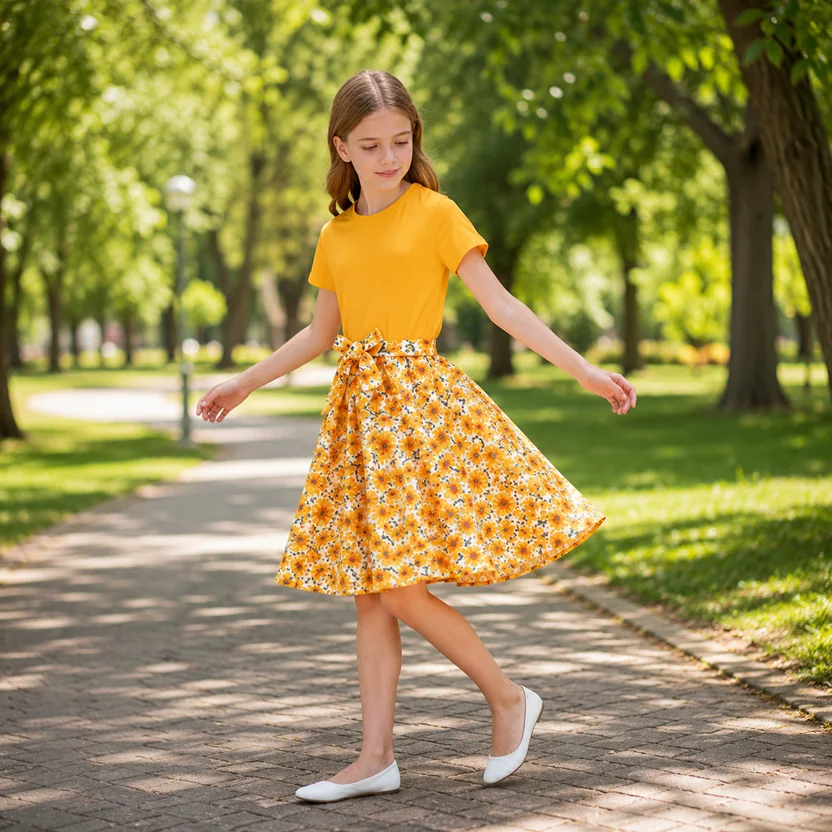

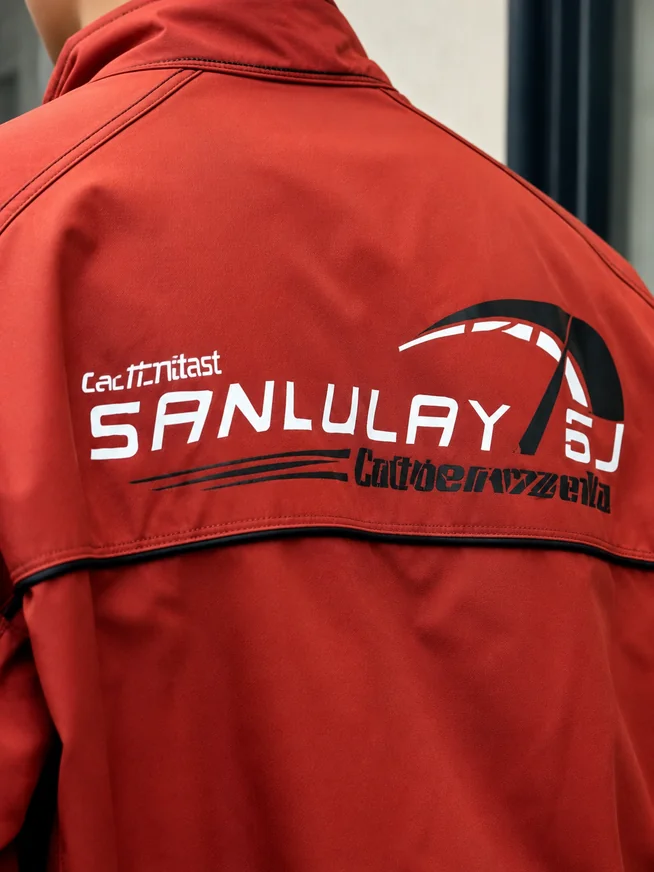
High-fidelity apparel reference input
Use the silhouette, color, fabric, and construction information in the original apparel photos.
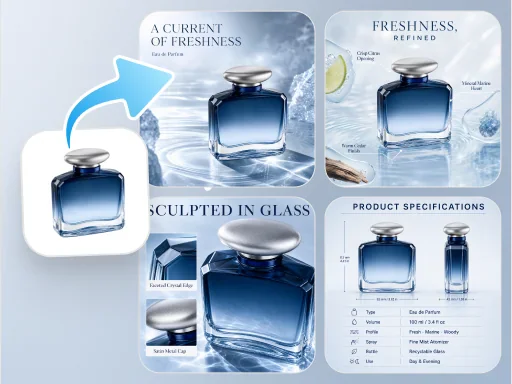
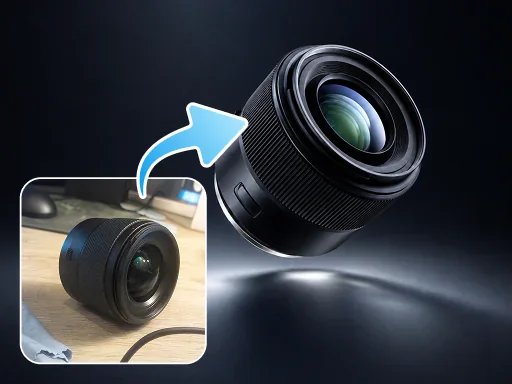
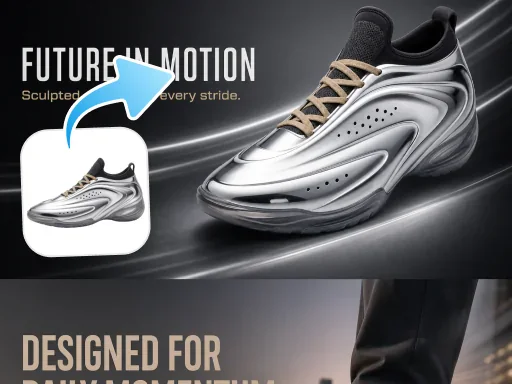
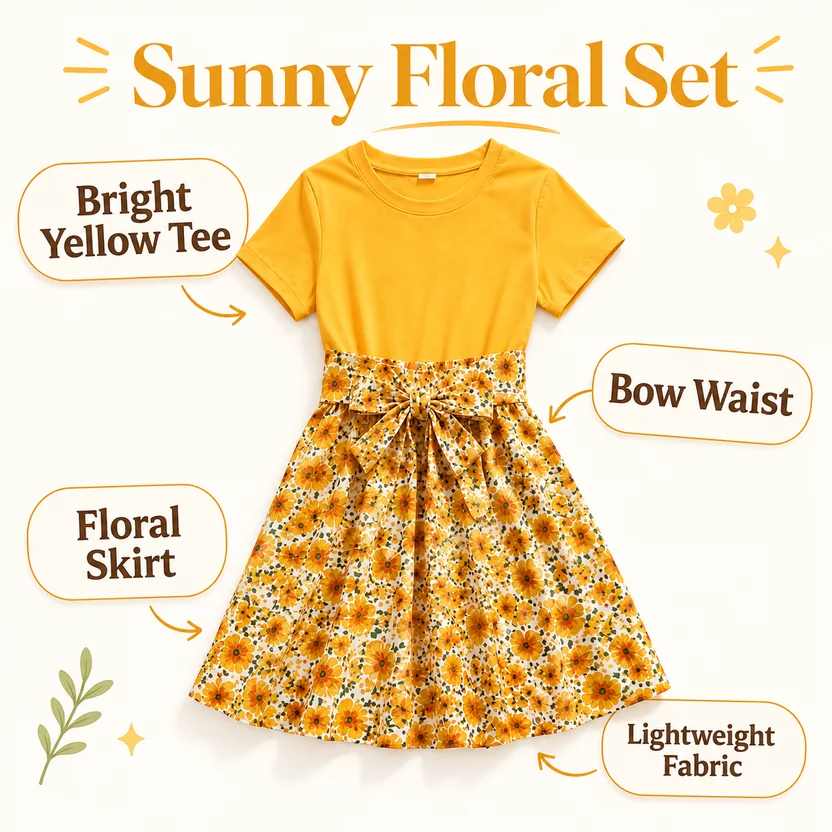
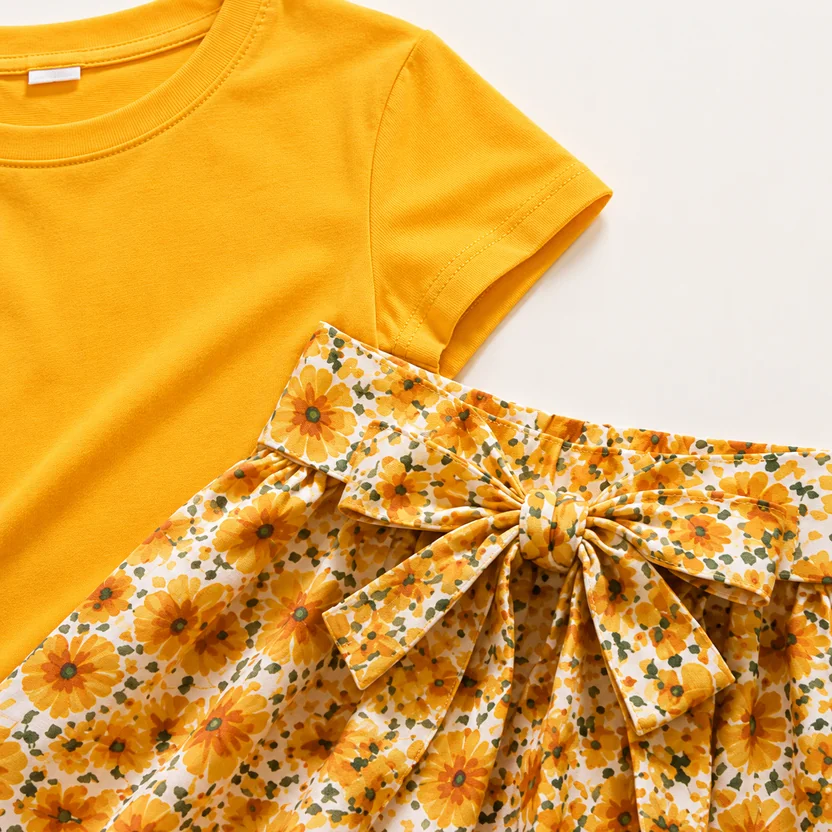
Upload 1–3 apparel product photos and generate a consistent set of white-background, mannequin, detail, selling-point, and 3D-effect images.
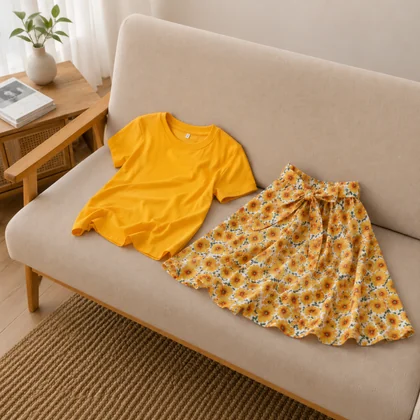
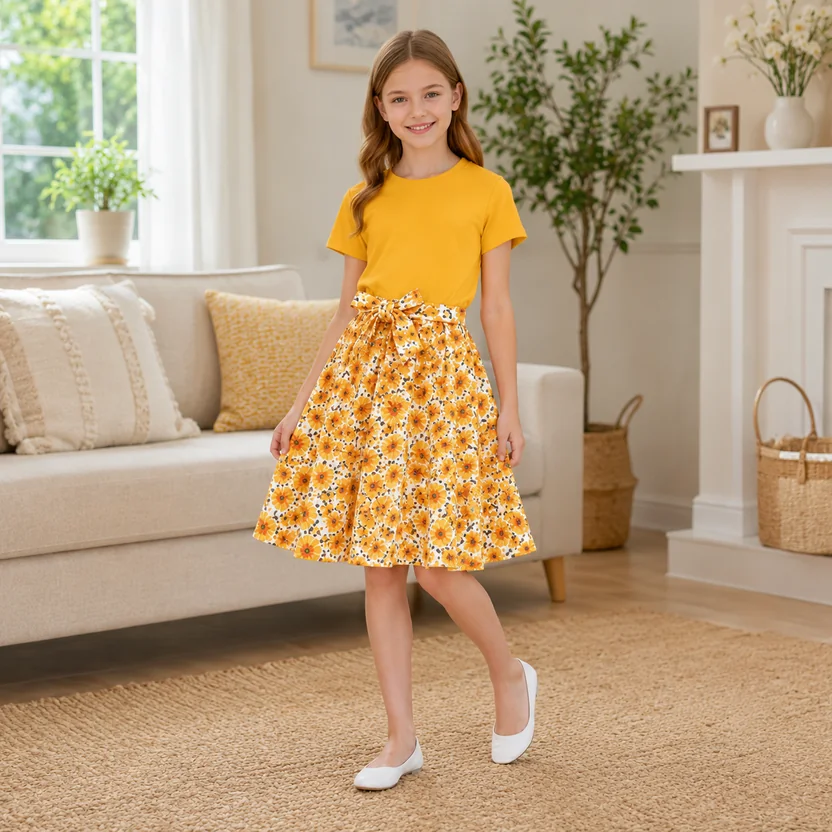
Understand garment shape, materials, and generation requirements while preserving product features and creating apparel visuals for different ecommerce channels.
Use the silhouette, color, fabric, and construction information in the original apparel photos.
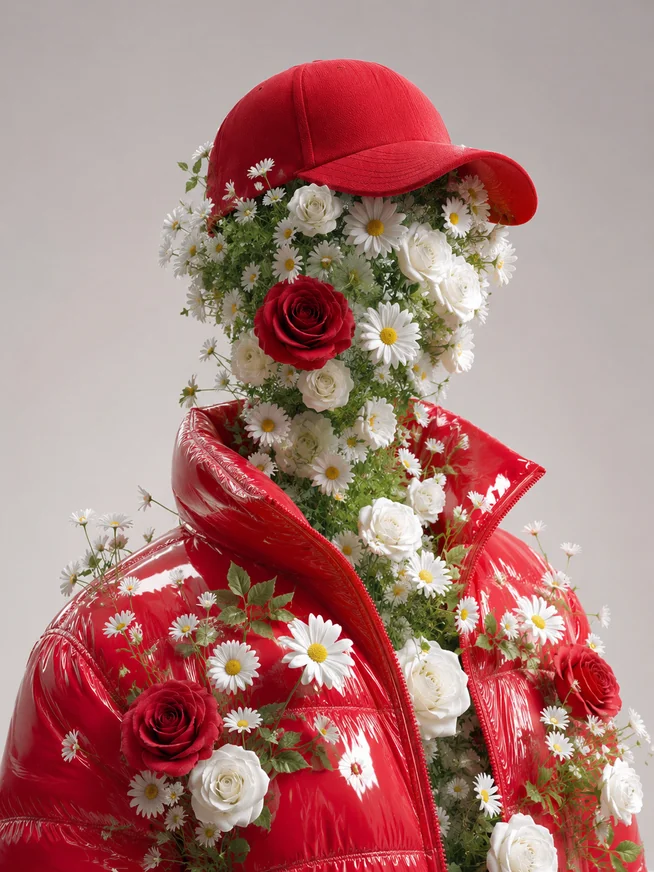
Generate the requested apparel content based on image type, language, and additional instructions.
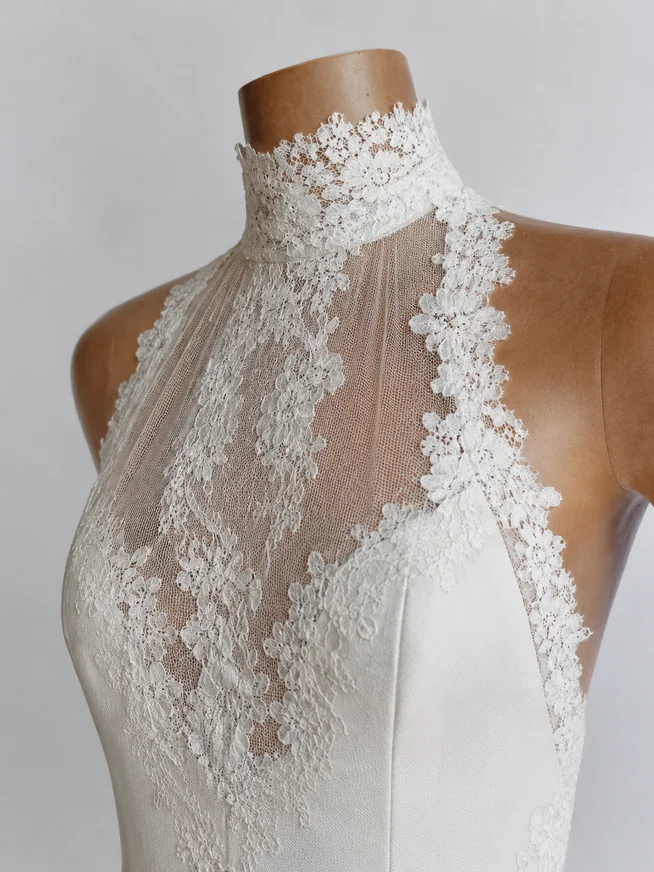
Create white-background retouching, mannequin, detail, selling-point, and 3D-effect images.
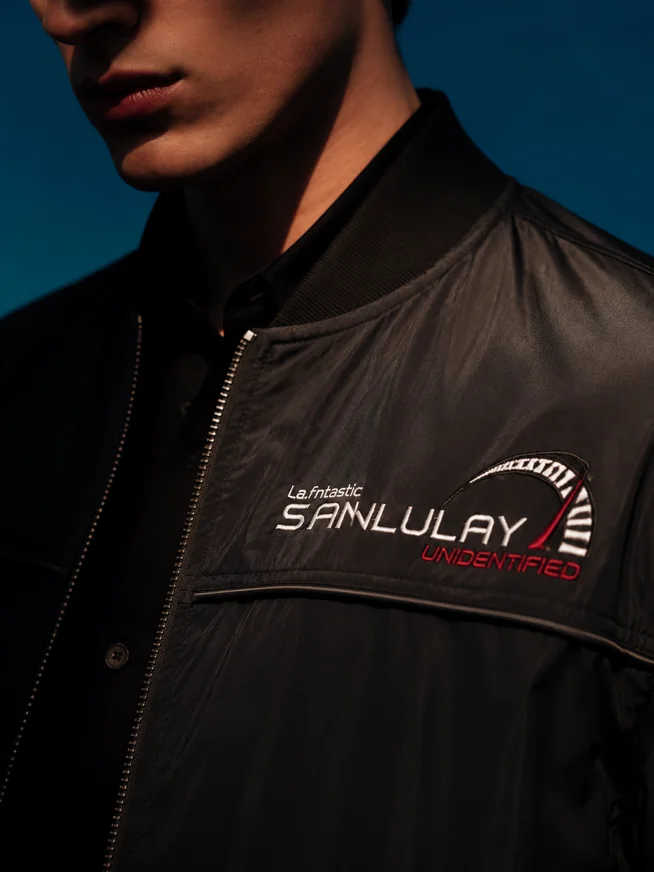
Complete white-background retouching and detail optimization in one generation and editing workflow.
Generate different image types around the same garment and reduce repeated asset preparation across ecommerce channels.
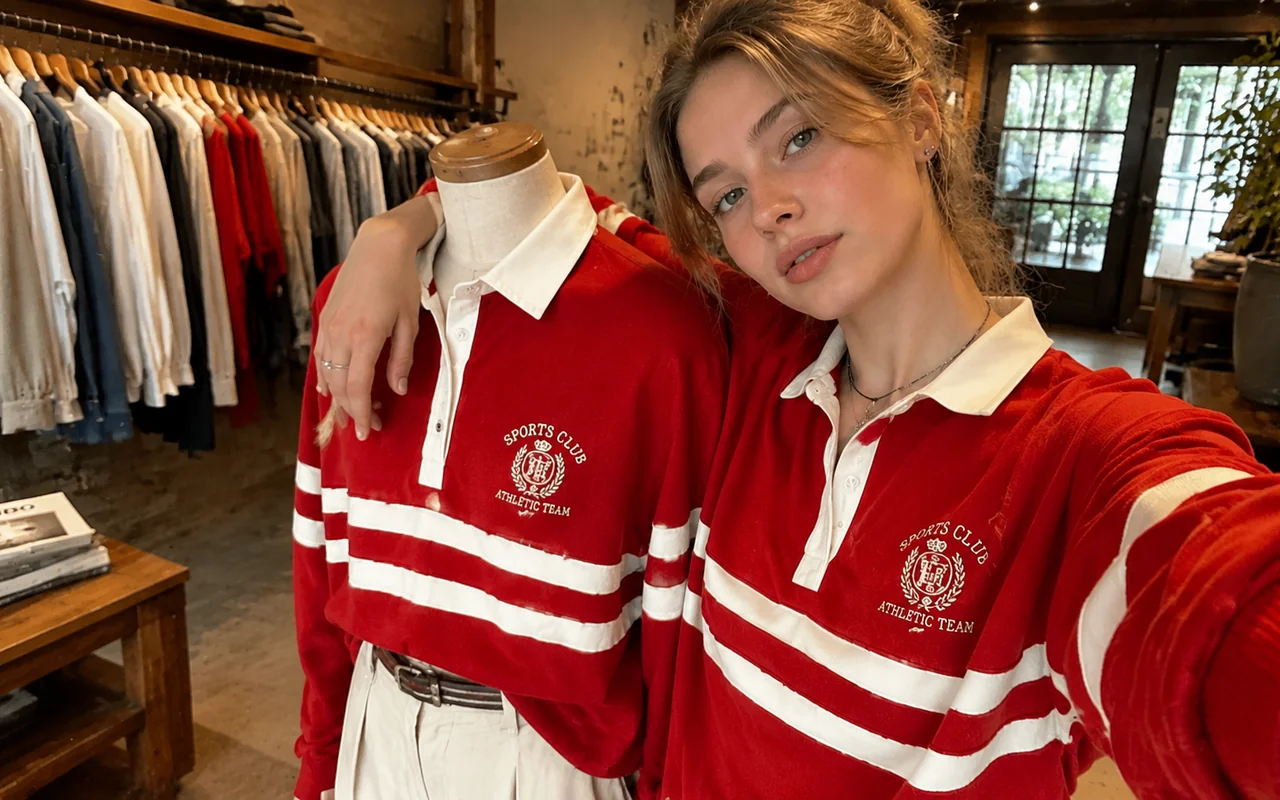
Turn source photos into white-background, mannequin, and selling-point images with less waiting for photography and design.
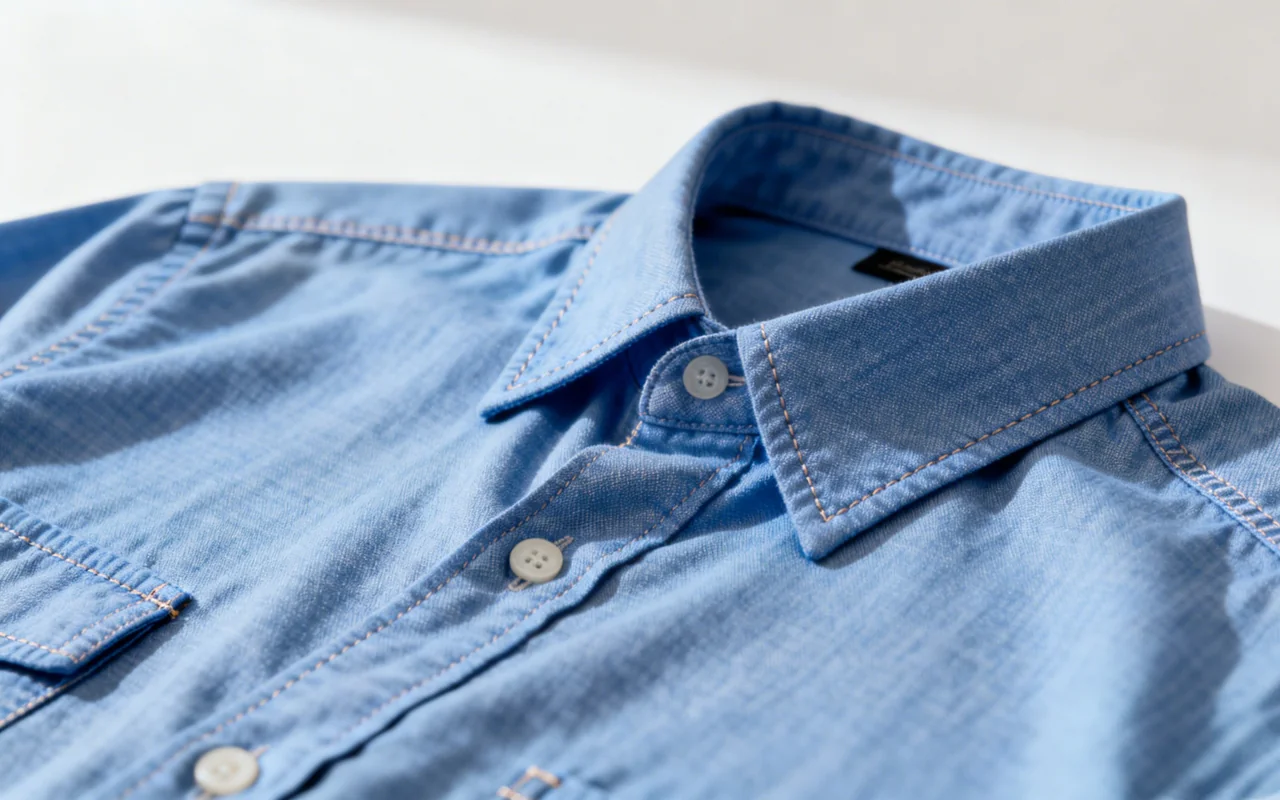
Add mannequin, detail, and selling-point images to existing pages for a fuller product presentation.
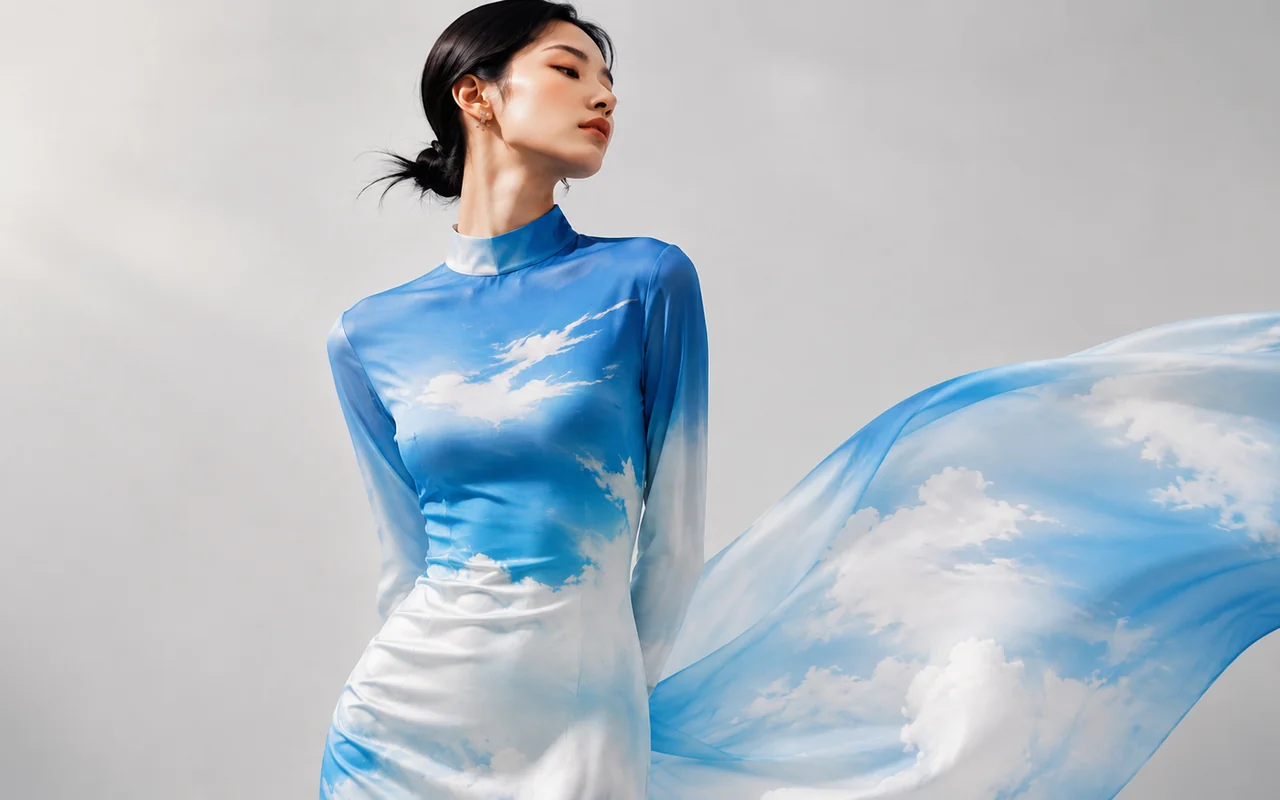
Generate apparel visuals suited to each channel’s platform, language, and image-type requirements.
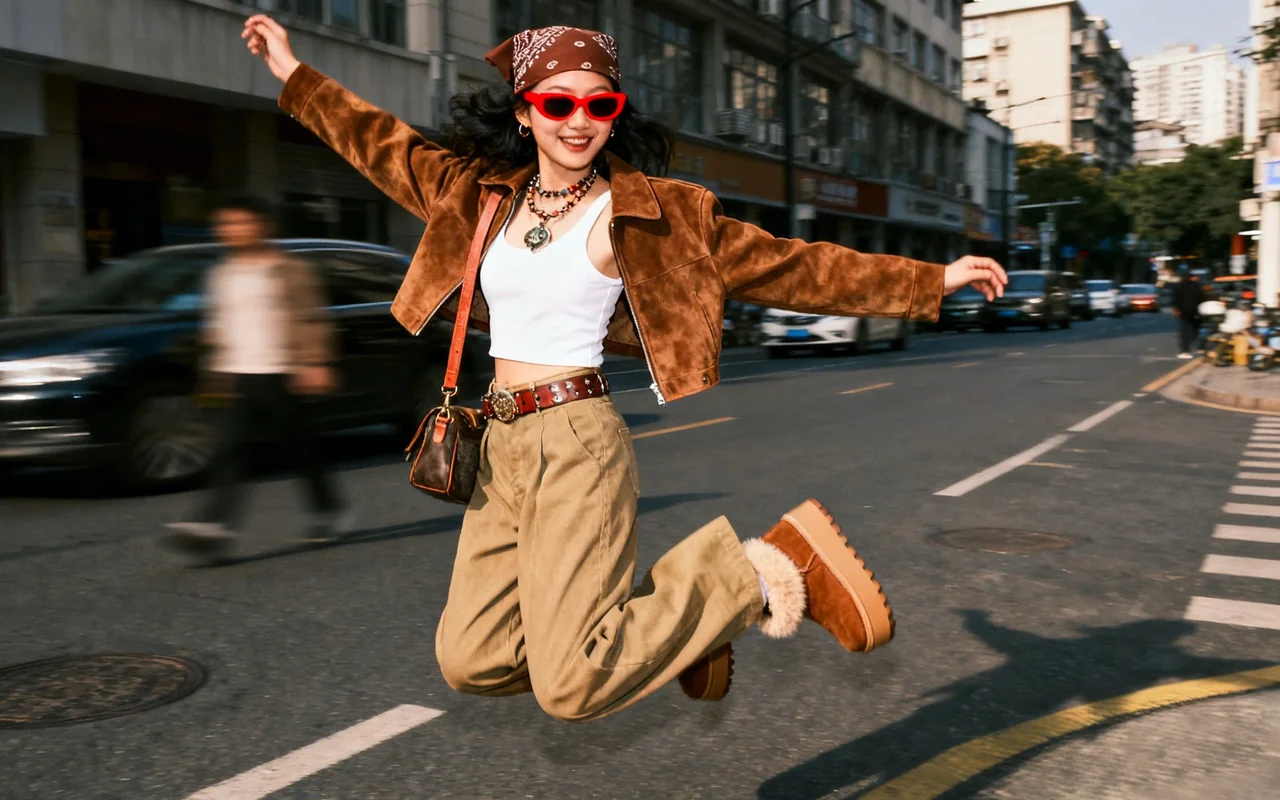
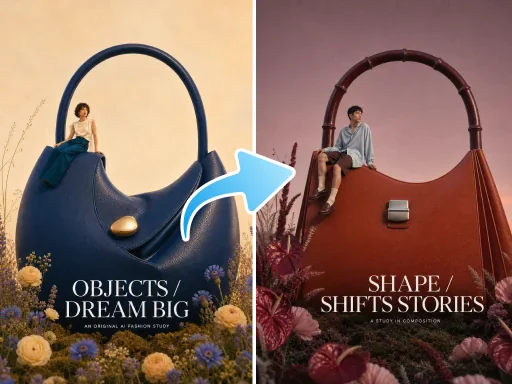
Create different presentation types and content directions around one garment for image selection and visual testing.
Upload apparel photos, choose the image types and language you need, then review and download the results.
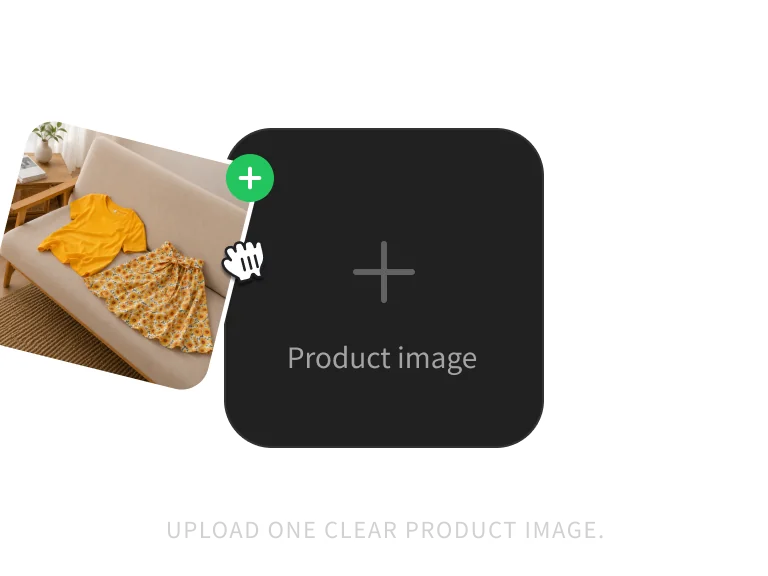
Upload 1–3 clear JPG, PNG, or WebP photos, up to 10MB each. Multiple angles can help describe the garment more completely.
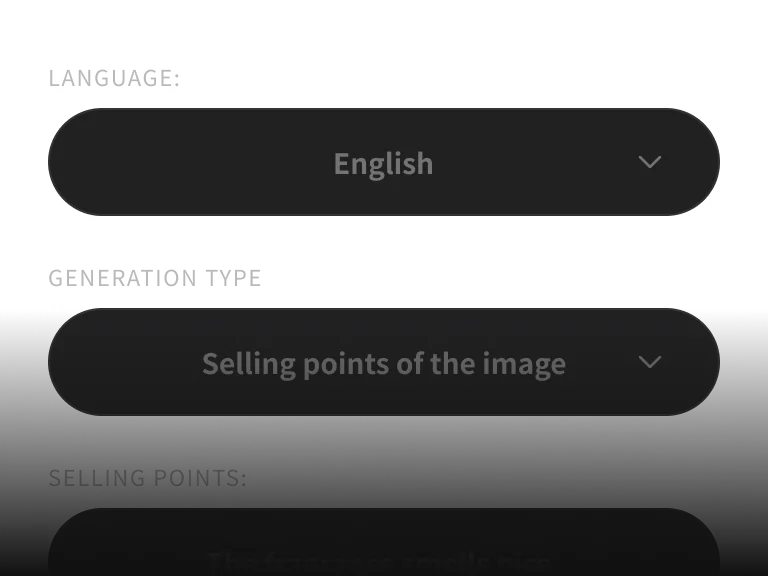
Choose white-background retouching, 3D effect, mannequin, detail close-up, or selling-point images, then add instructions if needed.
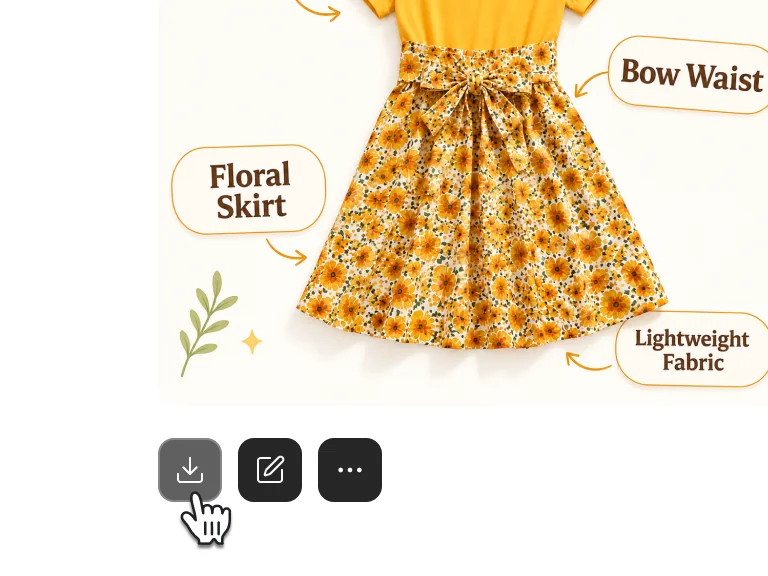
Review garment shape, color, details, and any generated text before downloading the images you need.
Continue from apparel image sets to product sets, retouching, detail pages, and bestseller replication.
Turn a few clear product photos into a consistent set of ecommerce-ready apparel visuals.
Get more generations and priority access to new PixPix creative features.
Common questions about the models, workflow, and usage boundaries.