
Understand Product References Accurately
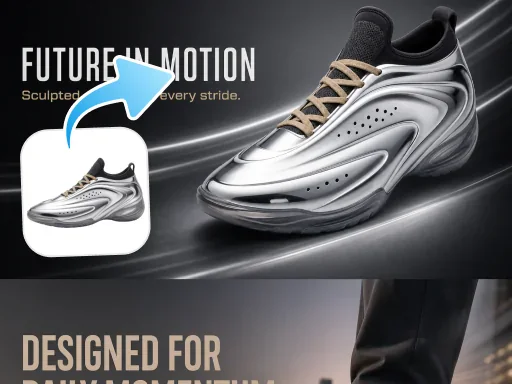
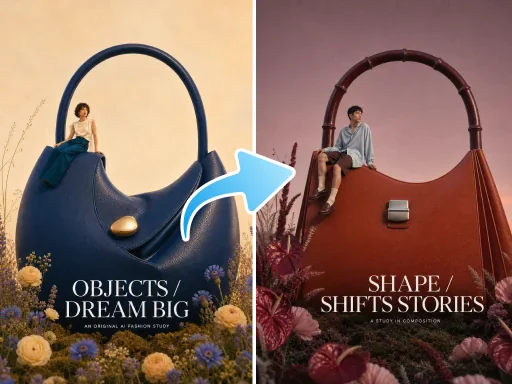
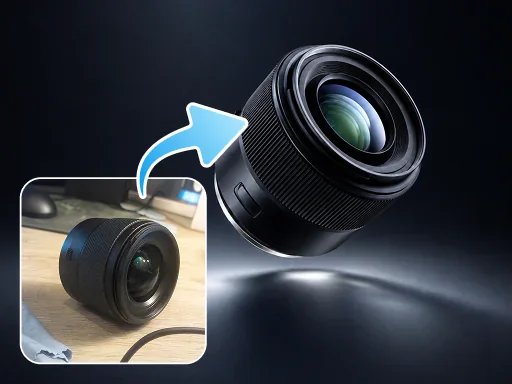
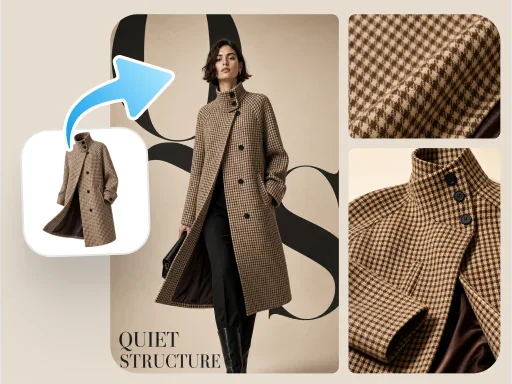
Analyze appearance, materials, and key details across 1–3 product images so each scene stays focused on the same product.
Upload product images, choose a video type, and add selling points or a script to create 9:16 seller video content for TikTok and Reels.
Unboxing
First-person unboxing surprise
Product demo
Multi-angle showcase + usage demo
Reaction
Surprised first-use reaction
Shoppable short drama
Product placement in a short-drama storyline
UGC recommendation
Authentic sharing from a customer perspective
TVC ad
Premium brand-commercial look
Pain-point solution
Pain-point scenario → product solution
Product presentation
Explain product selling points to camera
Use Seedance 2.0 to turn product images, selling points, and scripts into more coherent short-form videos built for marketing.
Analyze appearance, materials, and key details across 1–3 product images so each scene stays focused on the same product.

Arrange scenes around the product benefits, selected video type, and script so every shot supports one clear content direction.

Make product presentation, human movement, and scene changes feel more natural, with fewer abrupt transitions.

Frame the subject and information for vertical viewing on short-video platforms such as TikTok and Reels.
Product images establish the subject. Continue in the tool to choose the market, script, video type, and model.
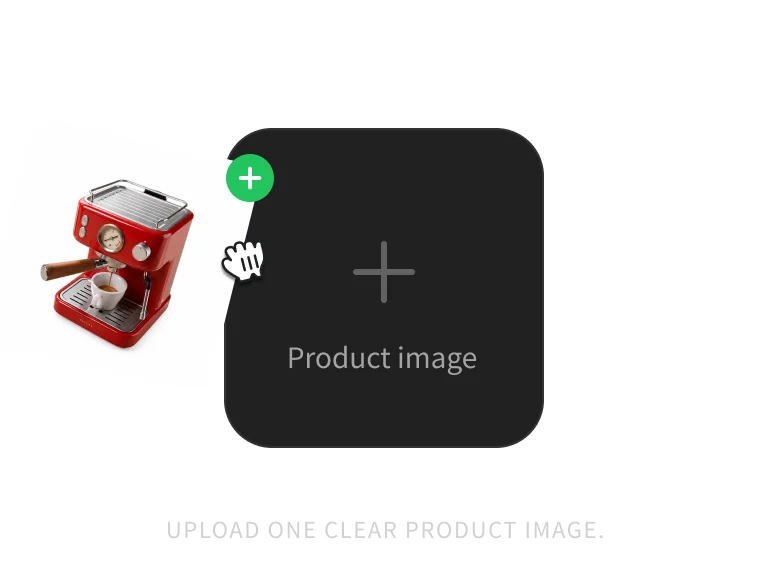
Upload 1–3 clear product images. Multiple angles help the model understand the product more completely.
Choose UGC, product demo, presenter video, or another format, then add selling points or a custom script.
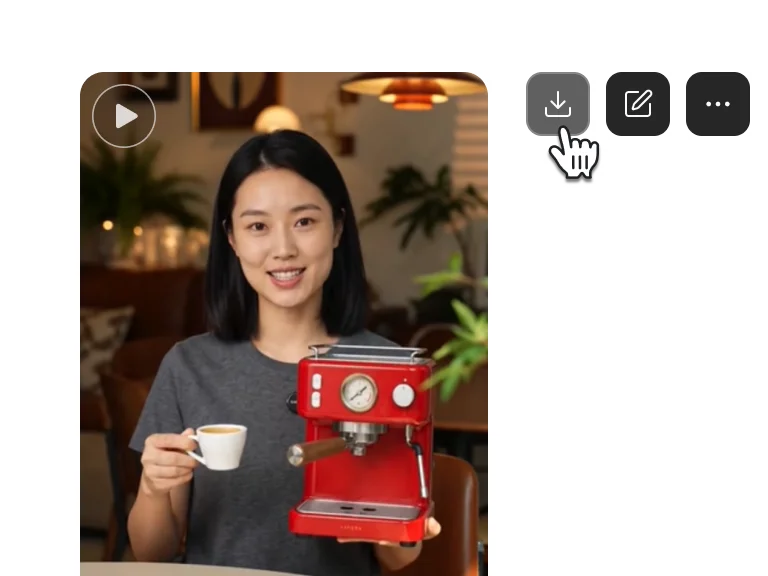
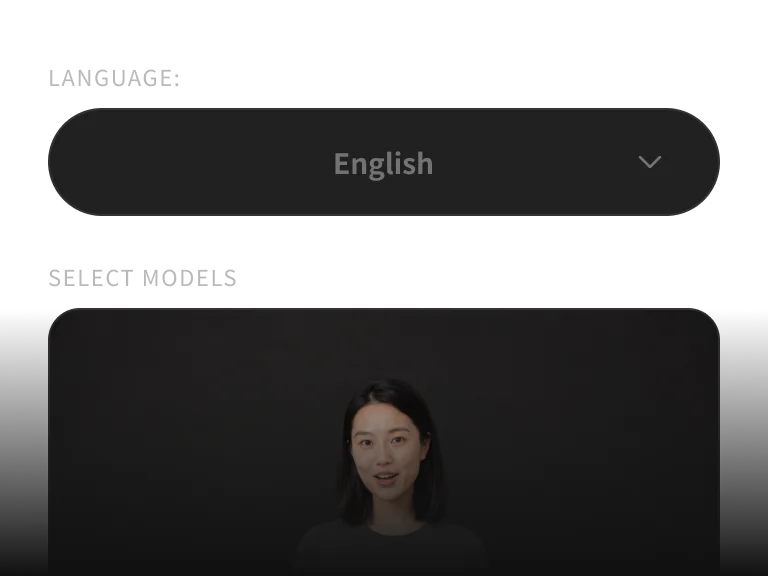
Use an AI-generated model or upload a model image, review the settings, and submit the seller video generation.
From original image optimization to complete details page, complete e-commerce image production in one stop
Skip the full production setup. Upload product images, then choose the video type, script, and model in the tool.
Get more generations and priority access to new PixPix creative features.
Common questions about the models, workflow, and usage boundaries.