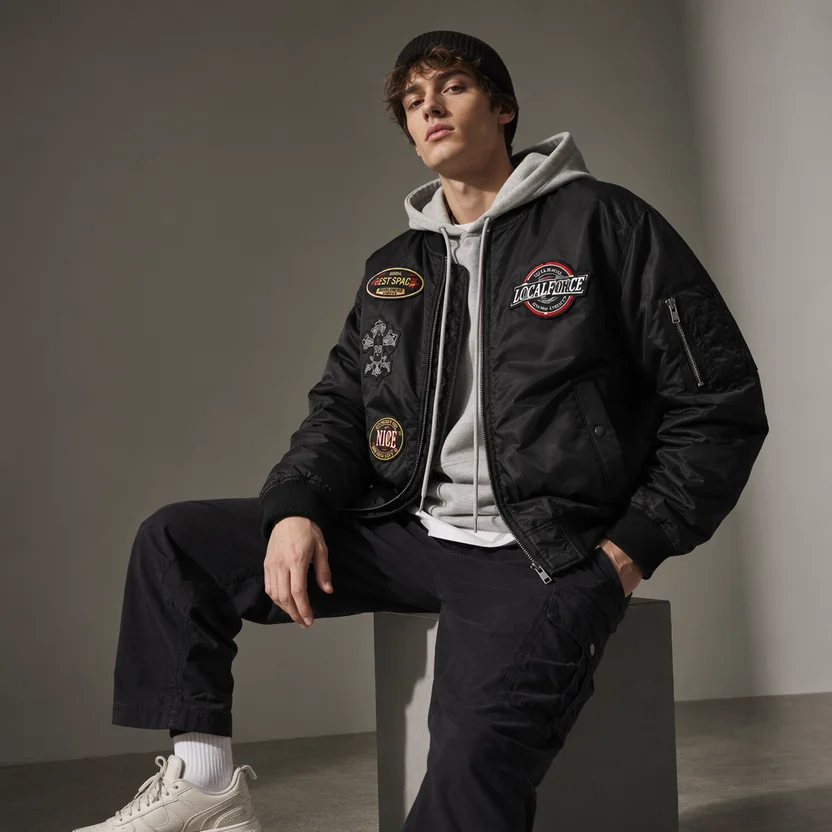
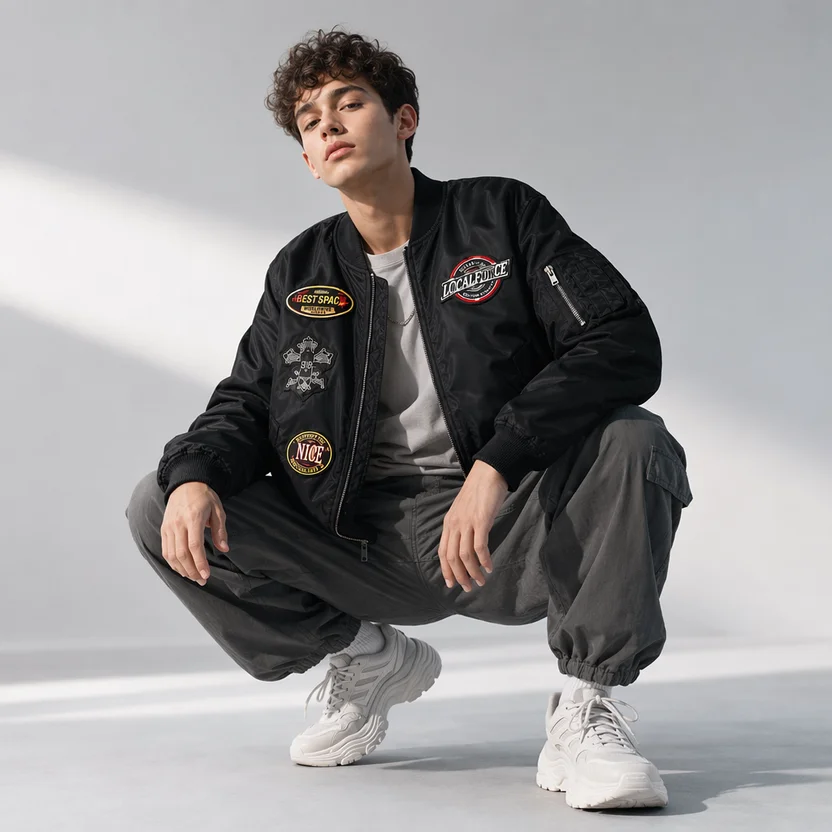
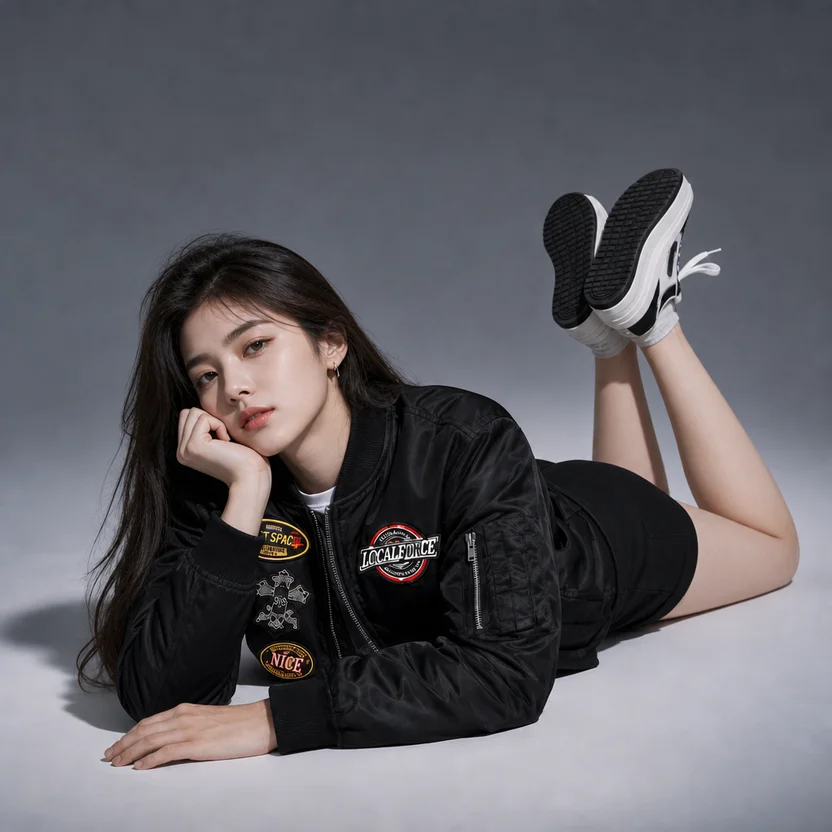
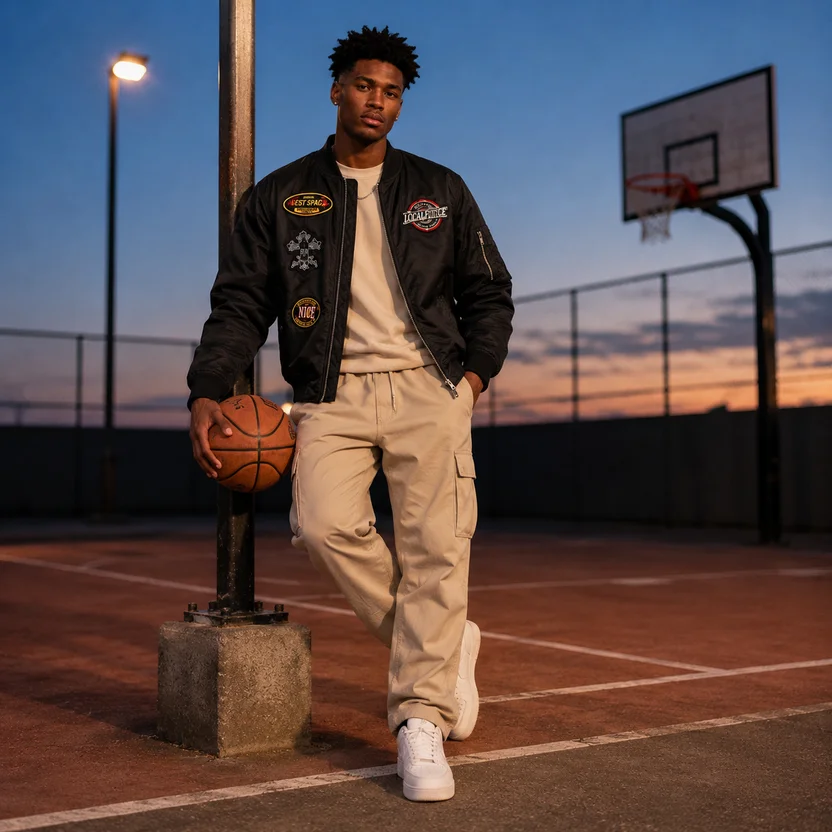
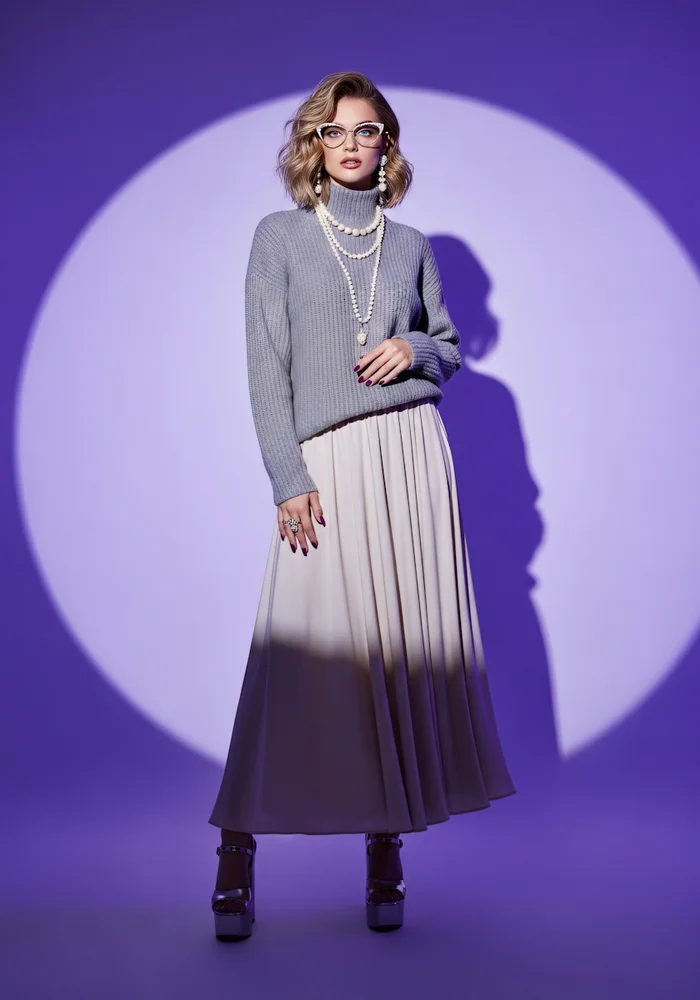
Preserve Garment Color and Construction
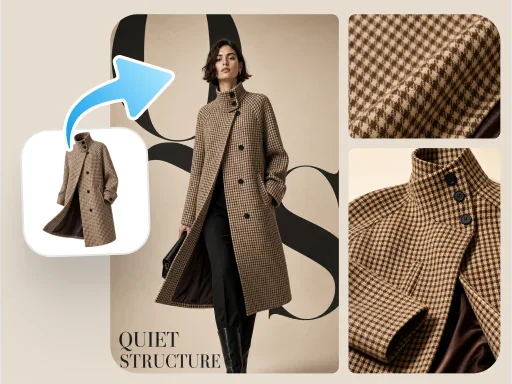
Reference the source color, silhouette, neckline, sleeves, and key construction details to reduce unwanted garment changes.
Upload apparel photos, choose an AI-generated model or an authorized model image, and create on-model visuals for Amazon, Shopify, and online stores.
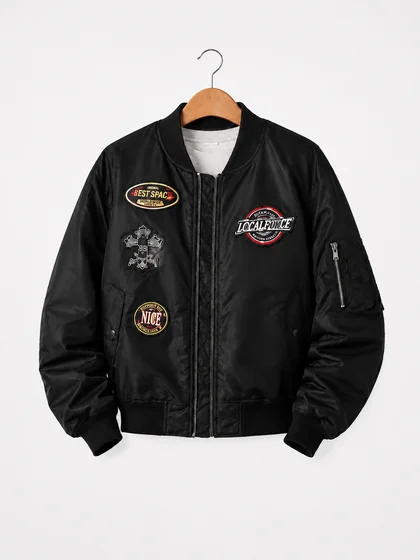
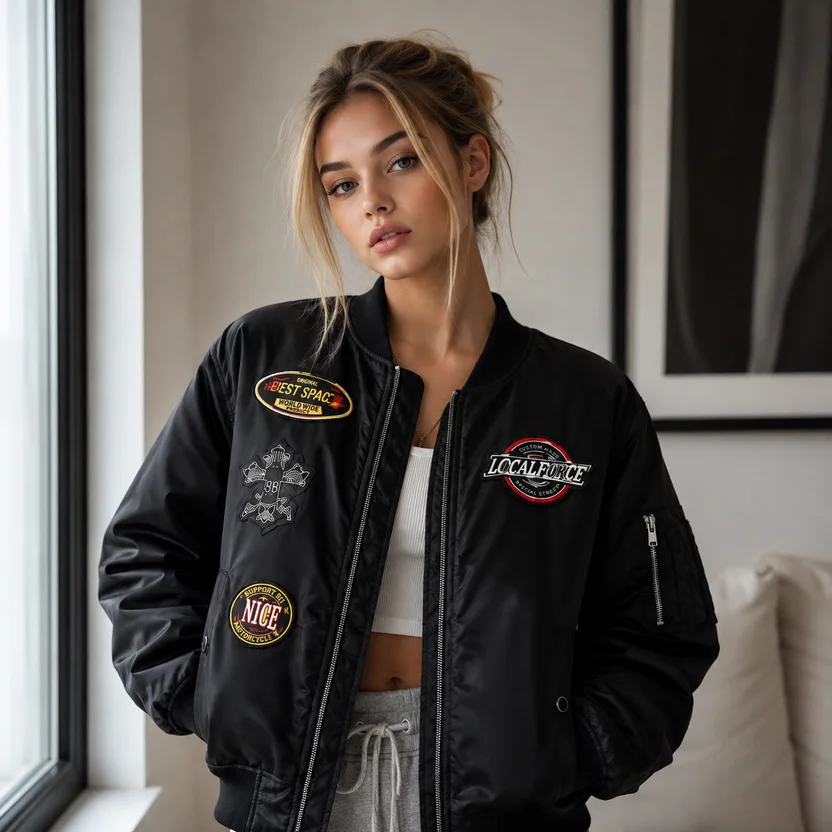
GPT Image 2 understands garment structure, model inputs, and generation requirements to create natural on-model visuals while preserving key apparel features.
Reference the source color, silhouette, neckline, sleeves, and key construction details to reduce unwanted garment changes.
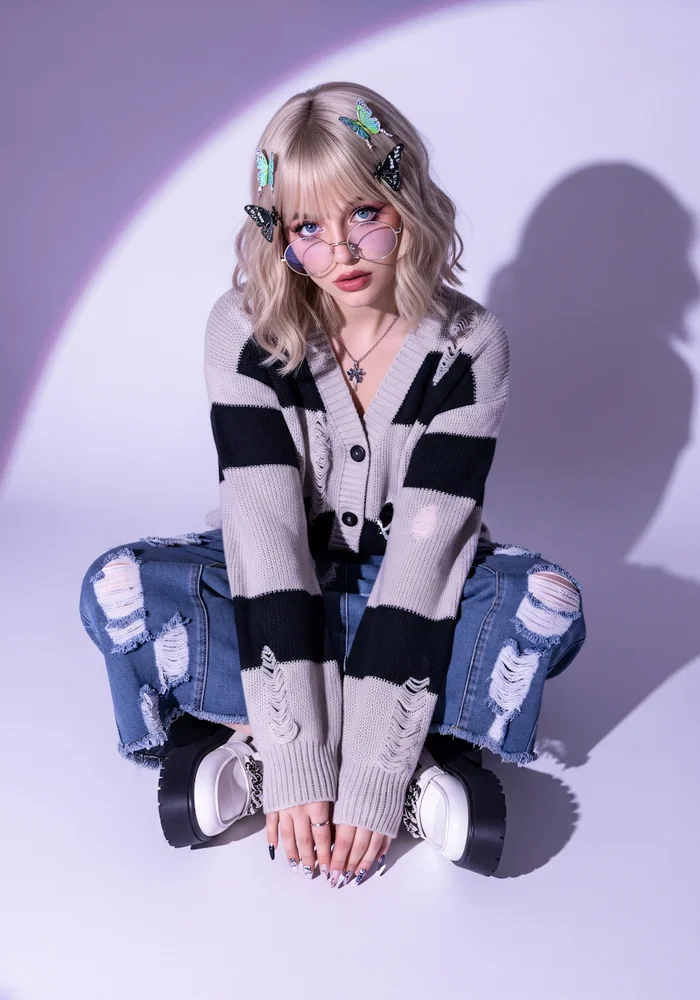
Generate an AI fashion model in the tool or upload a model image that you are authorized to use.
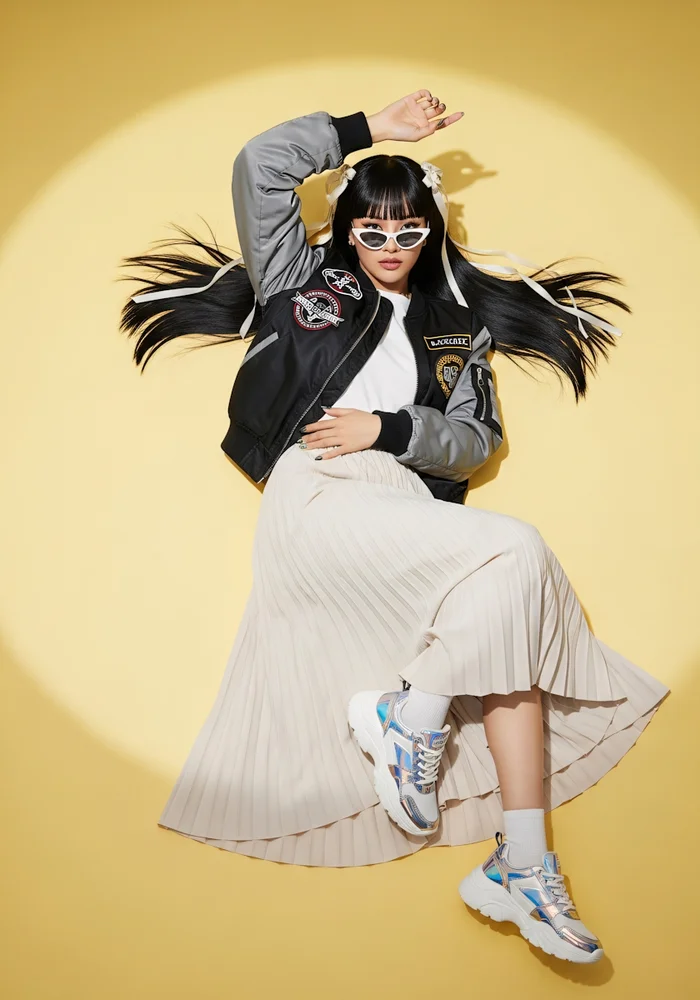
Bring the garment, model pose, body proportions, and scene lighting into a more coherent overall image.
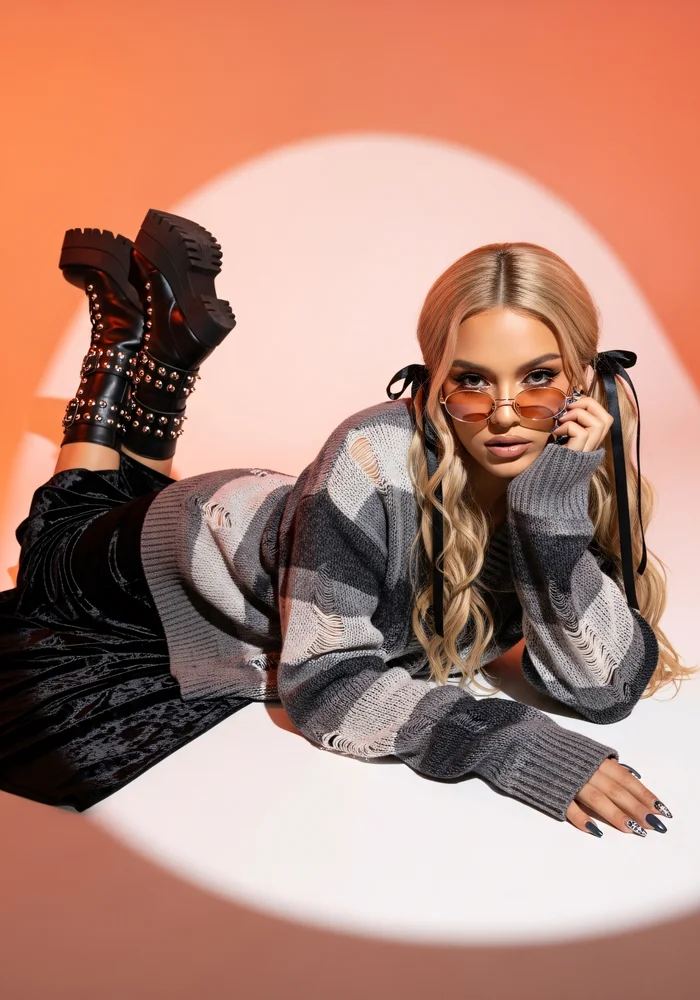
Prepare model-led visuals for product listings, detail pages, campaign concepts, and content testing.
Create on-model apparel images for Amazon, Shopify, online stores, and fashion marketing content.
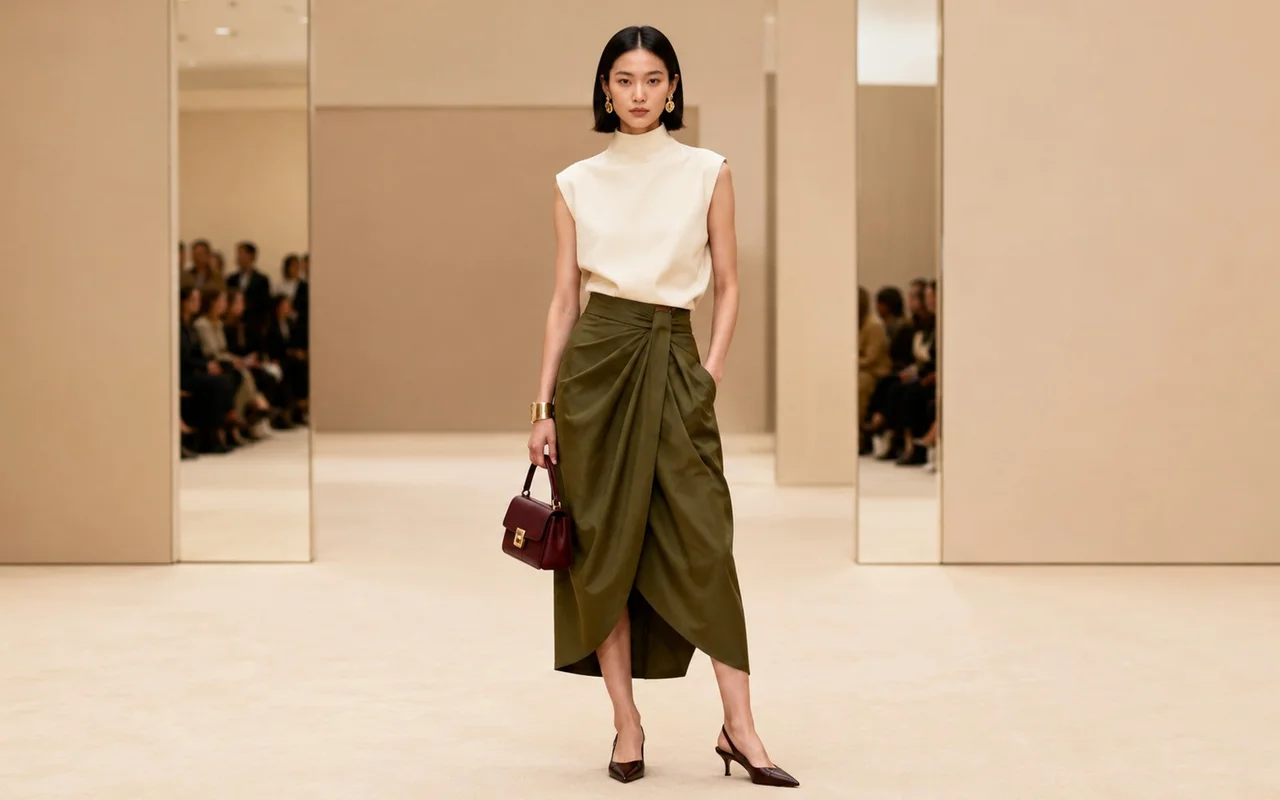
Show how the garment looks on a model and add model-led visuals to Amazon listings and detail content.
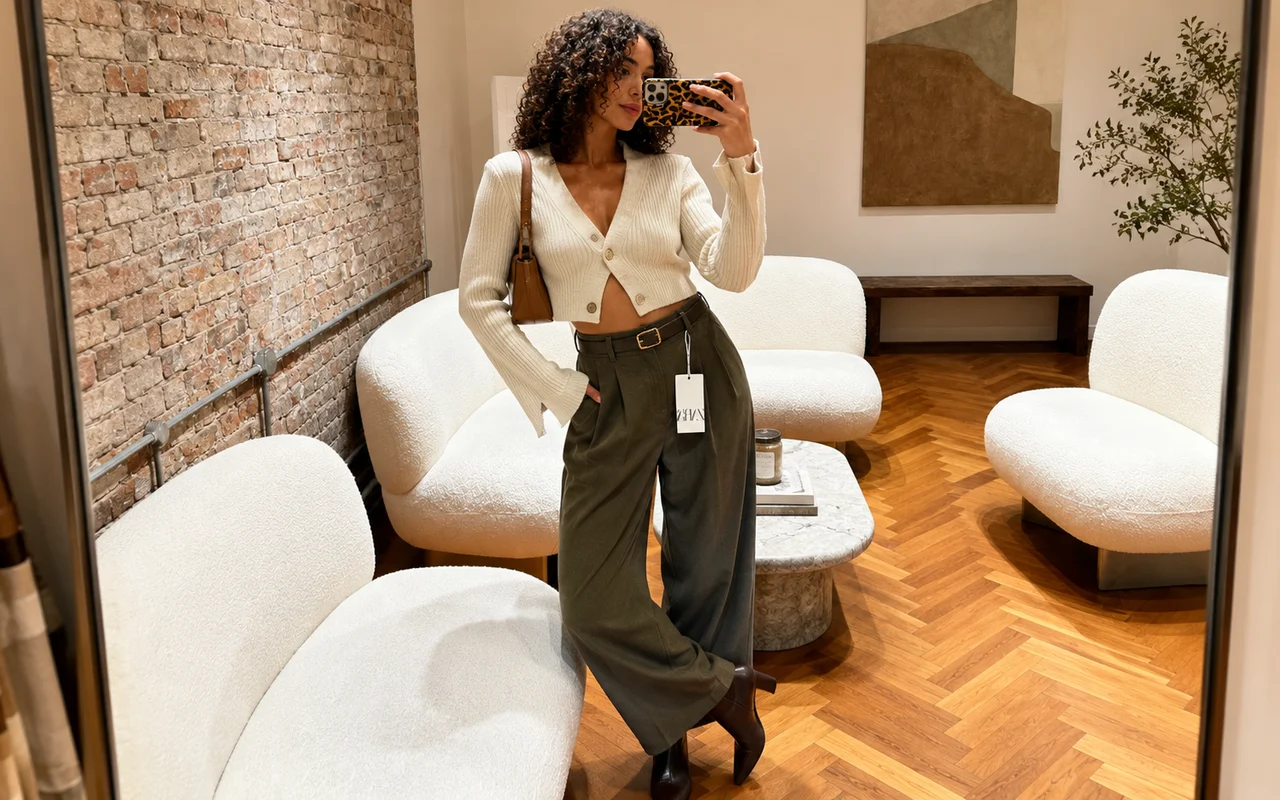
Present apparel in a natural setting so Shopify shoppers can better understand the overall worn look.
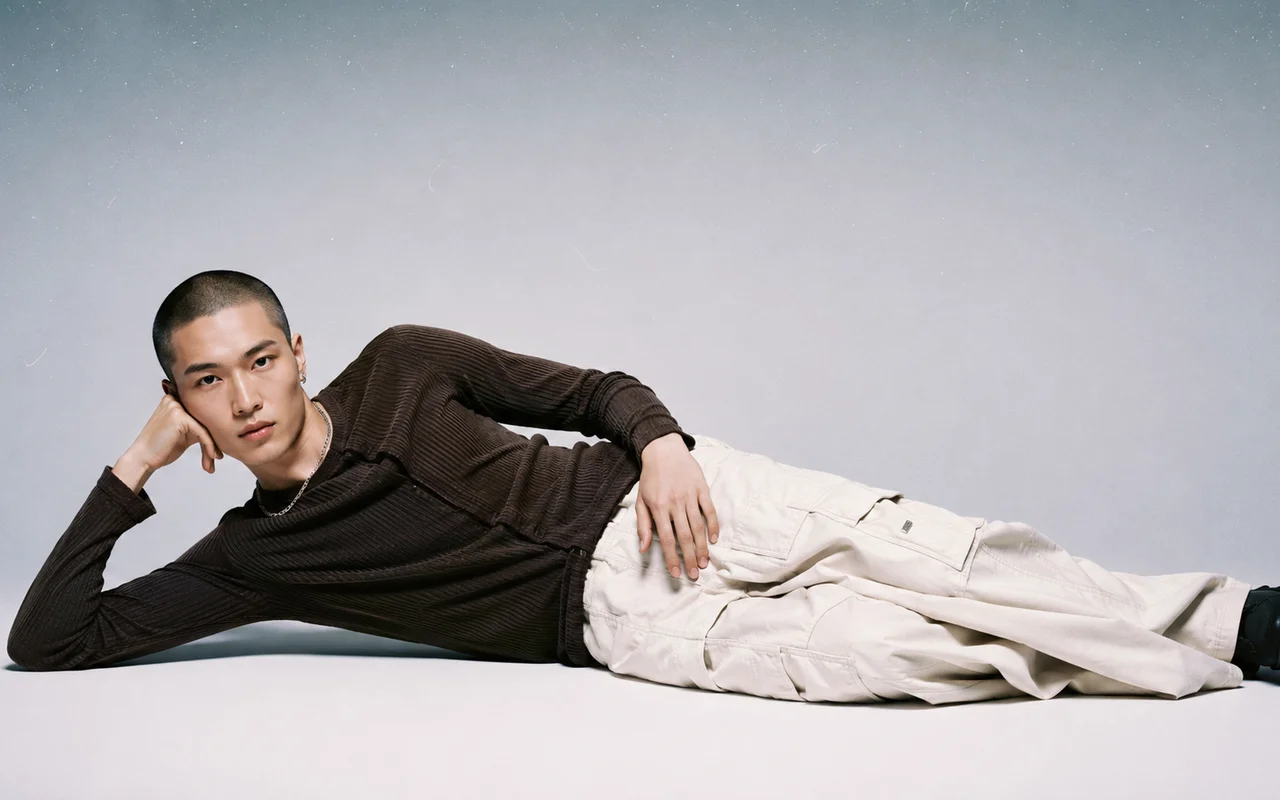
Create visuals to review and test for seasonal launches, ad concepts, and social content.
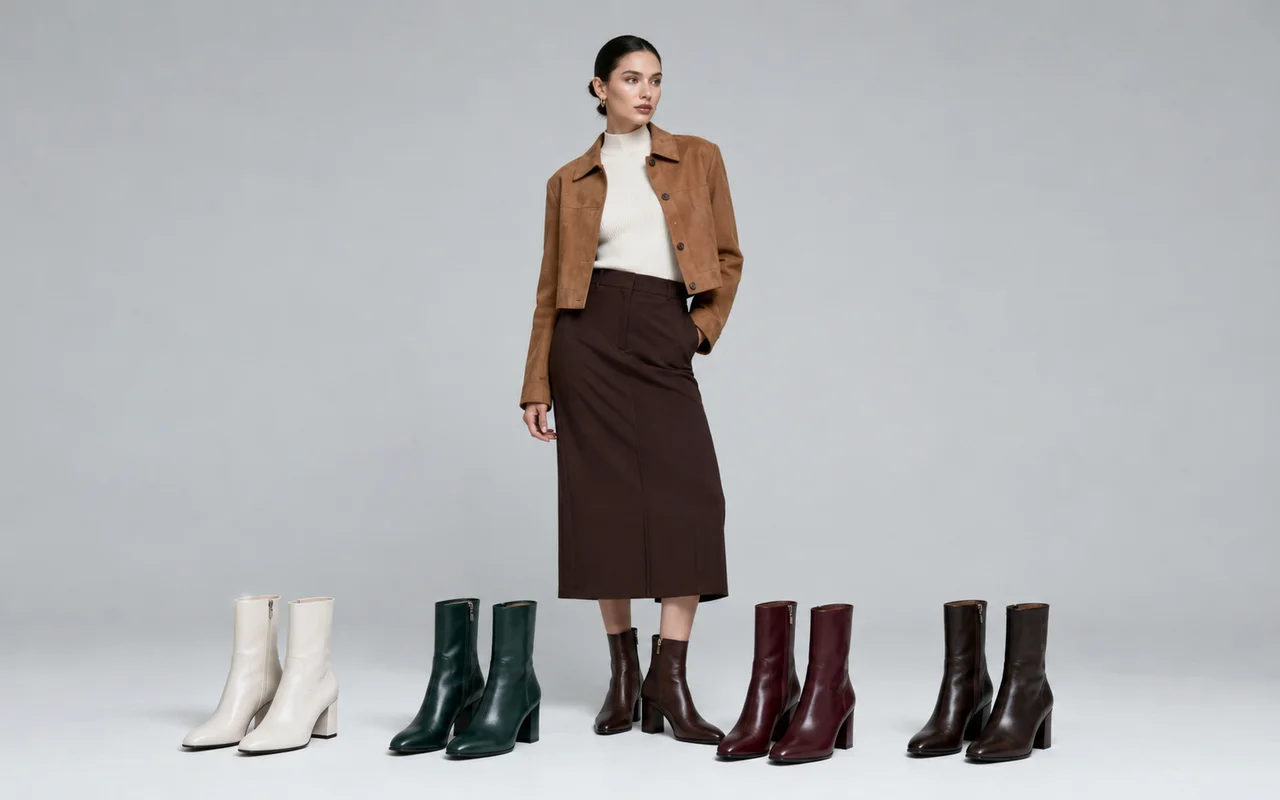
Create new on-model variations from existing apparel photos and reduce repeated preparation for photoshoots.
Upload apparel photos, choose the model source, and generate the result in one focused workflow.
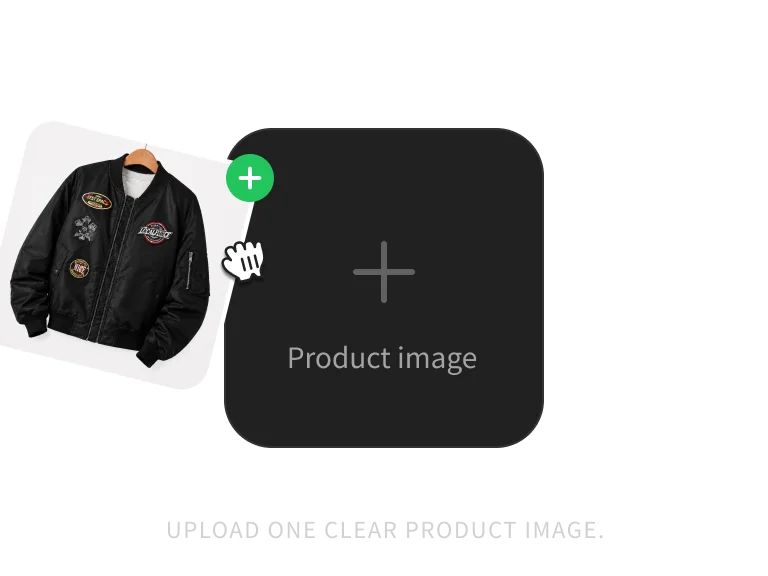
Upload 1–3 clear JPG, PNG, or WebP product images, up to 10MB each.
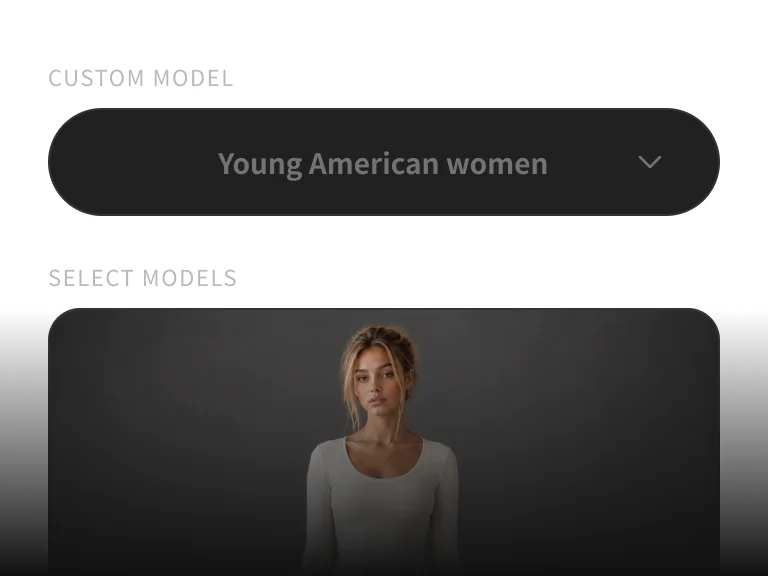
Generate an AI fashion model or upload a model image you are authorized to use.
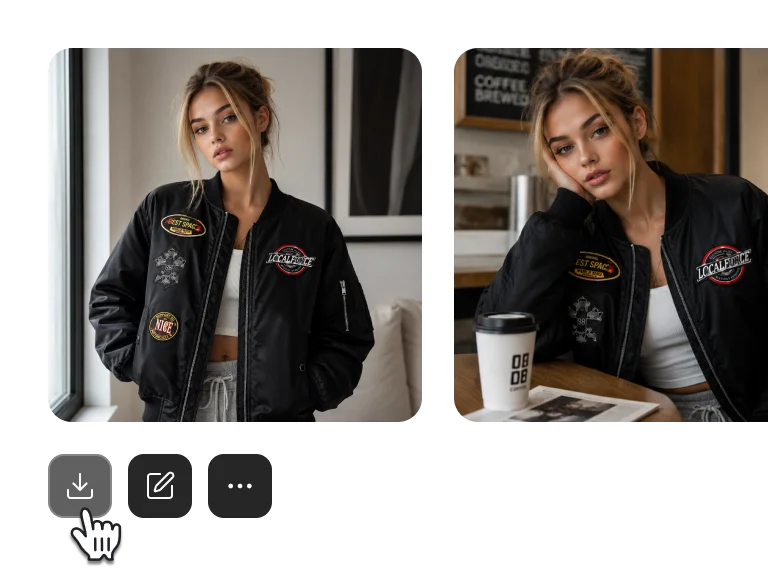
Generate the AI fashion model image, check garment details and the overall result, then download it.
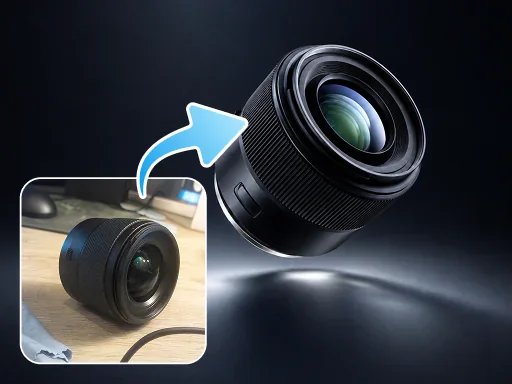
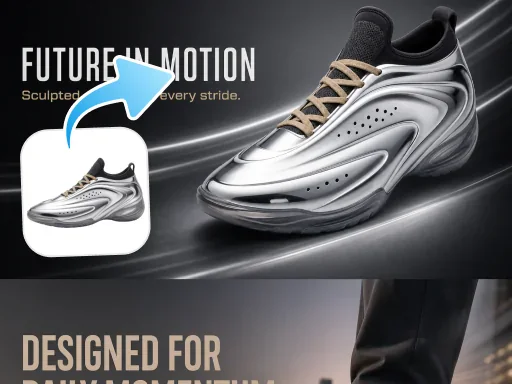
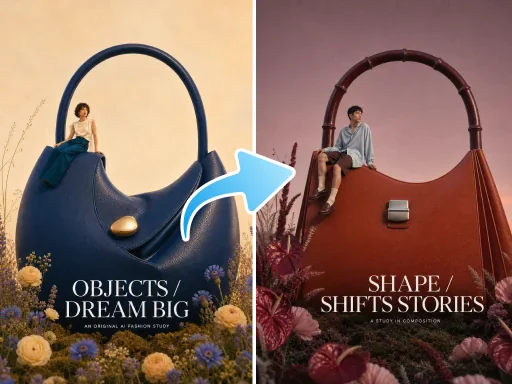
Continue from model try-on to apparel sets, product retouching, detail pages, and visual replication.
Choose an AI fashion model or upload an authorized model image, then create on-model visuals for ecommerce product pages and marketing content.
Get more generations and priority access to new PixPix creative features.
Common questions about the models, workflow, and usage boundaries.