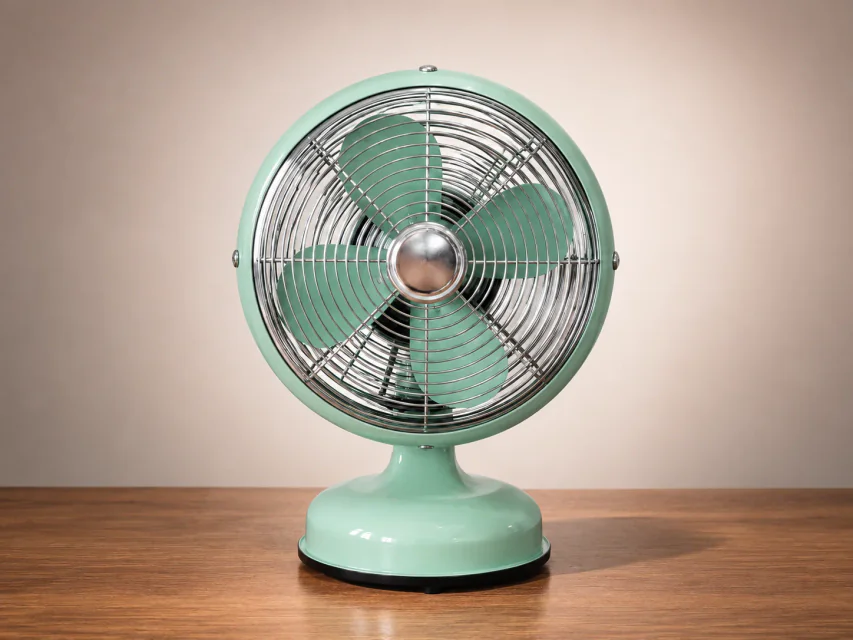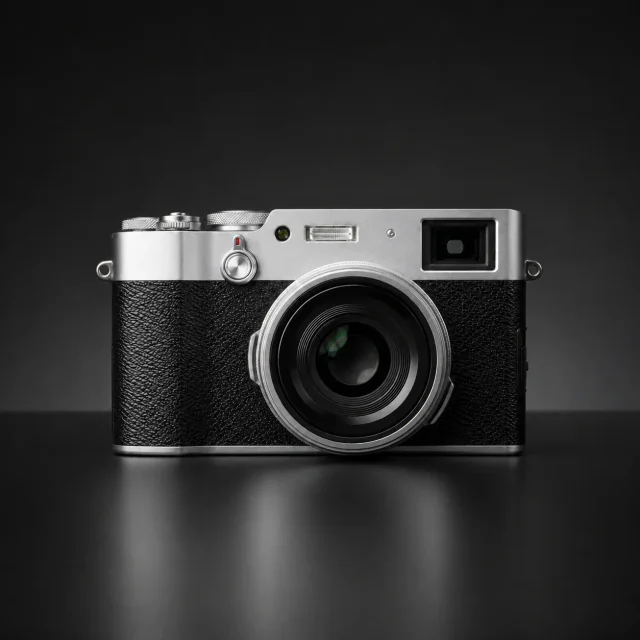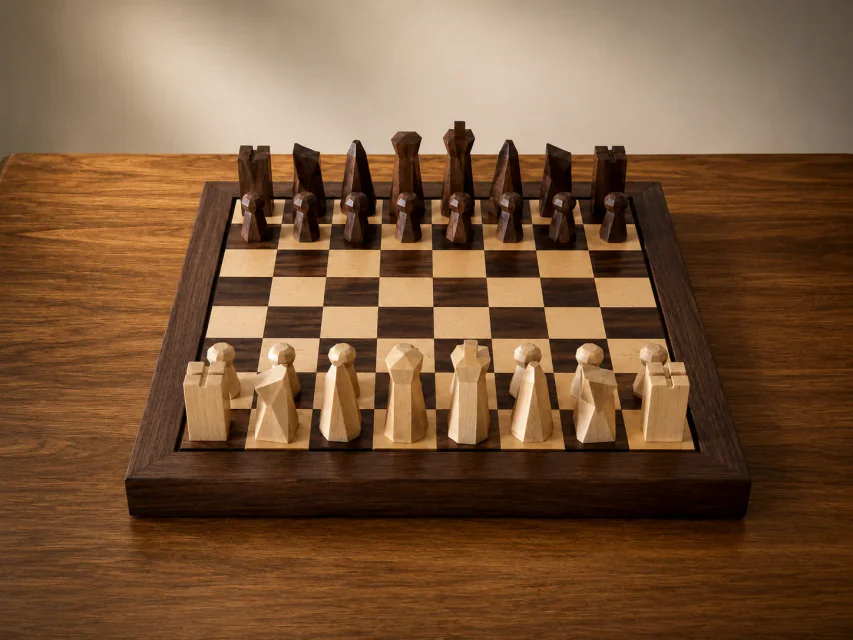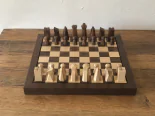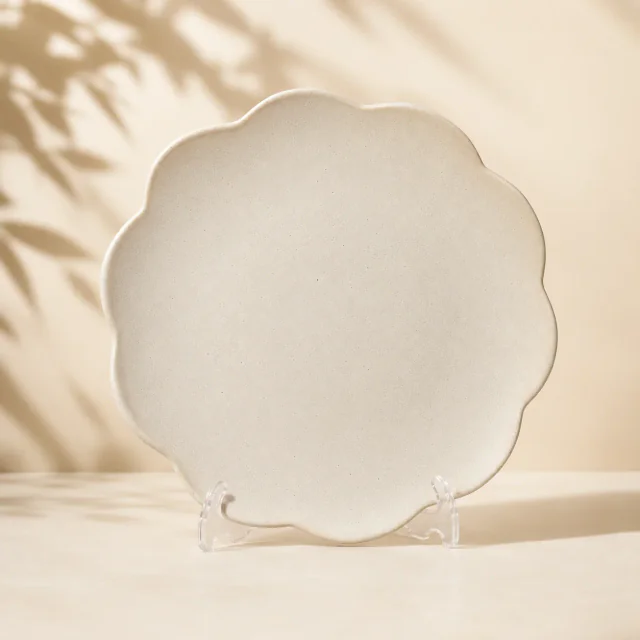
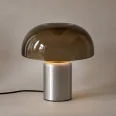
AI Product Retouching Tool

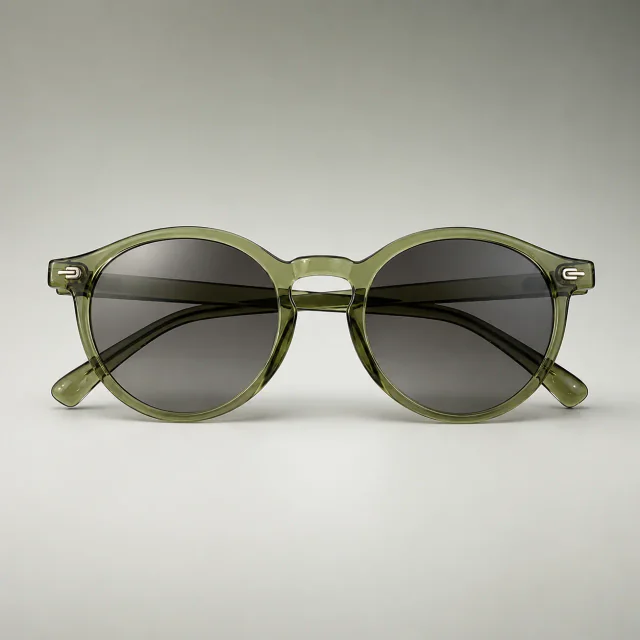
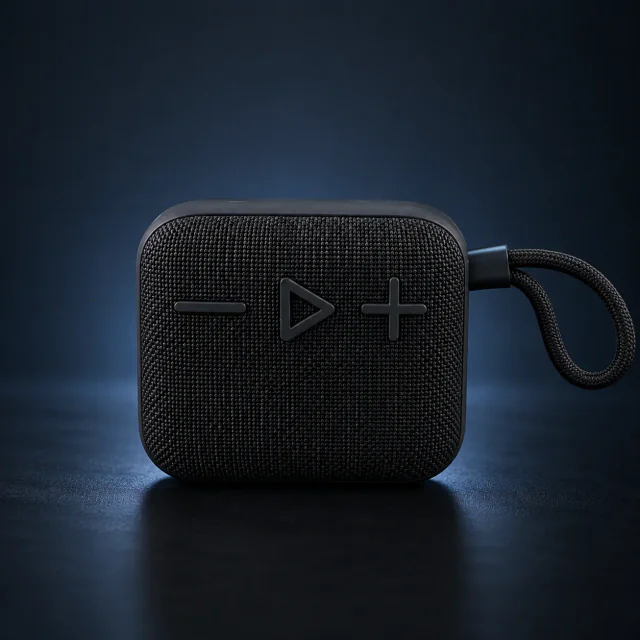
Upload a product photo and use Nano Banana Pro to repair scratches, improve clarity, correct color and perspective, and prepare polished ecommerce visuals.
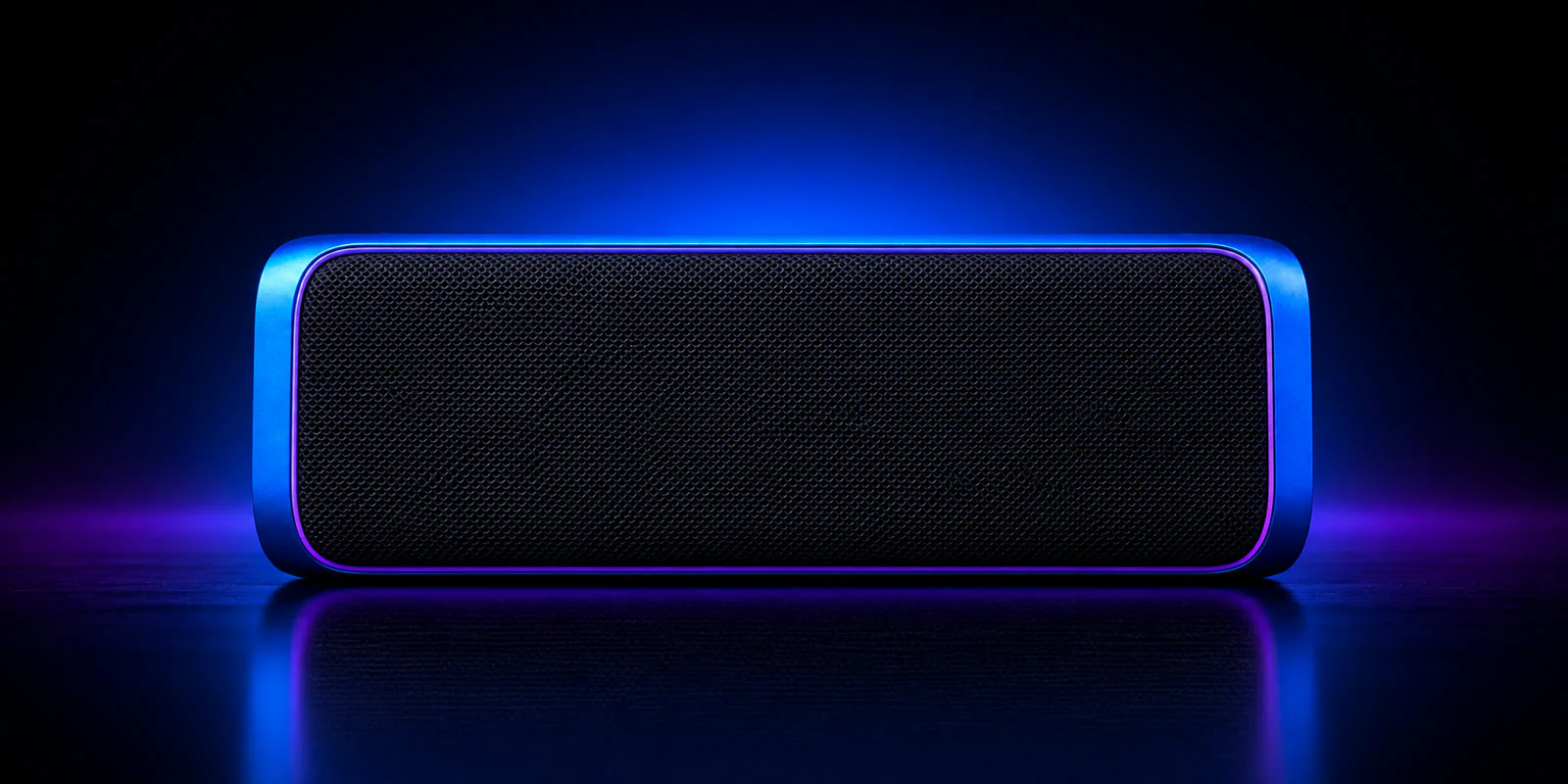
After retouching

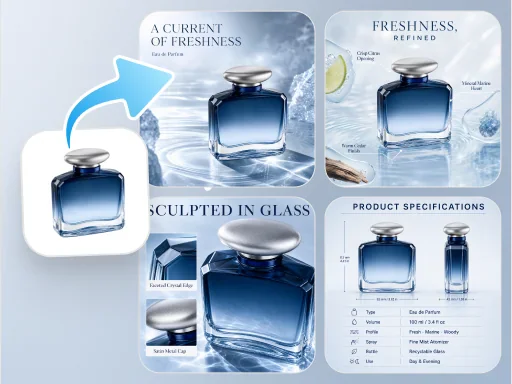
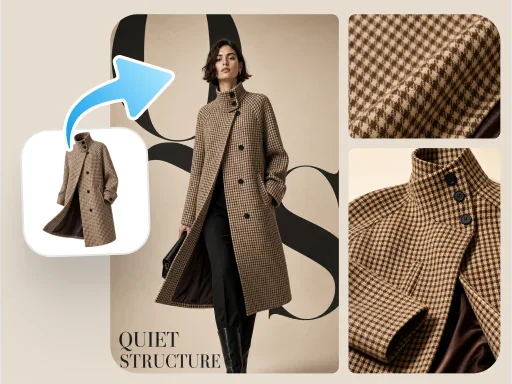
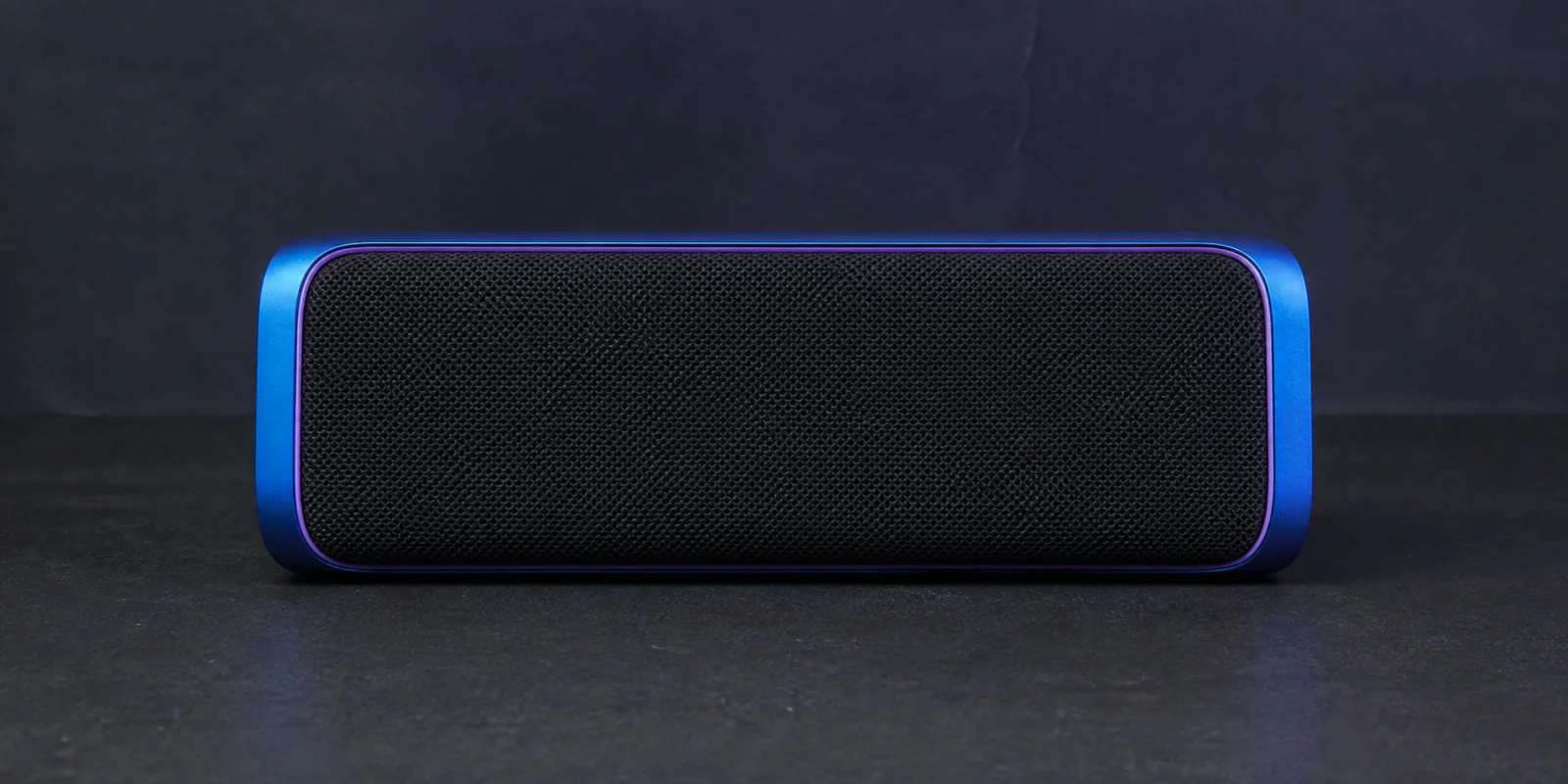
AI Product Retouching Examples

From blemish repair to material enhancement, PixPix improves clarity, color, and finish while preserving the product structure.
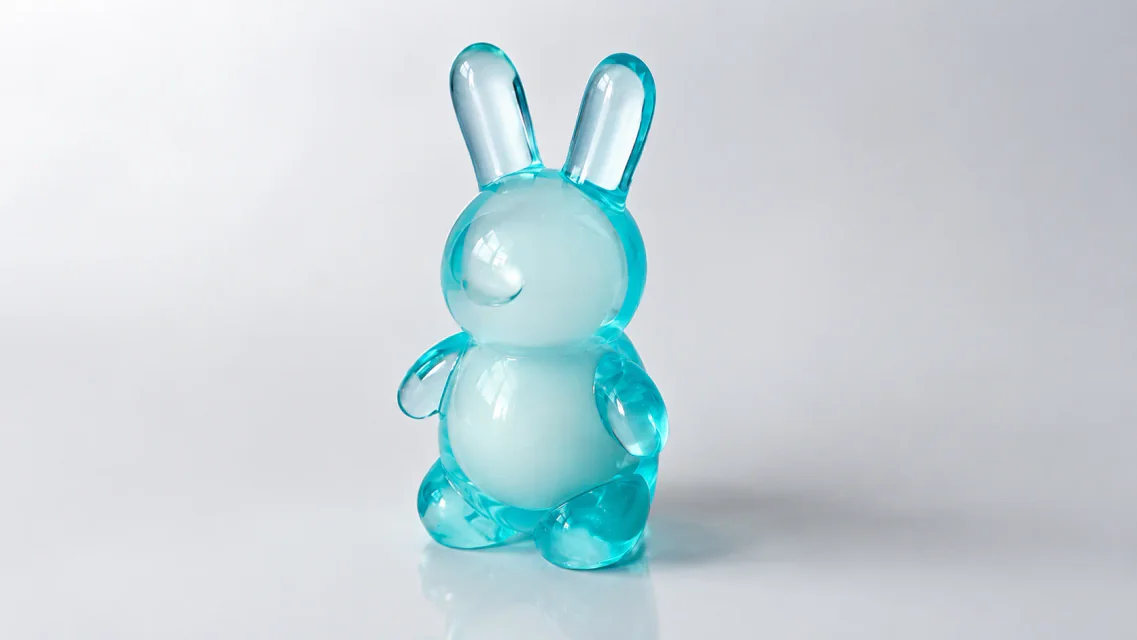
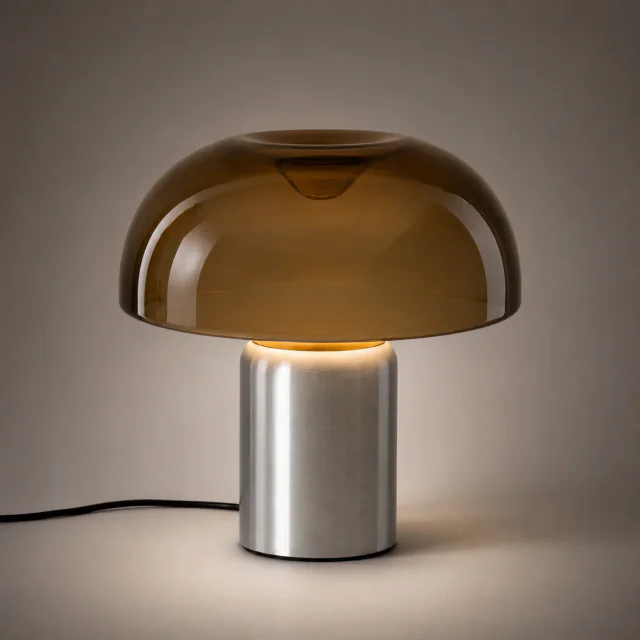
Retouched lamp product image
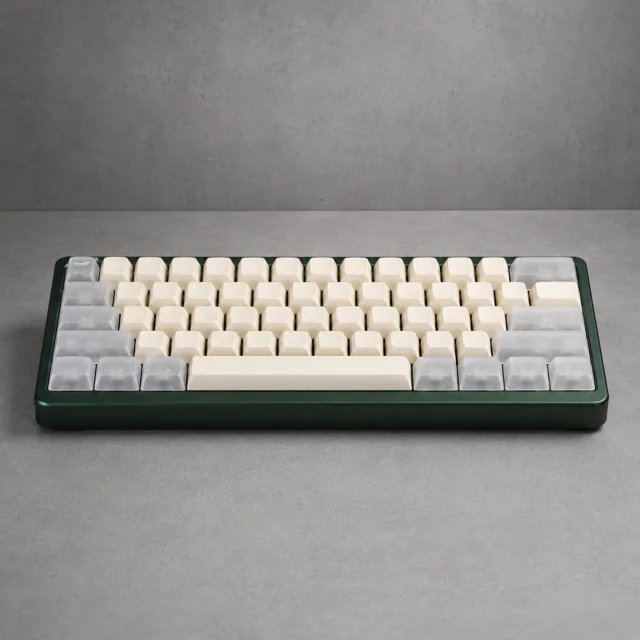
Retouched mechanical keyboard product image
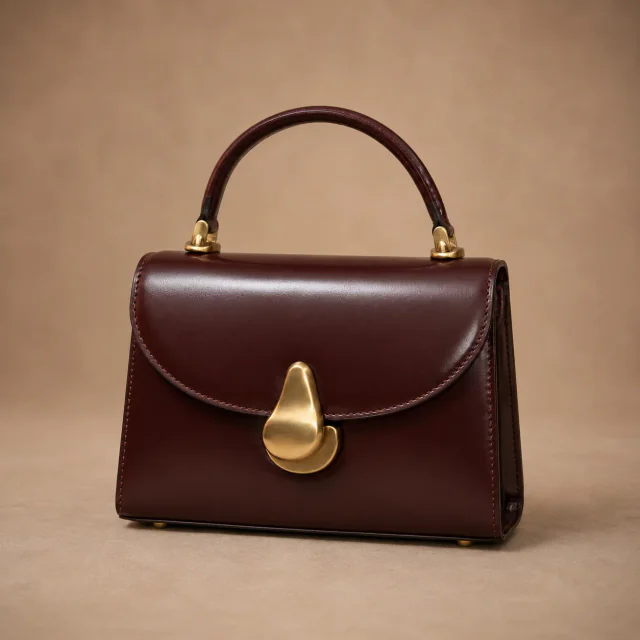
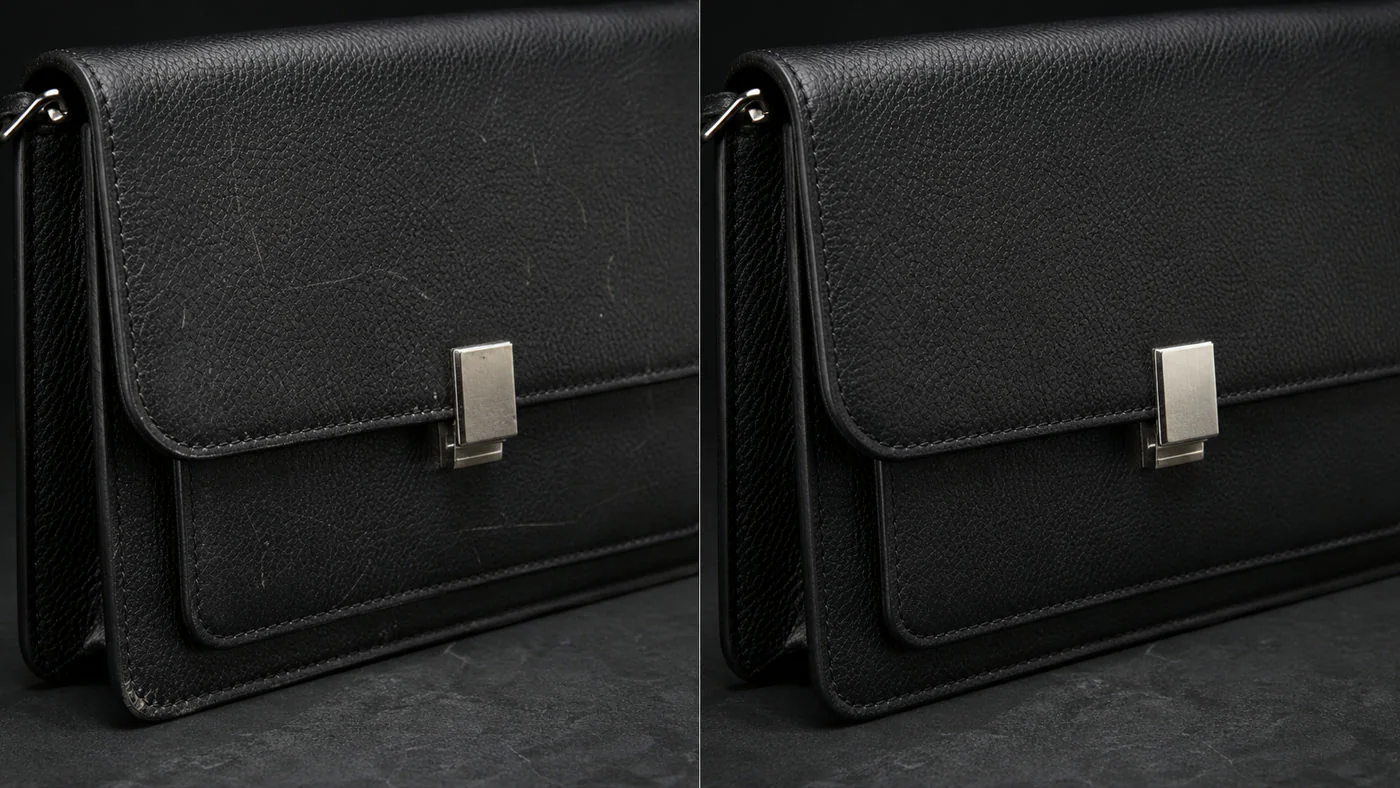
Retouched leather handbag product image
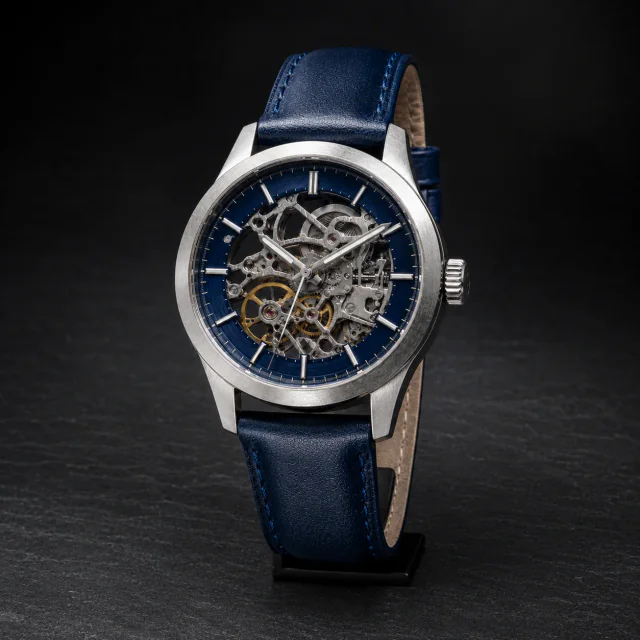
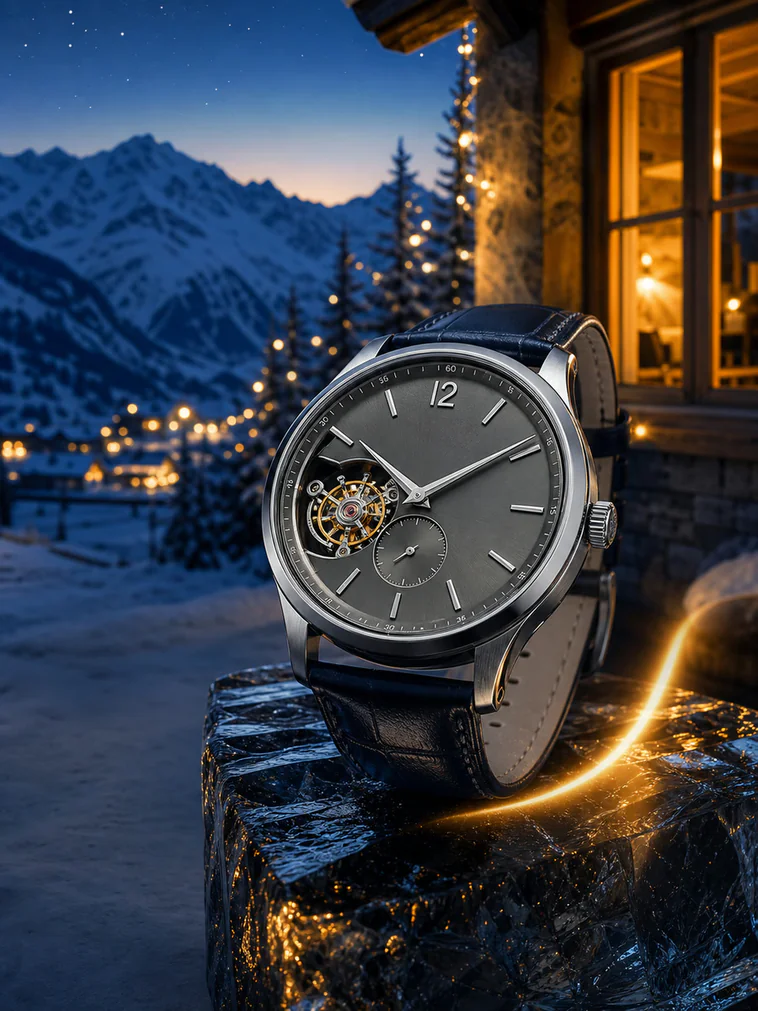
Retouched watch product image
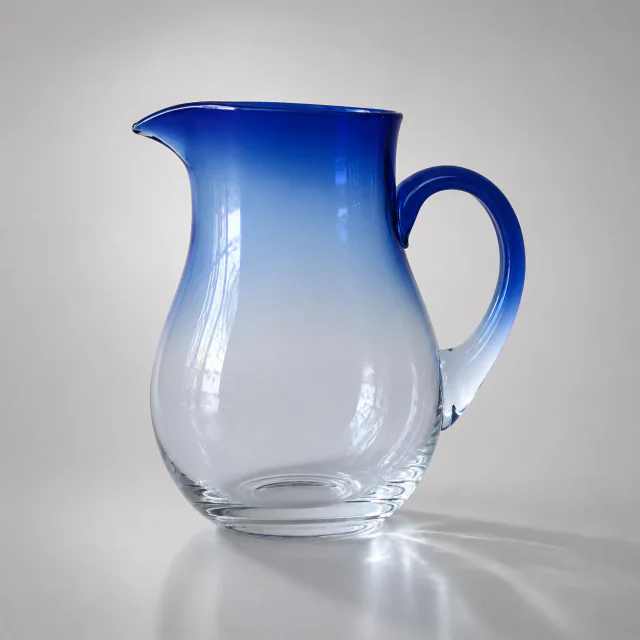
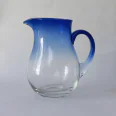
Retouched glass pitcher product image
Retouched leather handbag product image
Retouched glass pitcher product image
Retouched lamp product image
Retouched watch product image
Retouched mechanical keyboard product image

Product Retouching Powered by Nano Banana Pro

Understand product structure and materials, preserve defining details, and produce a polished commercial finish.

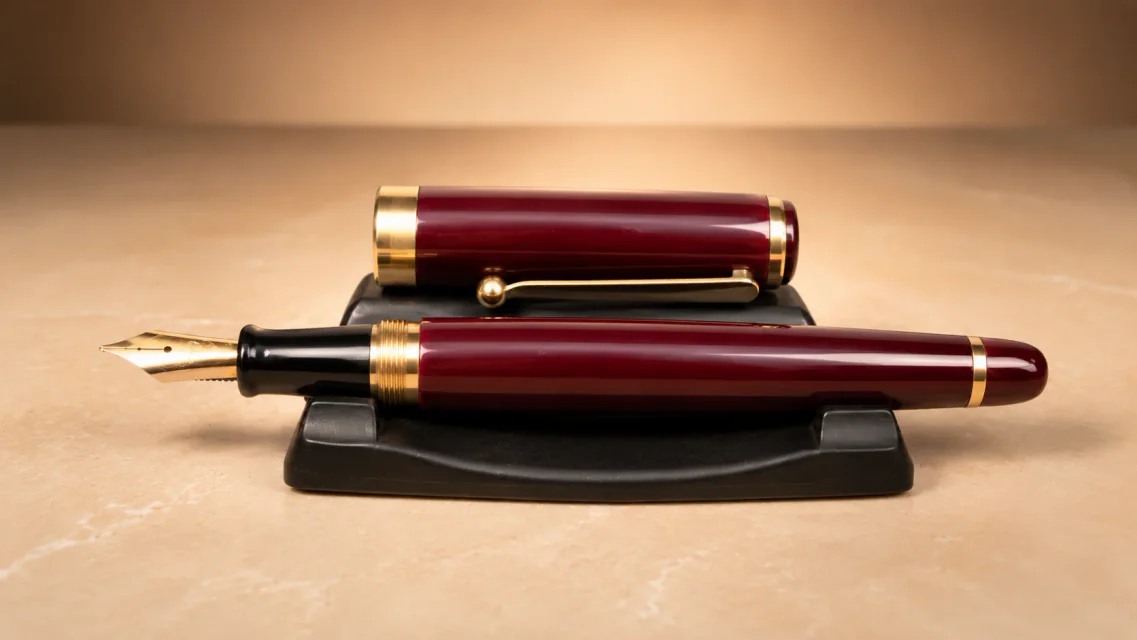
Product feature preservation example

Preserve product features

Recognize the original shape, material, color, and brand details.

Product scratch and blemish repair example

Repair fine imperfections

Clean up scratches, stains, dust, and local texture issues.

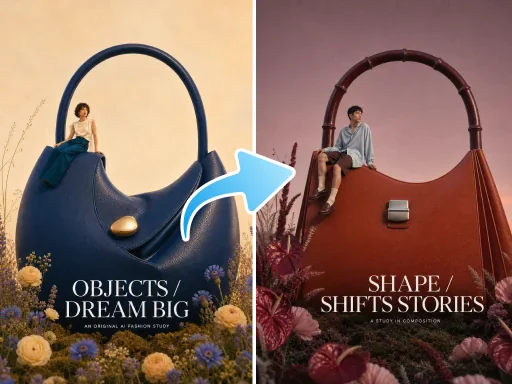
Commercial product retouching example

Create commercial-ready visuals

Refine color and finish for ecommerce presentation.

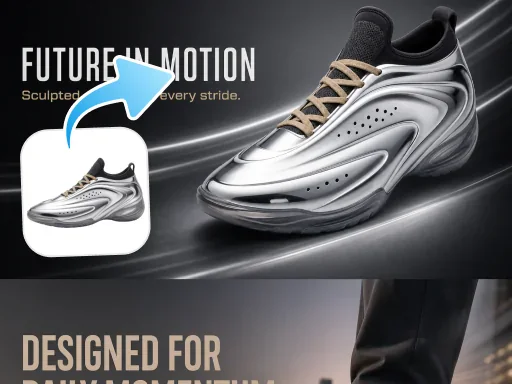
Product clarity and shine enhancement example

Improve clarity and shine

Enhance edges, textures, and lighting for a cleaner result.

Product Retouching for Different Ecommerce Needs

From local repairs to a more consistent finish, prepare dependable images for a range of product categories.

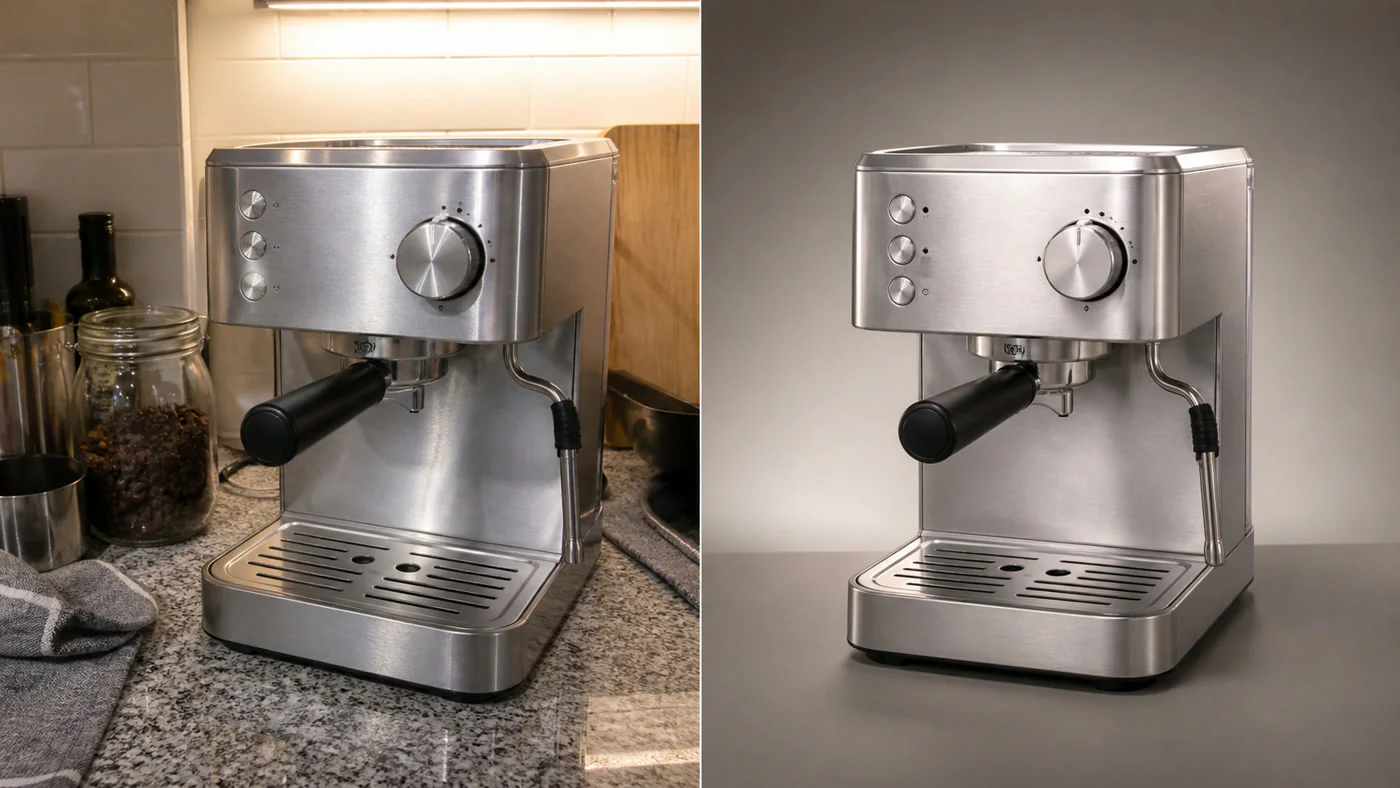
Before and after product scratch repair

Remove surface scratches and small defects

Clean scratches, stains, and dust while preserving the original material and structure.
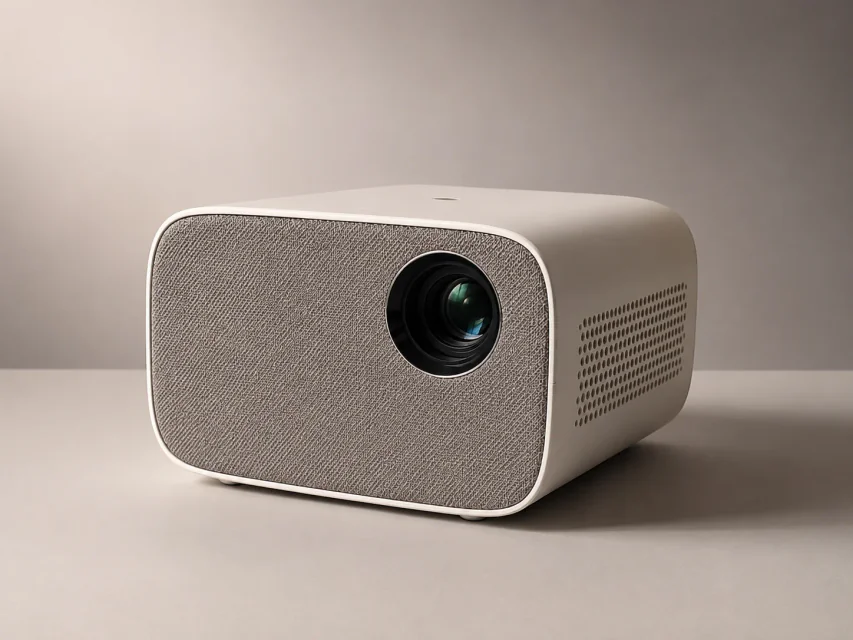
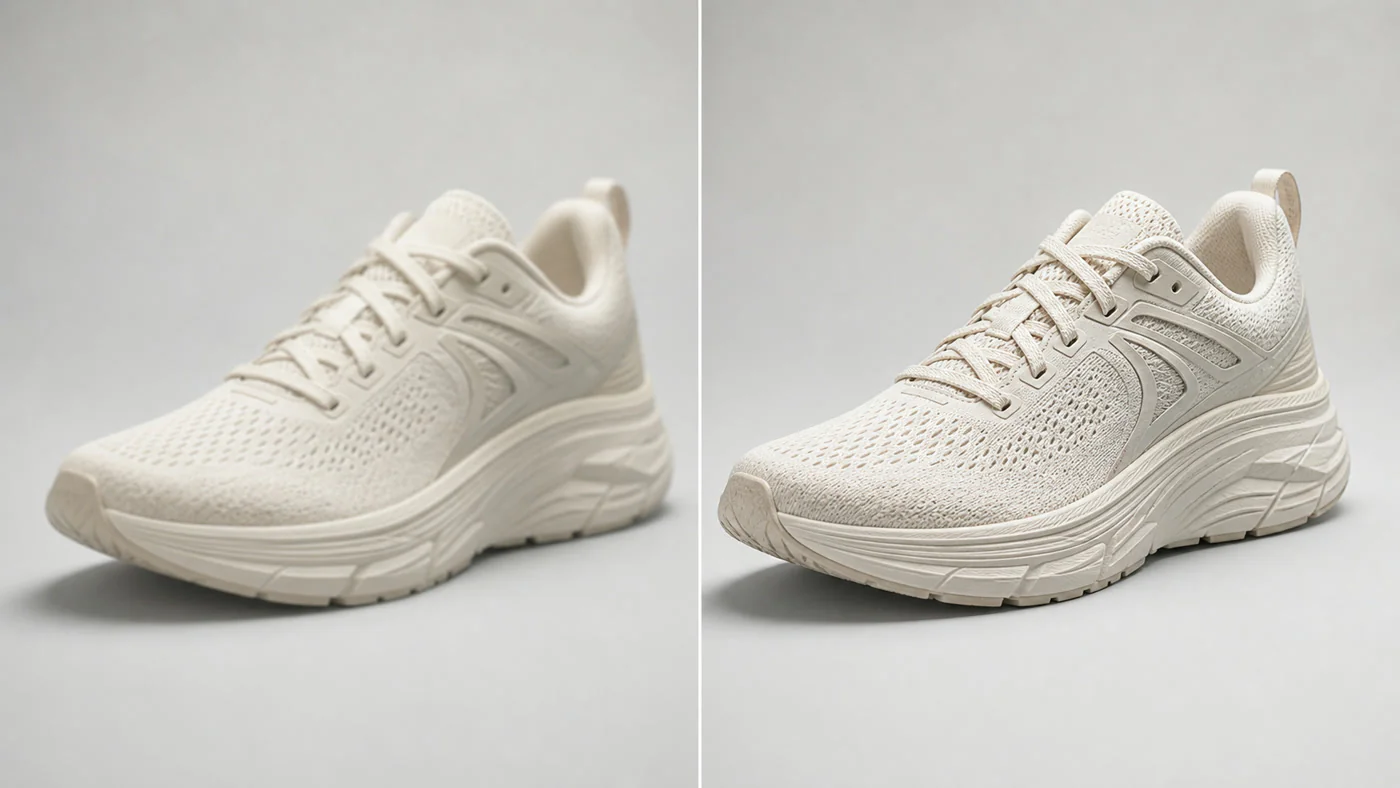
Before and after product texture enhancement

Improve material and detail rendering

Enhance the textures and edges of leather, metal, glass, and other materials.

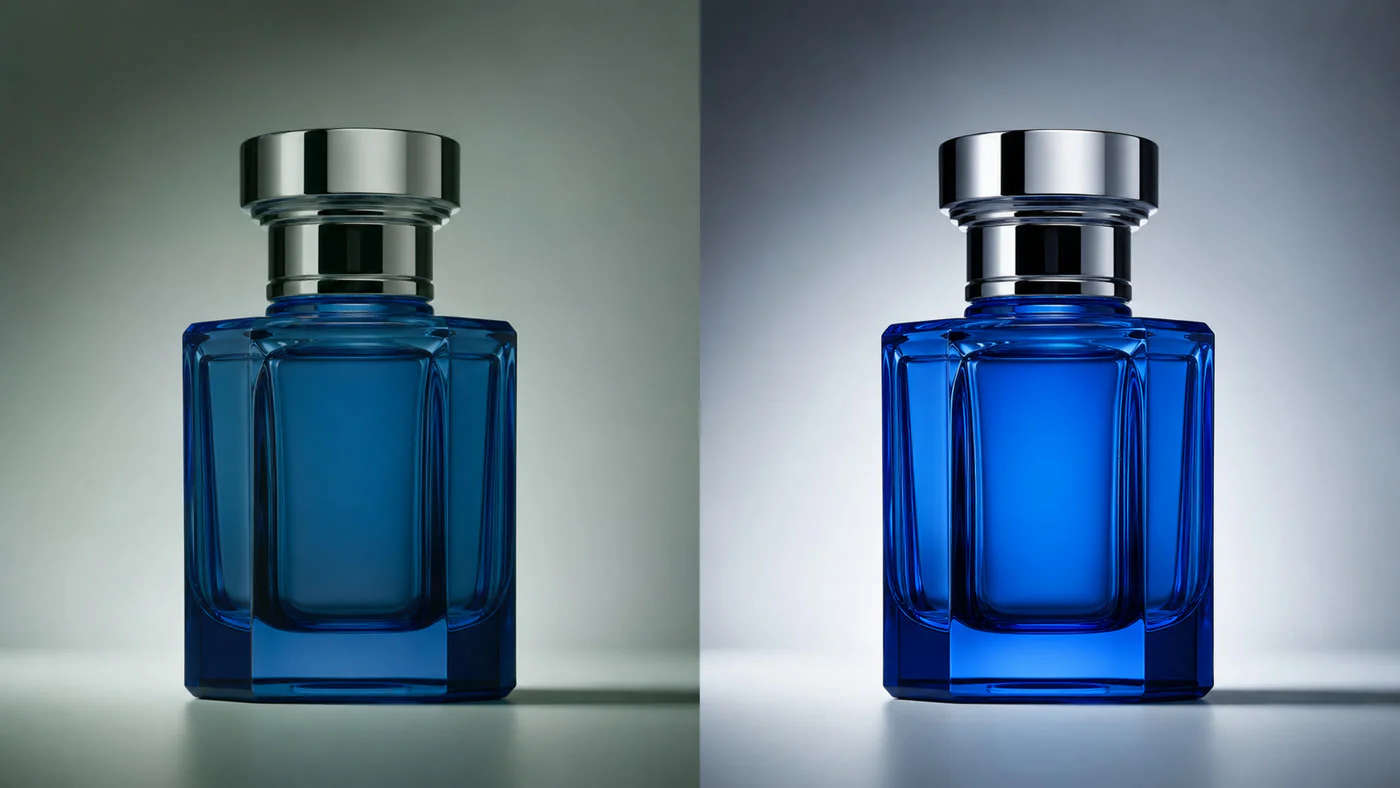
Before and after product color correction

Correct product color and shine

Reduce color casts and exposure problems for more natural, consistent color.

Before and after product image consistency improvement

Unify the finish across product images

Bring brightness, color, and polish into better alignment across a product set.

Retouch a Product Image in Three Steps

Upload one original product photo, choose the improvements you need, then review and download the result.

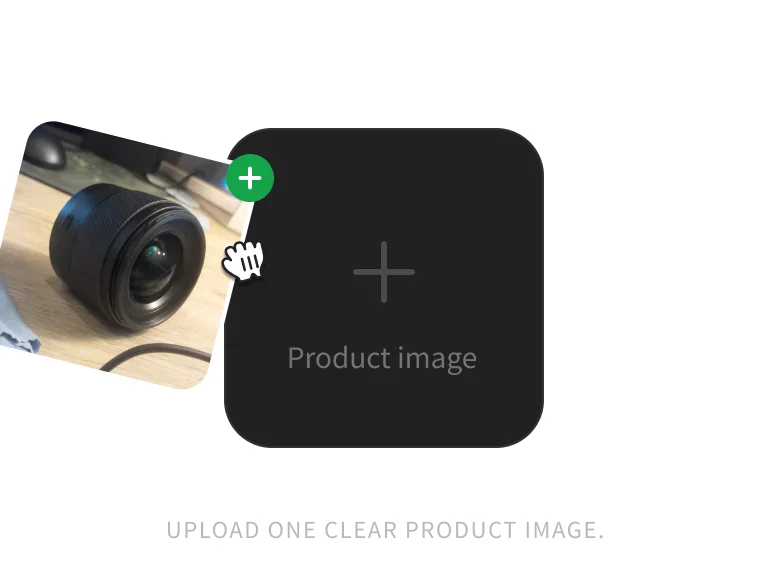
Product image ready for retouching

Step 1: Upload a product image

Upload one clear JPG, PNG, or WebP product image up to 10MB.

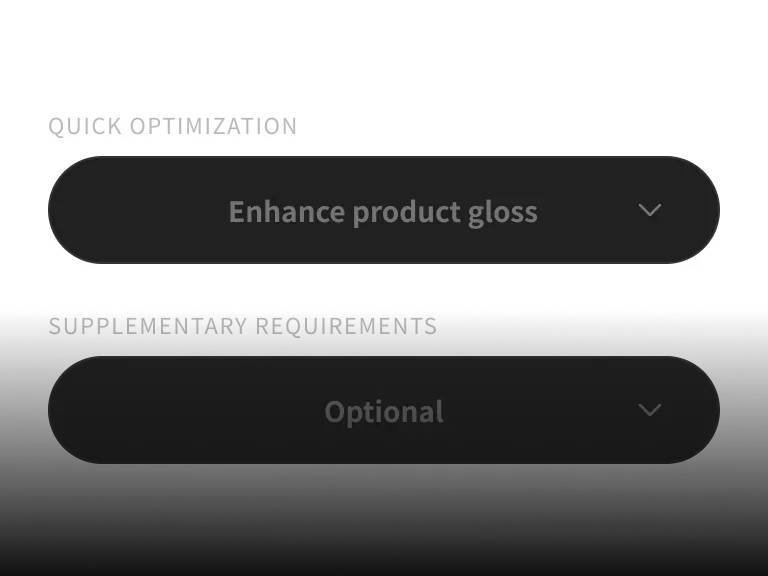
Product retouching options

Step 2: Choose retouching options

Select shine, scratch repair, clarity, color correction, or perspective correction.

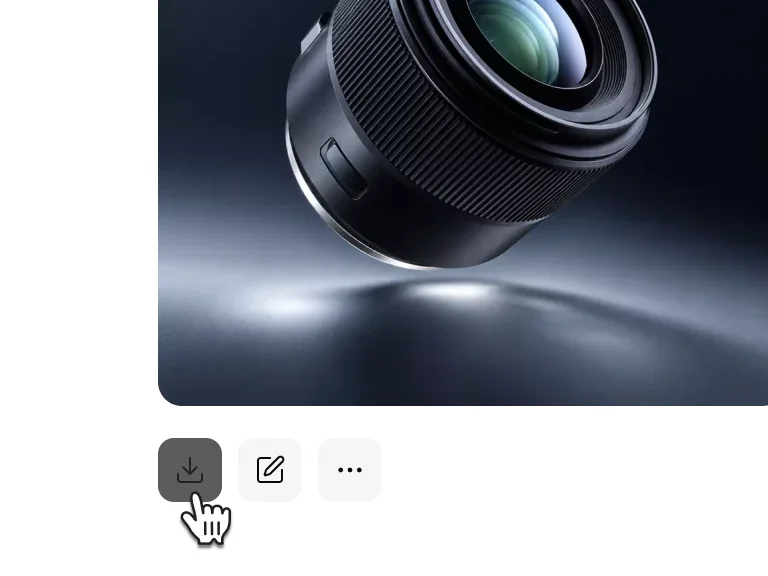
AI-retouched product image

Step 3: Generate and download

Review the retouched product details, then download the finished image.

Upload One Product Image and Start AI Retouching

Skip the complex editing workflow and let PixPix repair imperfections, improve clarity, and polish the product finish.

PICK YOUR PLAN

Get more generations and priority access to new PixPix creative features.

AI Product Retouching FAQ

Common questions about the models, workflow, and usage boundaries.

It can repair scratches and blemishes, improve clarity and shine, correct color, and reduce perspective distortion. Results depend on the source image and product details.