


Seedance 2.5One shot, shaped by every reference

Up to 30 seconds per generation | Multimodal references | Synchronized audio and video | Precise timestamp editing | Video extension

Let complex ideas unfold naturally on screen

From characters and scenes to motion and sound, Seedance 2.5 organizes every creative input into a coherent, believable video story.

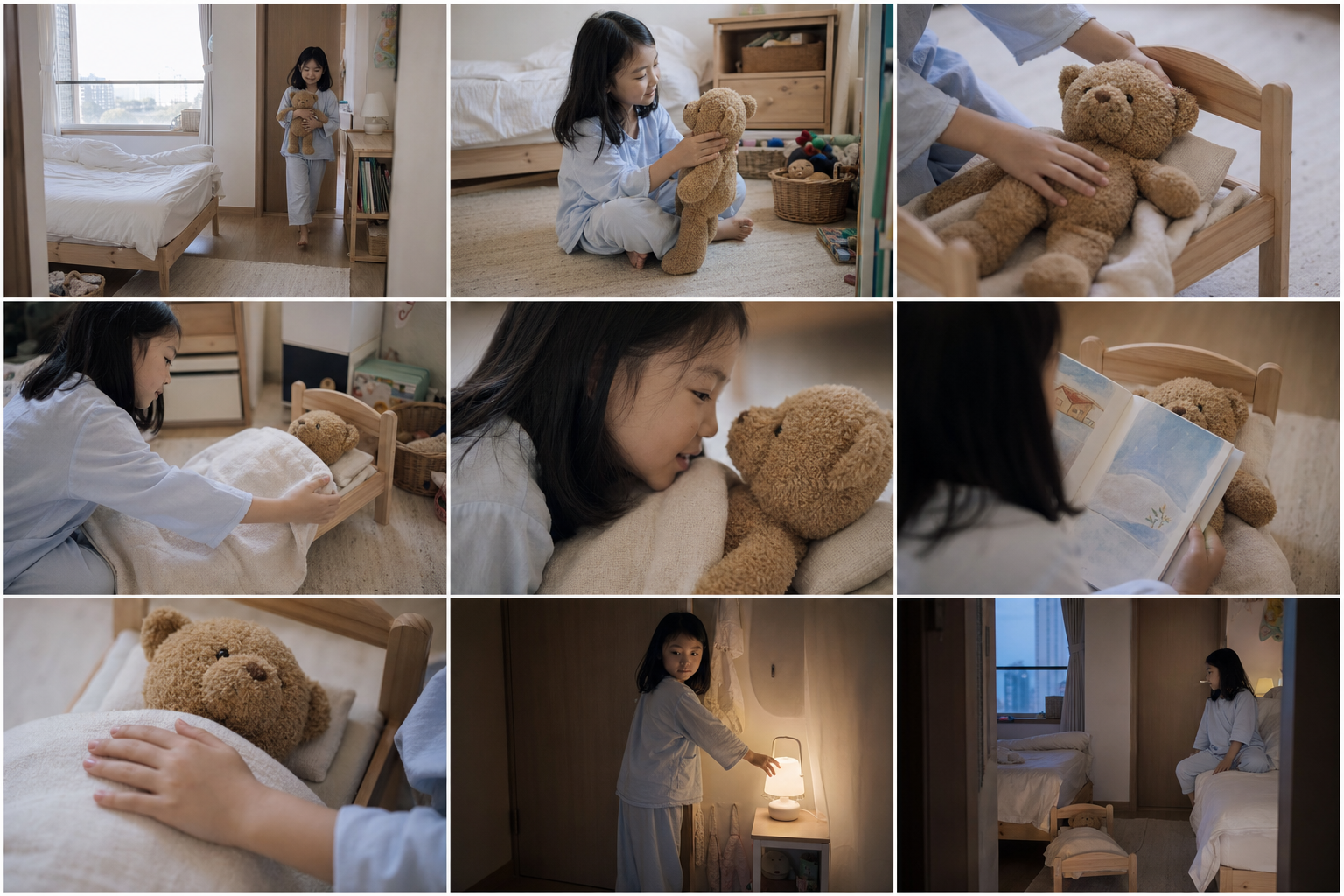
Play the coherent story example

Every creative intention, carried out precisely

Longer narratives, flexible references, and precise editing bring the generated video closer to what you imagined from the start.

Long Narrative

Longer shots, more complete stories

  • Generate up to 30 seconds at a time
  • Extend an existing video
  • Connect multiple shots naturally
  • Keep subjects, scenes, actions, and pacing coherent
  • Maintain stronger synchronization between visuals, motion, and sound

Multimodal Reference

Use reference media as your creative language

  • Use image, video, and audio references
  • Add up to 30 images, 10 videos, and 10 audio clips
  • Understand characters, scenes, styles, props, and sound together
  • Support layout, motion, and creative references

Precise Editing

Change exactly what matters without starting over

  • Target a segment with timestamps
  • Edit characters, actions, sound, or story direction
  • Preserve the rest of the video
  • Support green screen, viewpoint, camera movement, and reference edits

From input to finished video in three steps

Add references, describe the shot, then generate and refine until the story is ready to play.

Reference
Reference media prepared for Seedance 2.5
Add reference media

Step 1: Add reference media

Upload images, video, or audio to establish the character, setting, motion, and overall style.

Locked-off shot. A woman sits in a coral-red chair, hands resting on the armrests, with only a thin file on her lap. A computer, telephone, typewriter, and papers close in from both sides; the sky and lawn are bright. The telephone on the left suddenly rings. She first shifts her eyes, then slowly turns her head toward the phone.

Step 2: Write your prompt

Describe the story, camera movement, pacing, sound, and anything that must remain unchanged.

A completed Seedance 2.5 video frame

Step 3: Generate and refine

Choose the format and duration, then keep improving the result with extensions or edit instructions.

Your next great scene starts here

Choose Seedance 2.5 and turn a frame, an action, or a story into a video that is ready to play.

More to know about Seedance 2.5

Common questions about input formats, reference media, generation limits, and camera control.

It supports text, image, video, and audio input. Use them separately or combine several references to guide characters, scenes, actions, style, and sound.