Midjourney V8.2

Turn detailed prompts into coherent, art-directed images with Midjourney V8.2. Standard generations are about 4–5× faster than earlier versions. On PixPix, begin with a prompt or reference image, then choose an available aspect ratio, resolution, and output count.

Create images with Midjourney V8.2

Move from an idea or reference image to a polished result with the controls currently available on PixPix.

Your image
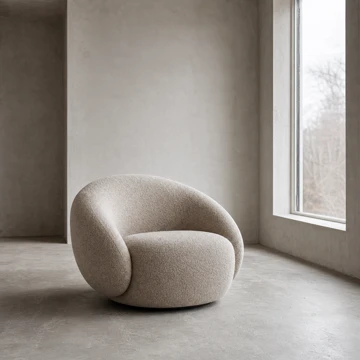
Chair reference image used to guide the Midjourney V8.2 tutorial result
Add an image prompt

Step 1: Add an image prompt (optional)

Upload a reference image to guide the subject, composition, color, or overall visual direction. This step is optional.

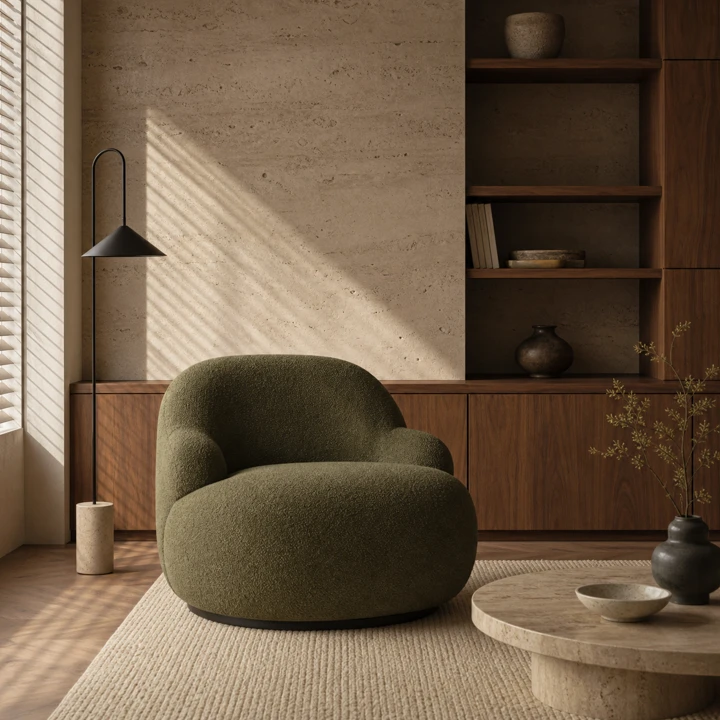
Keep the chair silhouette and camera angle, then build a quiet editorial interior in moss green, travertine, walnut, and soft window light — natural materials and precise details.

Step 2: Write a detailed prompt

Describe the subject, environment, composition, lighting, materials, and mood. Clear, specific instructions give the model a stronger creative direction.

Editorial interior example created to demonstrate Midjourney V8.2 prompt adherence

Step 3: Generate in SD or HD

Choose an aspect ratio, resolution, and number of images from the options shown in the PixPix generator, then start the generation.

What Midjourney V8.2 does best

The model offers faster iteration, stronger prompt reading, and native HD output. PixPix currently exposes prompts, reference images, aspect ratio, resolution, and output count.

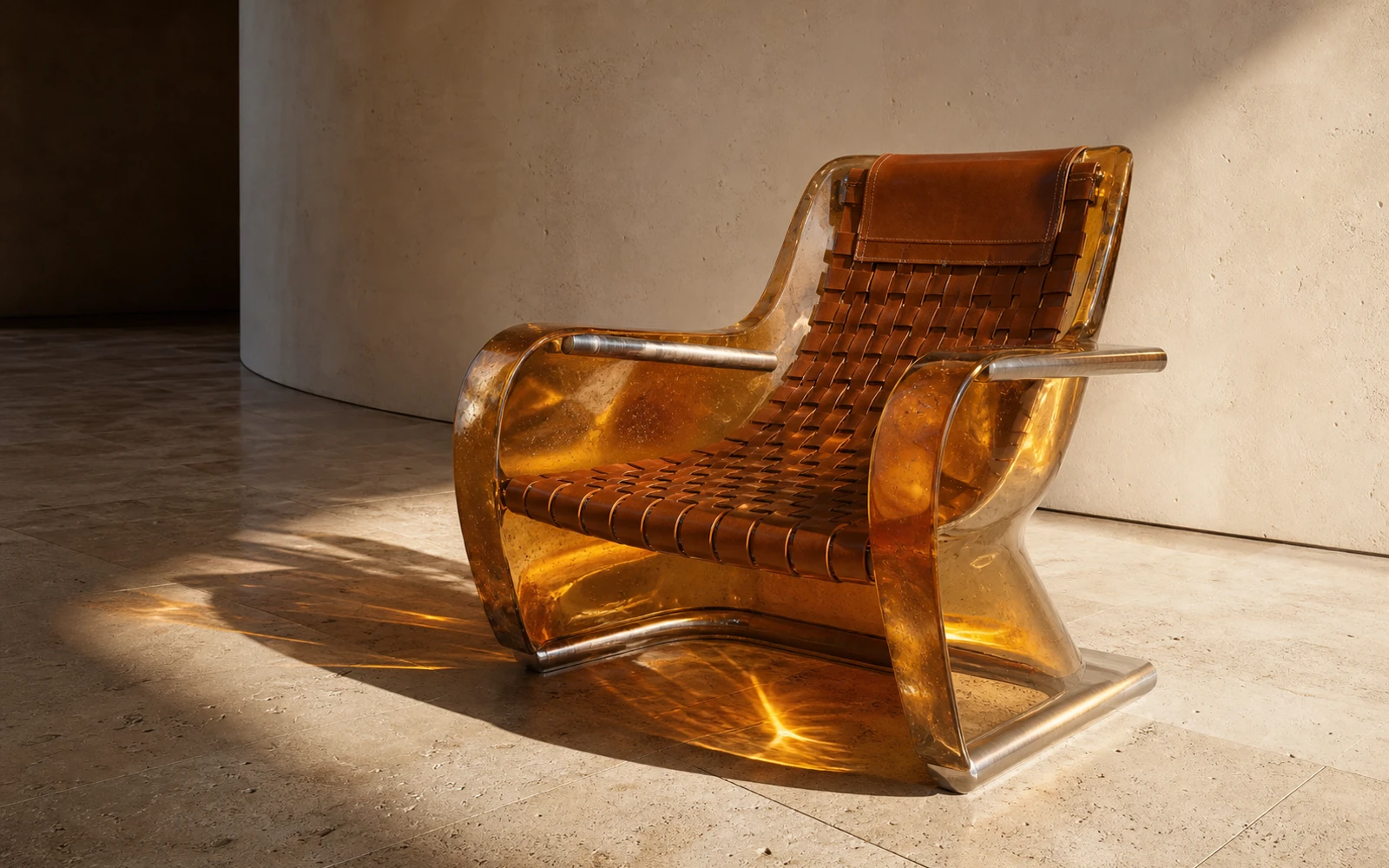
Amber resin and woven leather lounge chair with detailed material textures and refracted light

FAST ITERATION & NATIVE HD

Explore quickly, finish in 2K

Midjourney V8.2 accelerates standard generations while its HD mode creates a native 2K image directly, helping you review more directions before producing the final asset.

  • Standard jobs run about 4–5× faster than earlier versions
  • Native 2K HD output without a separate upscale step
  • Sharper image quality and improved small-detail retention
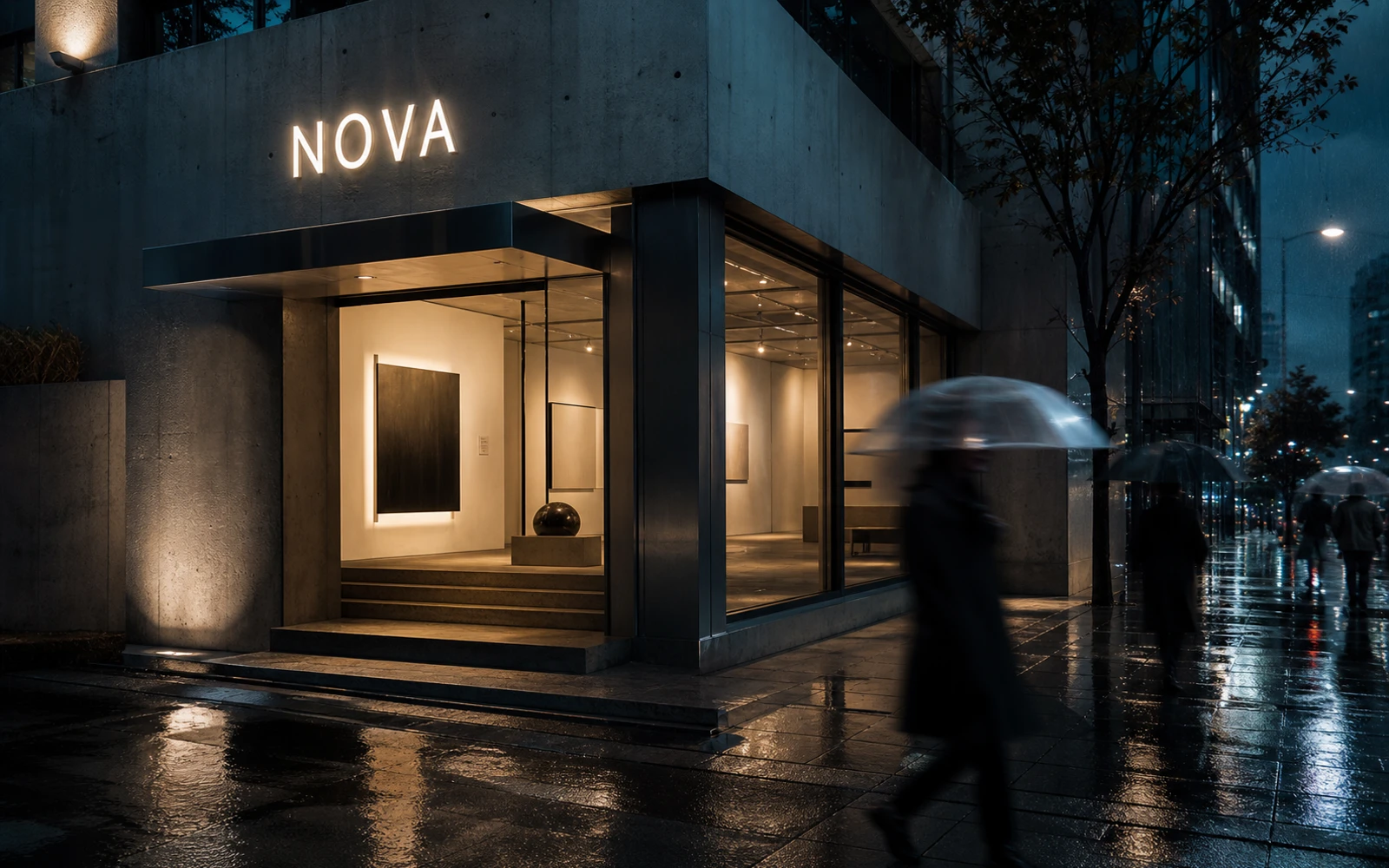
Rainy cinematic street with a readable fictional sign demonstrating Midjourney V8.2 prompt fidelity

PROMPT ADHERENCE & TYPOGRAPHY

Hold the details in complex prompts

V8.2 reads detailed instructions more reliably, keeps small requested elements in the frame, and improves short text rendering for editorial, packaging, poster, and environmental concepts.

  • Stronger reading of layered subjects, materials, and lighting
  • Improved short text rendering for image-based concepts
  • Review generated spelling and typography before publishing
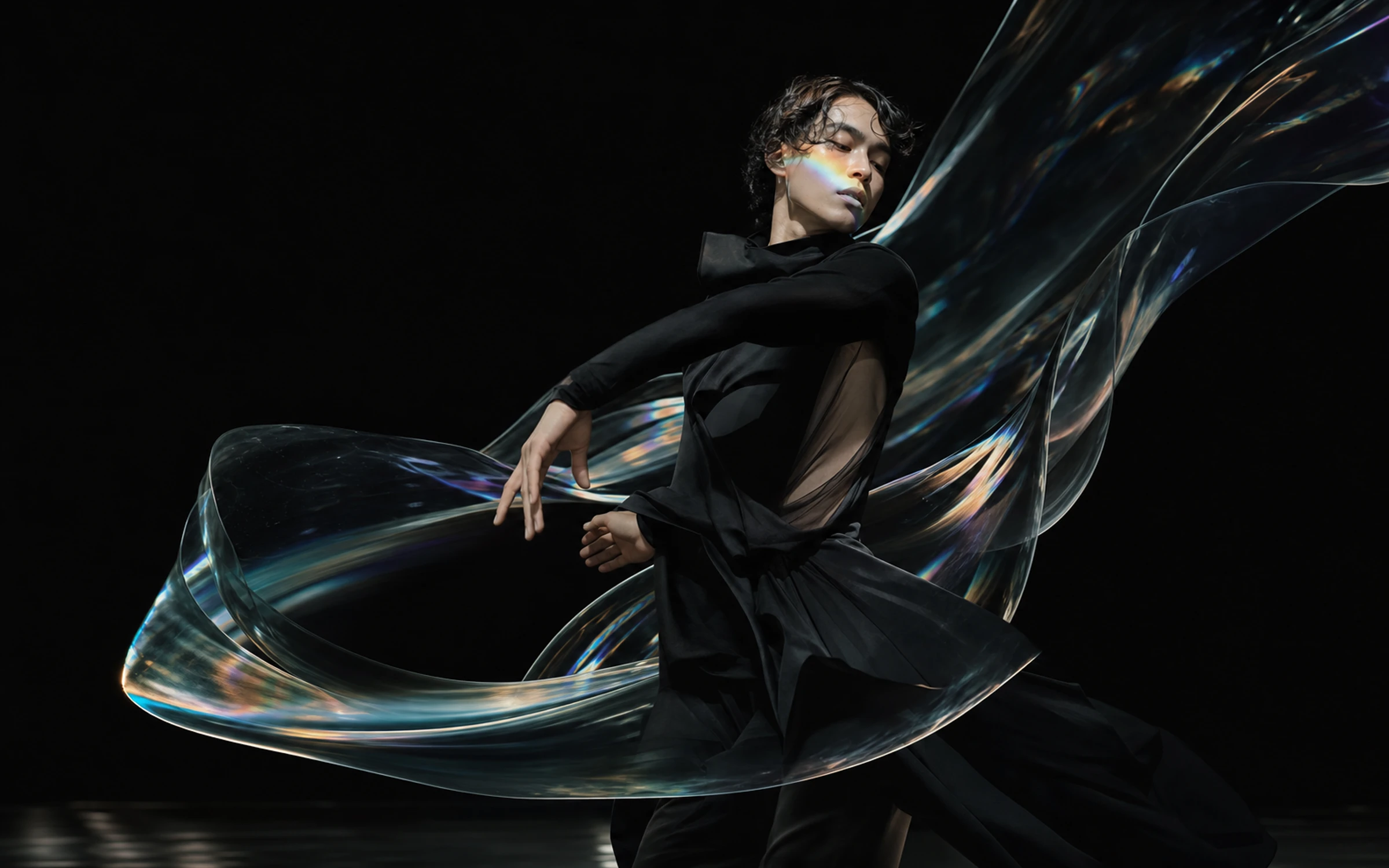
Dancer in black turning through translucent prismatic ribbons on a dark stage
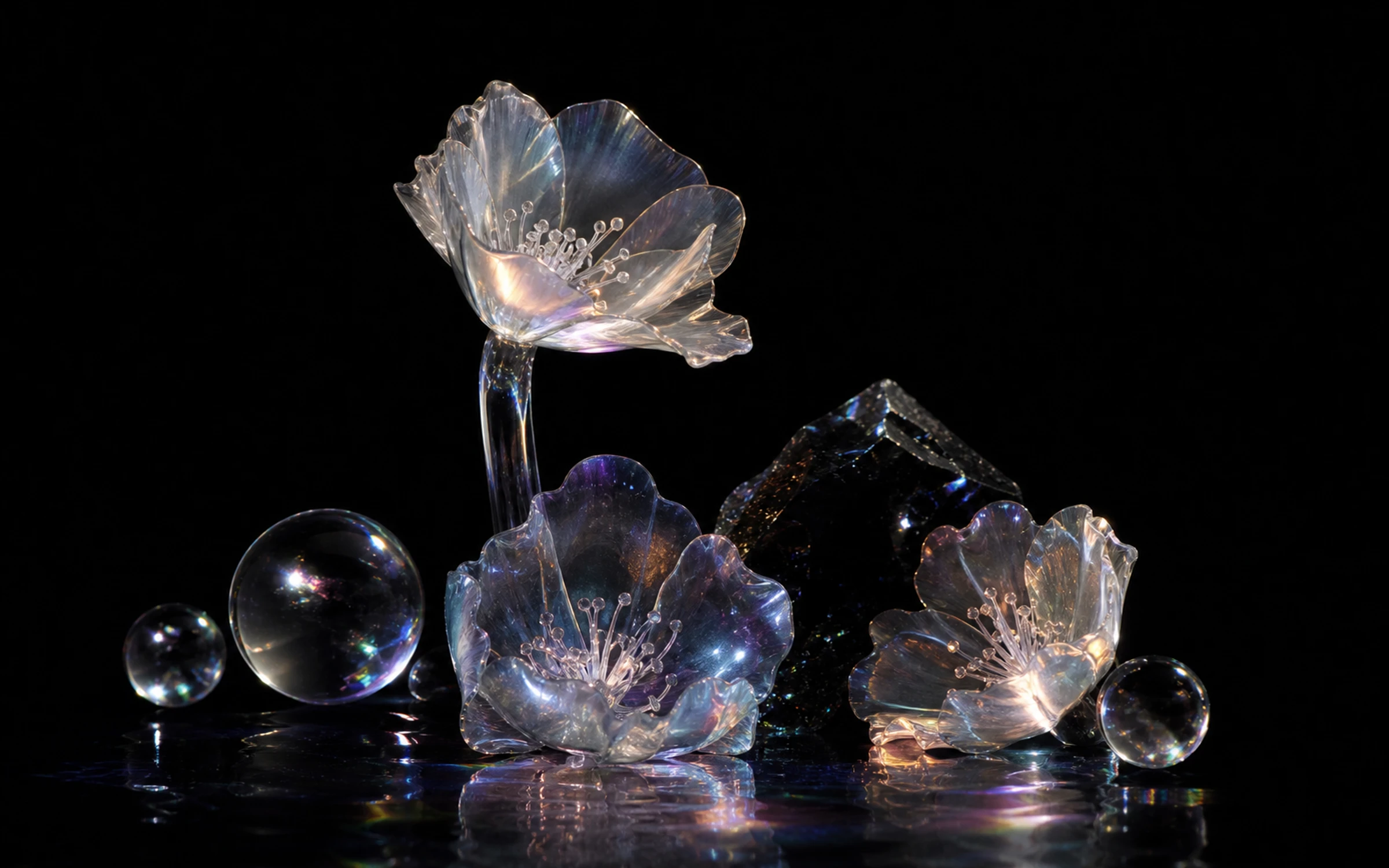
Iridescent glass flowers and optical spheres arranged as a nocturnal botanical still life
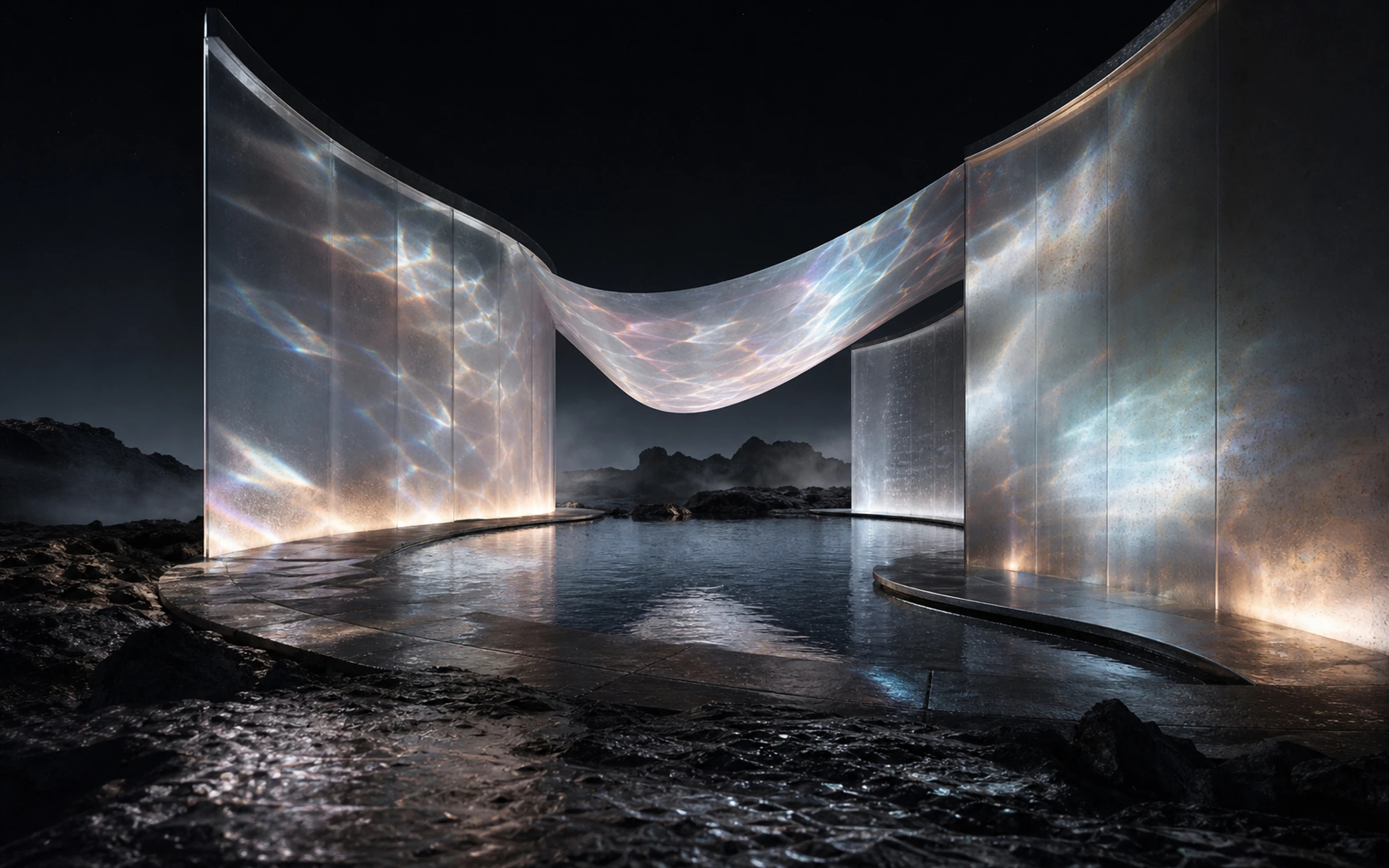
Curved translucent pavilion and reflecting pool glowing in a volcanic night landscape

IMAGE PROMPTS & SERIES DIRECTION

Guide a series with a shared reference

On PixPix, pair a reference image with consistent prompt language to guide the visual direction across related subjects, settings, and color treatments.

  • Use a reference image to establish subject or visual direction
  • Repeat key materials, lighting, and composition cues in prompts
  • Choose the same ratio and resolution for a consistent set
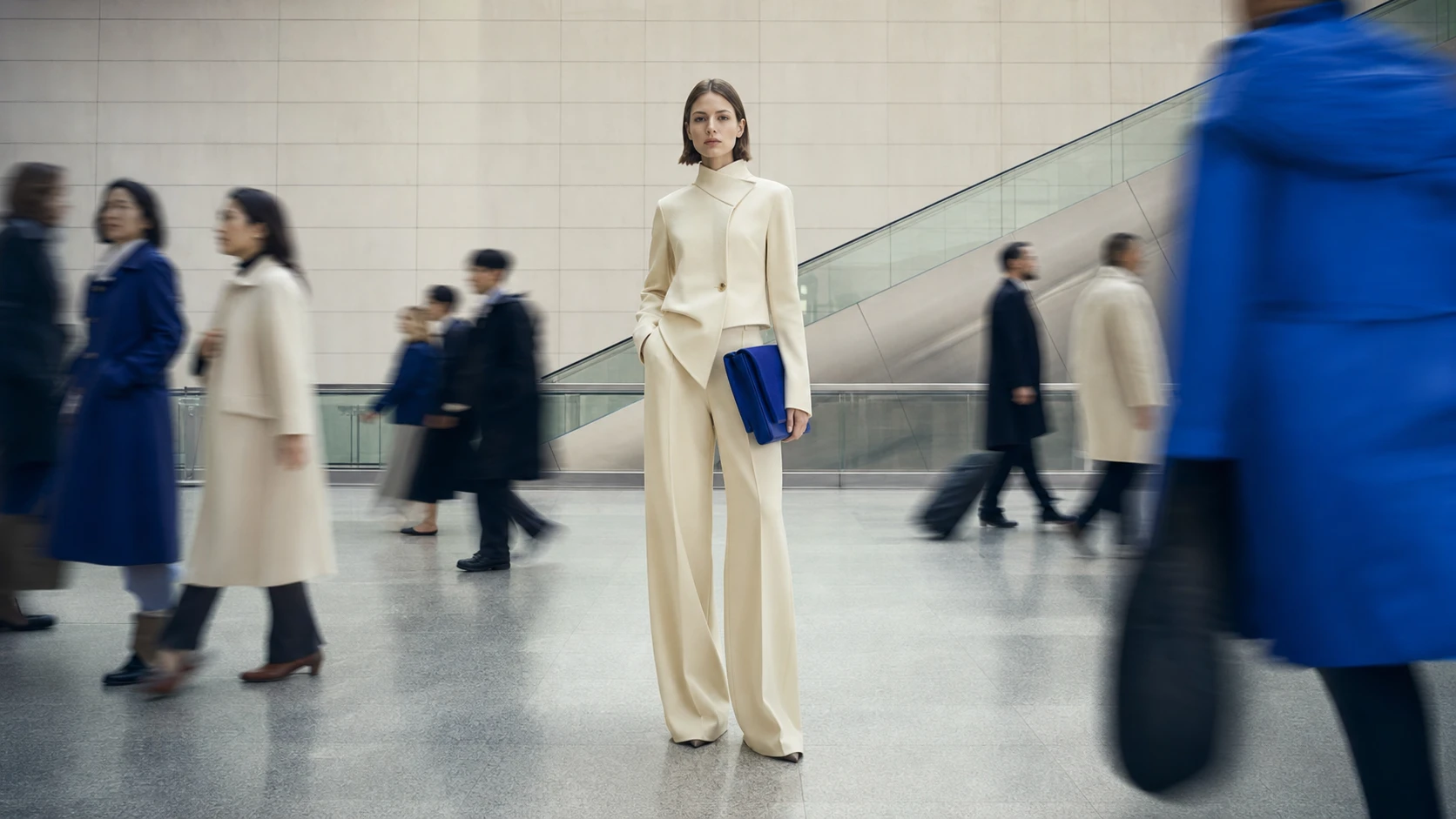
Fashion subject frozen sharply against a motion-blurred crowd
Show example 1

FROM FIRST IDEA TO NATIVE HD

Start with a prompt or reference image, choose an available aspect ratio, resolution, and output count, then generate with Midjourney V8.2.

PICK YOUR PLAN

Get more generations and priority access to PixPix creative tools.

Midjourney V8.2 questions

What PixPix currently exposes, and how that differs from the model provider’s broader V8.2 feature set.

Midjourney V8.2 became the provider’s default model on July 24, 2026. It follows Midjourney V8.1, whose April 2026 release focused on faster rendering, stronger prompt reading, coherent detail, improved text rendering, and native HD output.