GPT Image 2

Generate images from text descriptions or reference photos. In seconds, create everything from realistic photos and characters to anime art, product imagery, and marketing visuals.

How to generate images with GPT Image 2

From idea to finished visual, with clear control at every step.

Your image
Add the image you want to change

Step 1: Upload a reference image (optional)

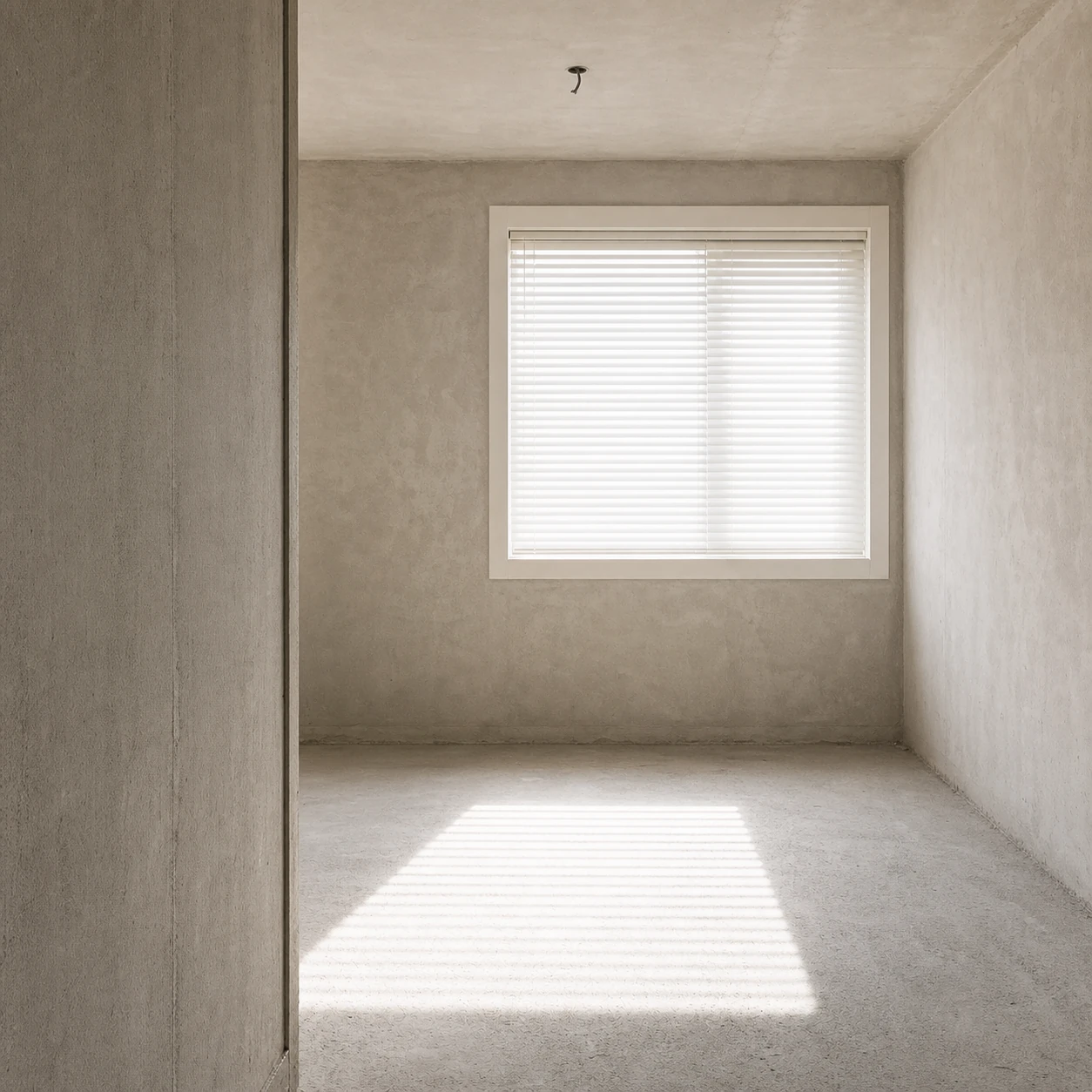
Upload a product, portrait, interior, or other reference so GPT Image 2 understands the subject, composition, and details to preserve.

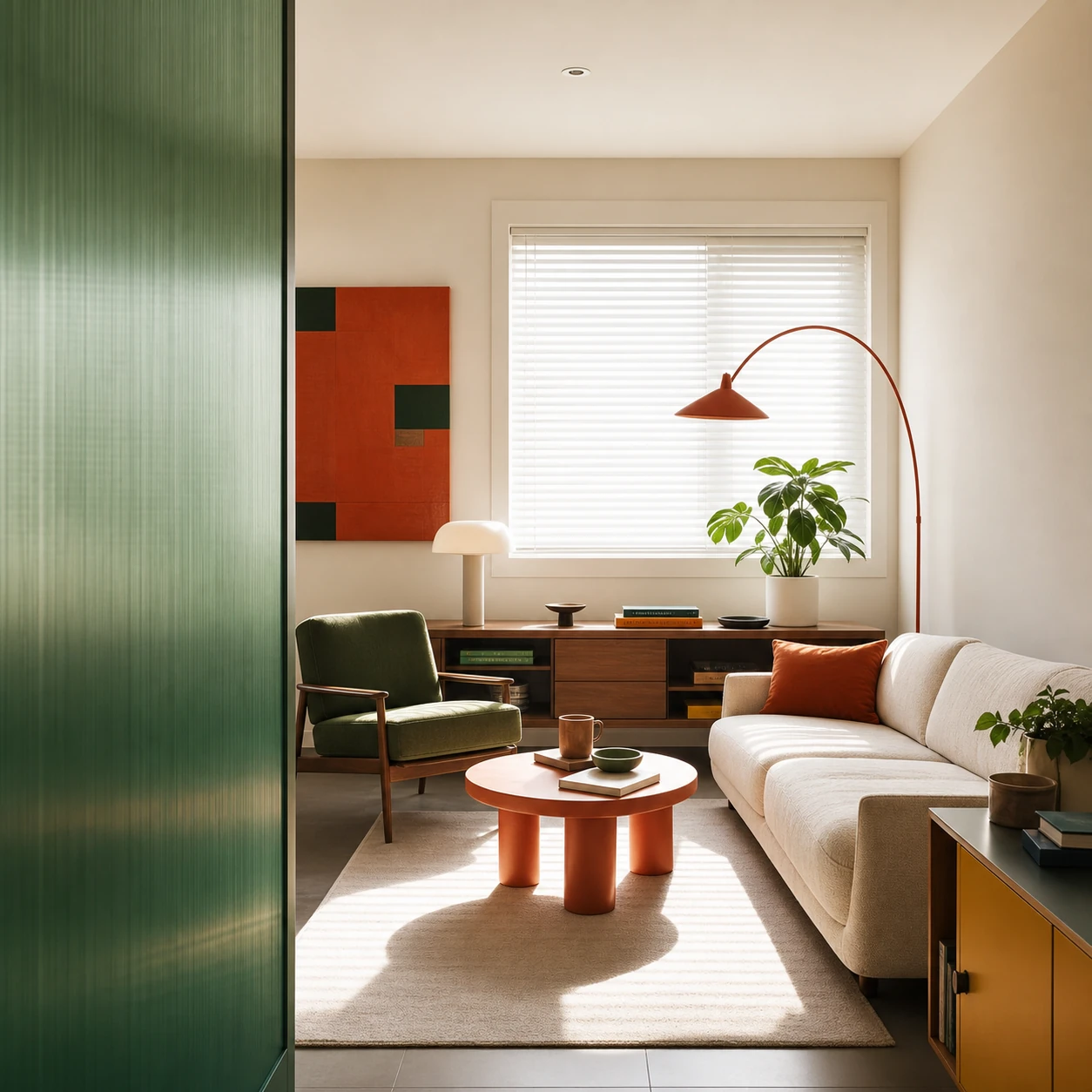
Keep the original viewpoint, architecture, window, and blind-cast light, then transform this raw shell into a modern living room in forest green, coral, and walnut.

Step 2: Write an image generation prompt

Describe the image, style, composition, lighting, colors, and the specific changes you want.

Example image created with GPT Image 2

Step 3: Generate and download the image

Use GPT Image 2 to create a high-quality image, then download it for design or marketing.

Create commercial visuals with GPT Image 2

Produce ecommerce images, text-rich designs, and consistent campaign assets for the marketing channels your team uses every day.

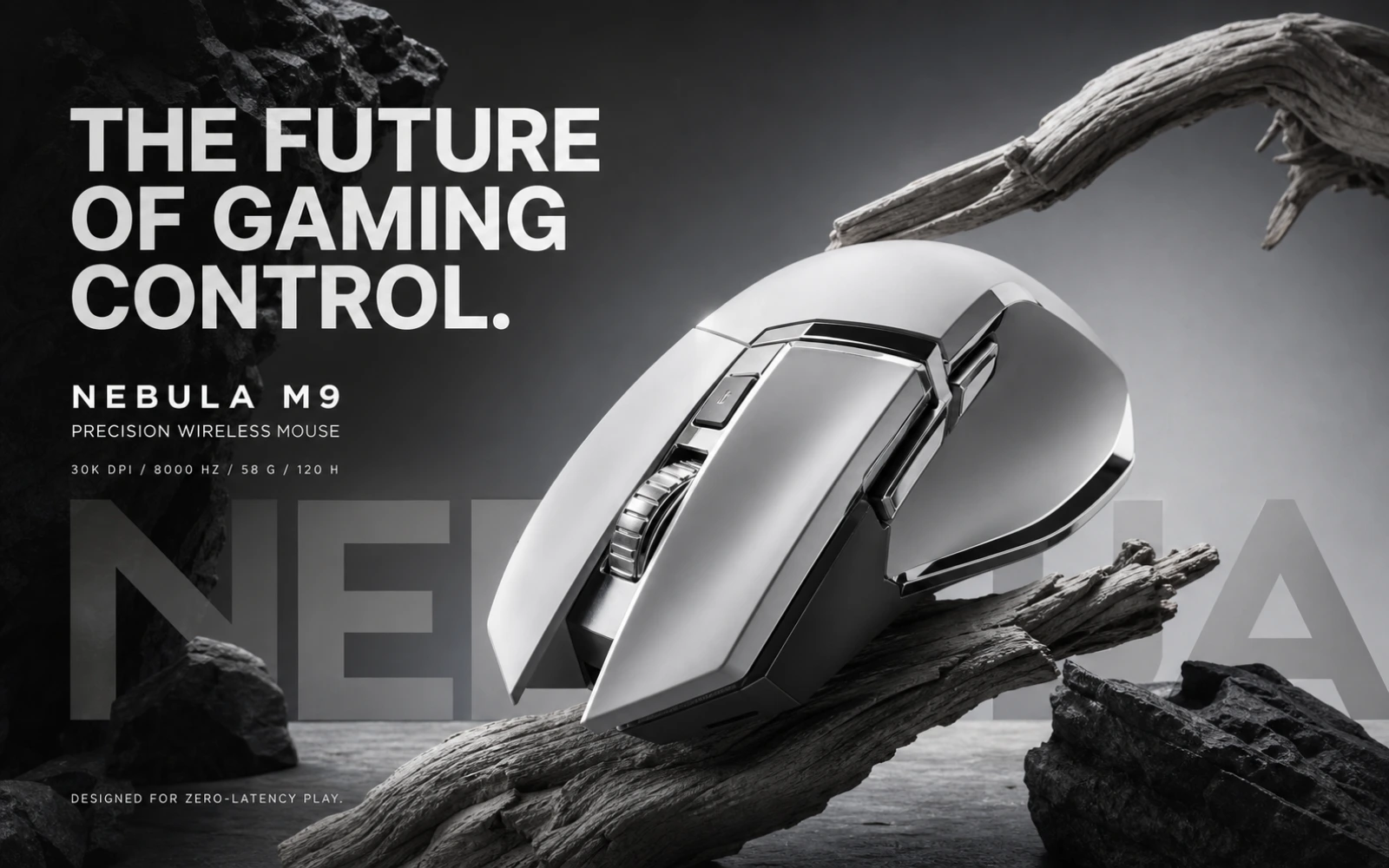
Ecommerce product image and advertising creative generated with GPT Image 2

E-COMMERCE & ADVERTISING

Product images and ads

Use GPT Image 2 to create studio product shots, ecommerce hero images, lifestyle scenes, and advertising concepts without organizing a full photo shoot.

  • Render convincing materials, lighting, and product details
  • Create hero images, banners, and social ads
  • Explore multiple campaign directions quickly
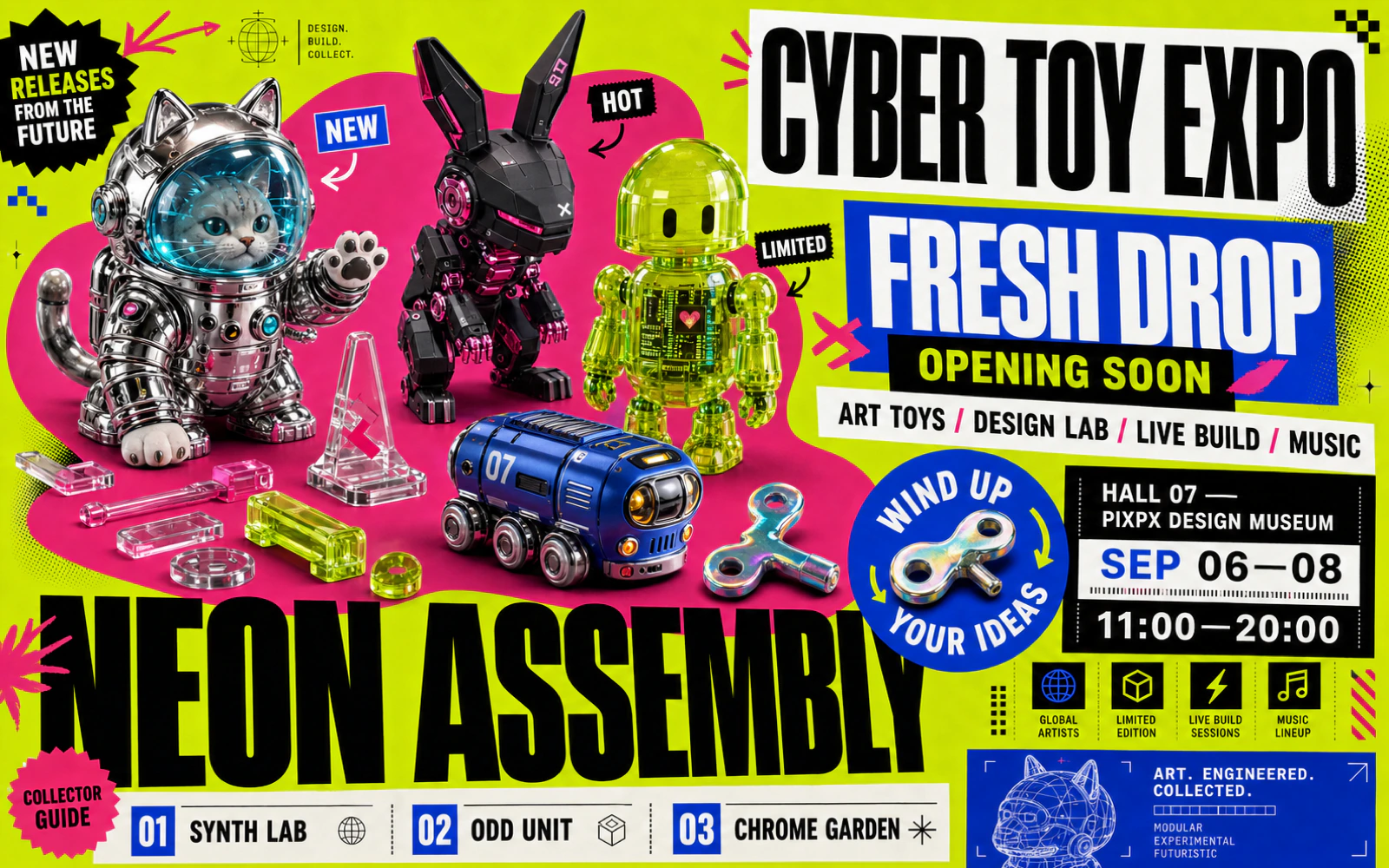
Text-rich poster and infographic generated with GPT Image 2

TEXT-RICH VISUALS

Posters, infographics, and text

Create clearer headlines, labels, and short copy for posters, packaging, menus, infographics, and social content while controlling hierarchy and layout.

  • Improve the clarity and accuracy of text inside images
  • Control headline, label, and short-copy placement
  • Design posters, packaging, menus, and infographics
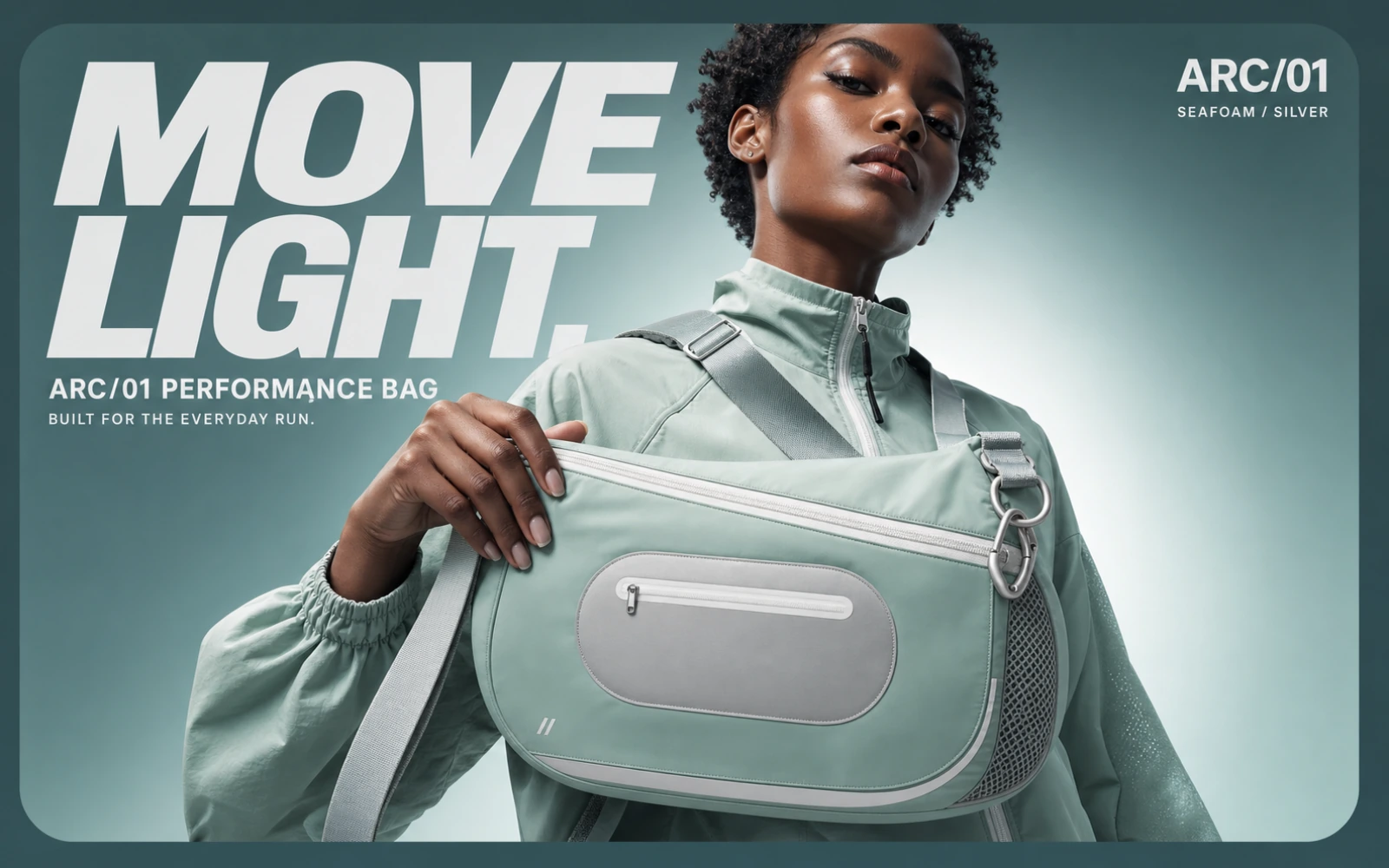
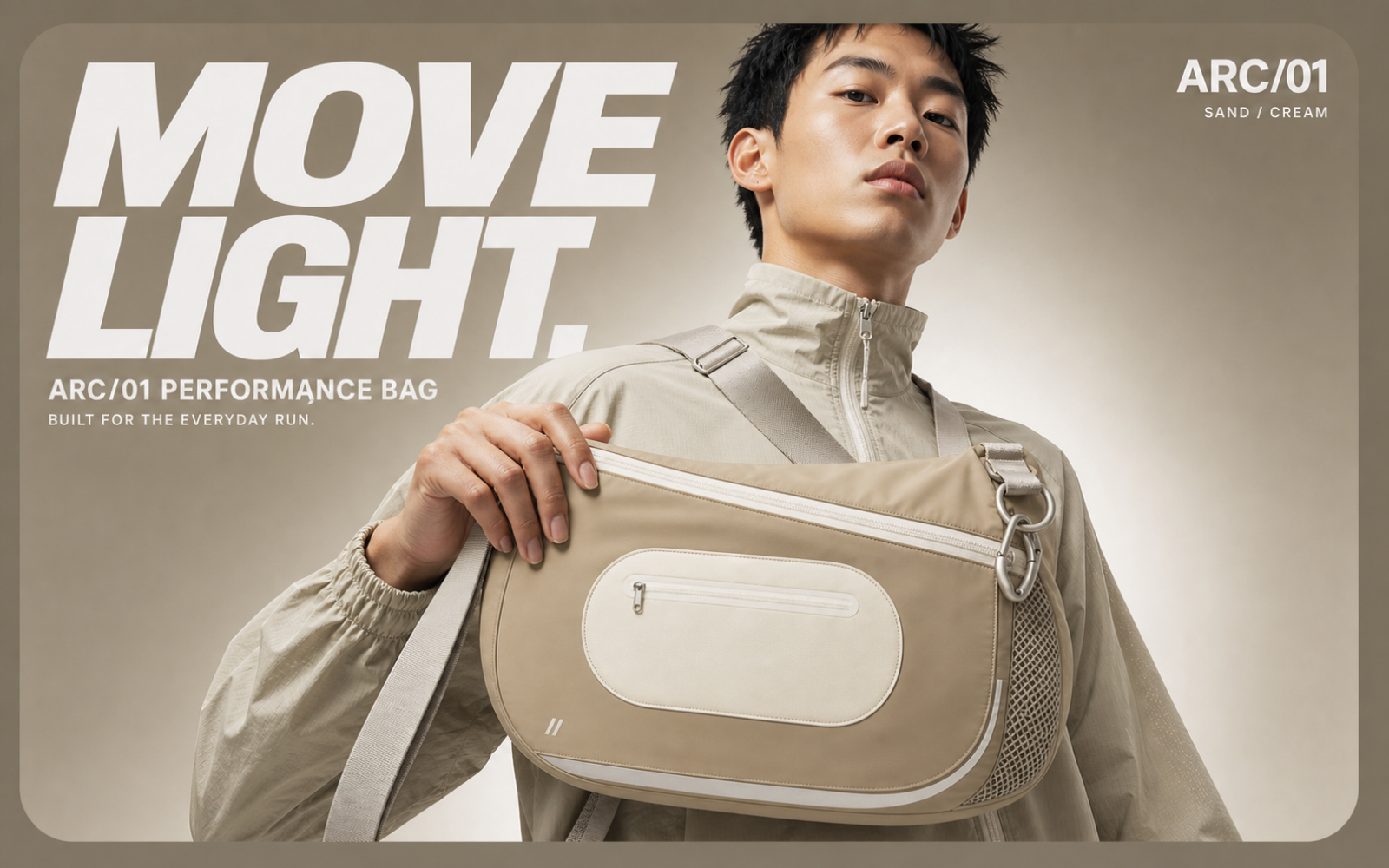
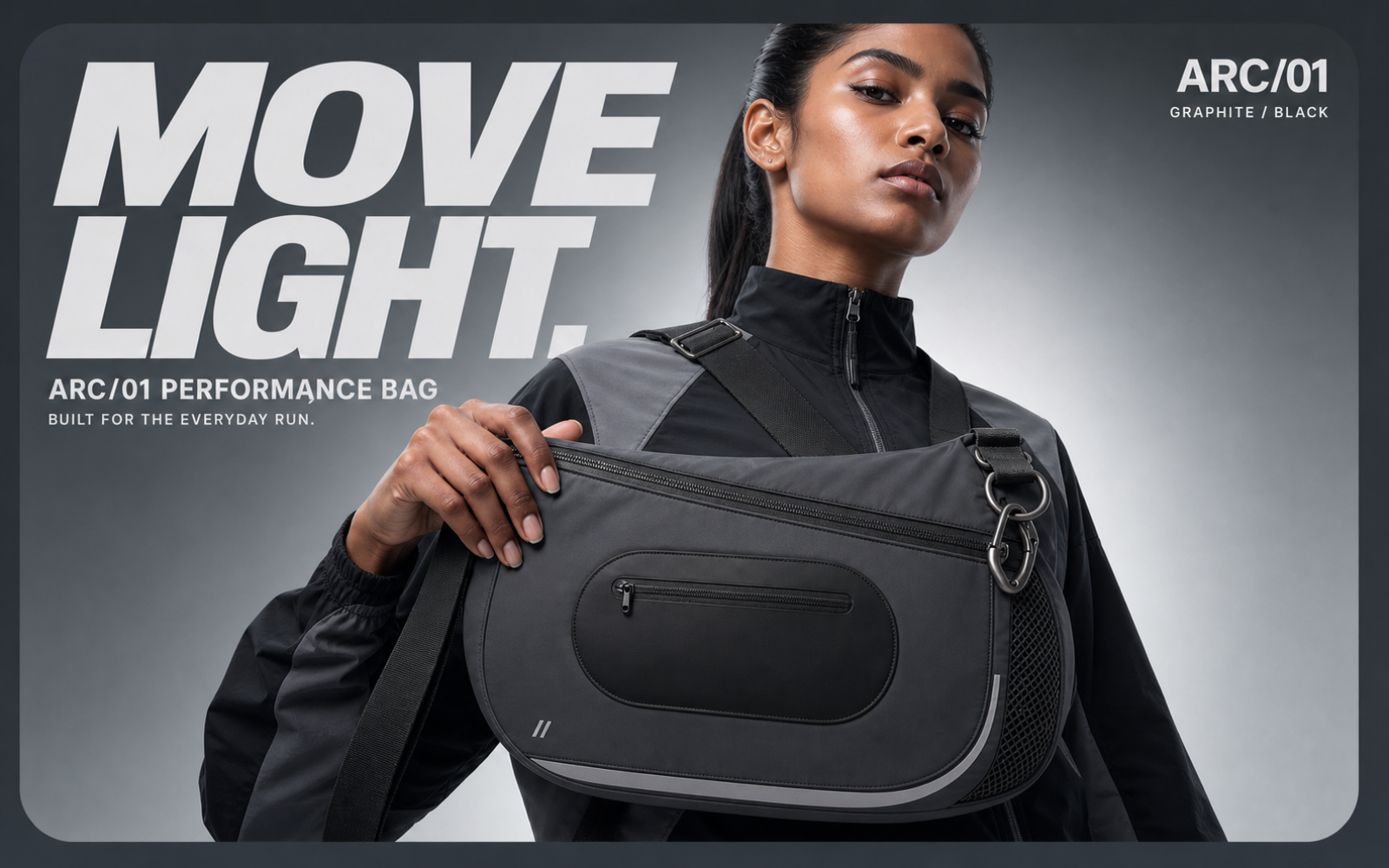
Consistent brand campaign images in multiple formats created with GPT Image 2

BRAND CAMPAIGN ASSETS

Campaign series and multiple formats

Extend one person, character, or product into a visual series, then adapt the core idea for website banners, portrait posters, and square social media posts.

  • Preserve brand color, subject details, and visual style
  • Expand one creative direction across channels
  • Support always-on content and integrated campaigns
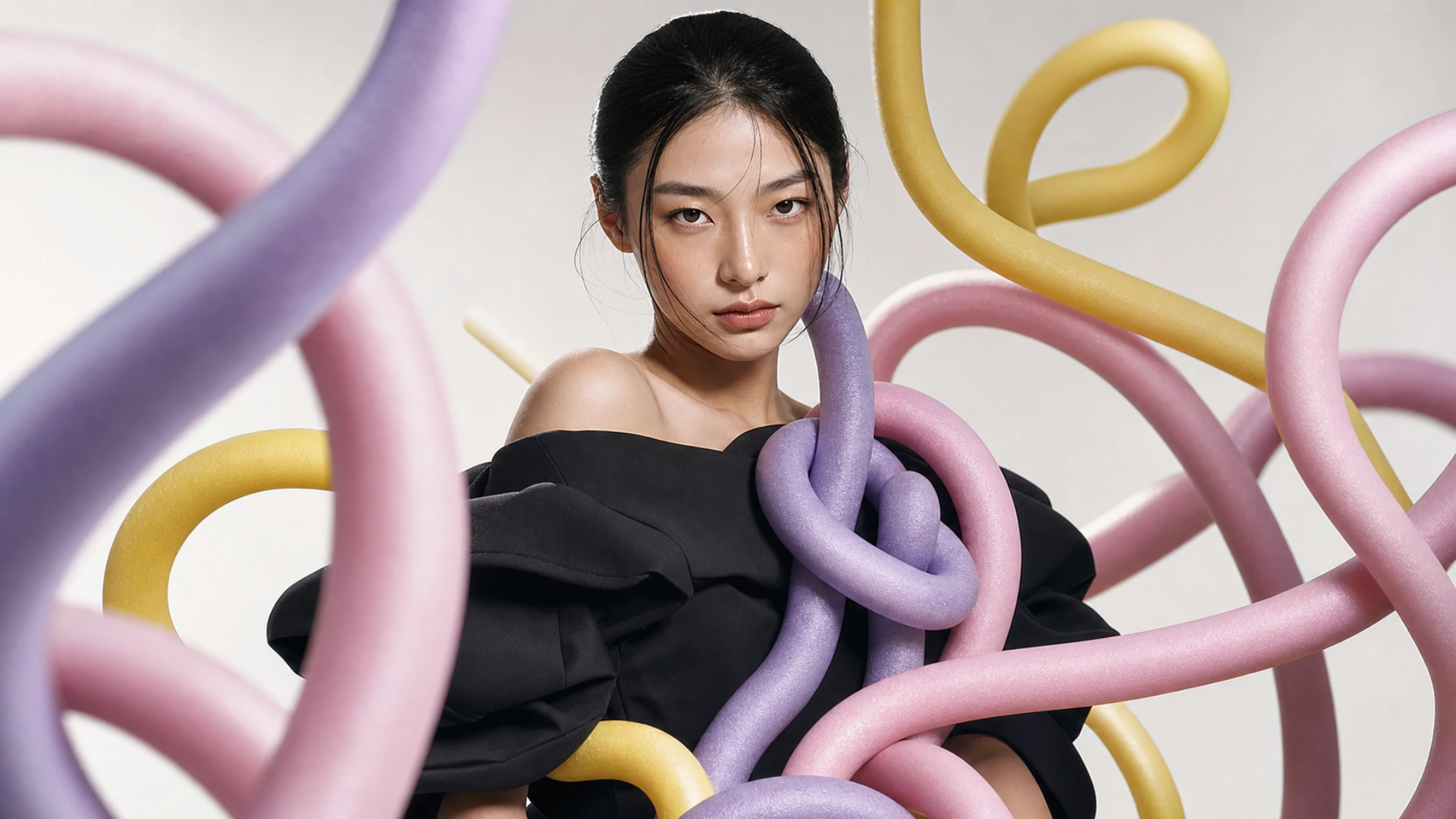
Selected GPT Image 2 visual example
Show example 1

CREATE FROM ANYTHING

Start with a prompt or reference image and turn it into a polished visual with GPT Image 2.

PICK YOUR PLAN

Get more generations and priority access to new PixPix creative features.

Got any questions left?

We’ve answered the most frequently asked questions about GPT Image 2.

GPT Image 2 is OpenAI’s state-of-the-art image generation model for fast, high-quality image generation and editing. PixPix makes the model available inside a complete creative workflow.