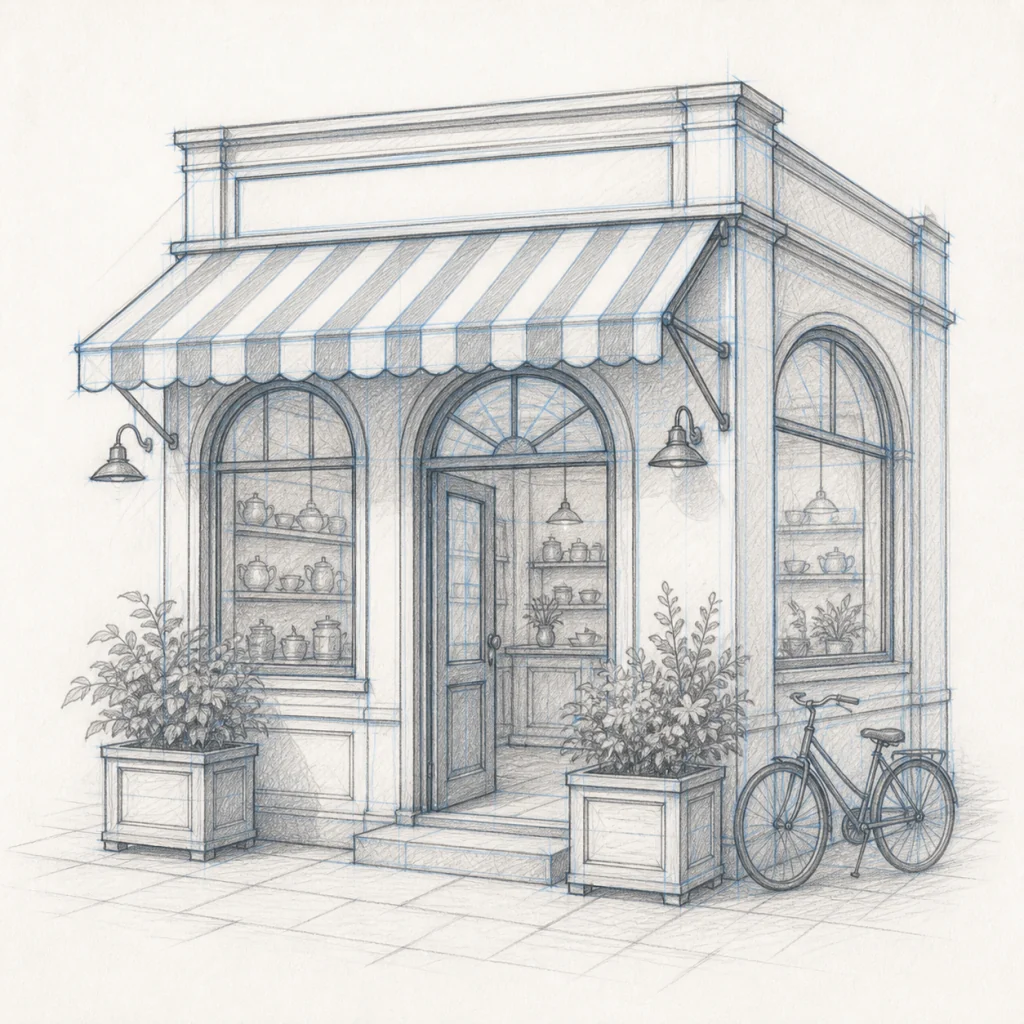
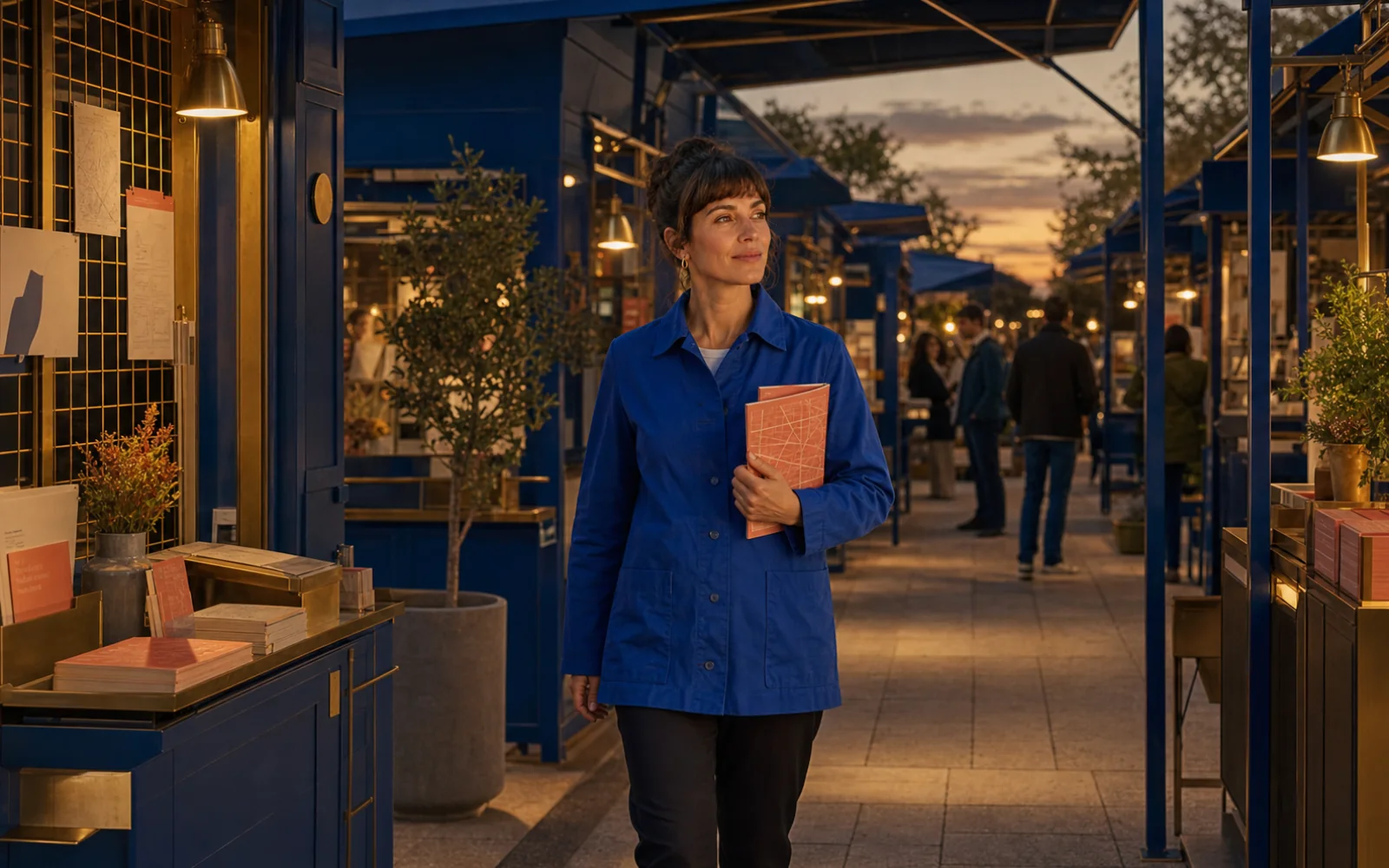
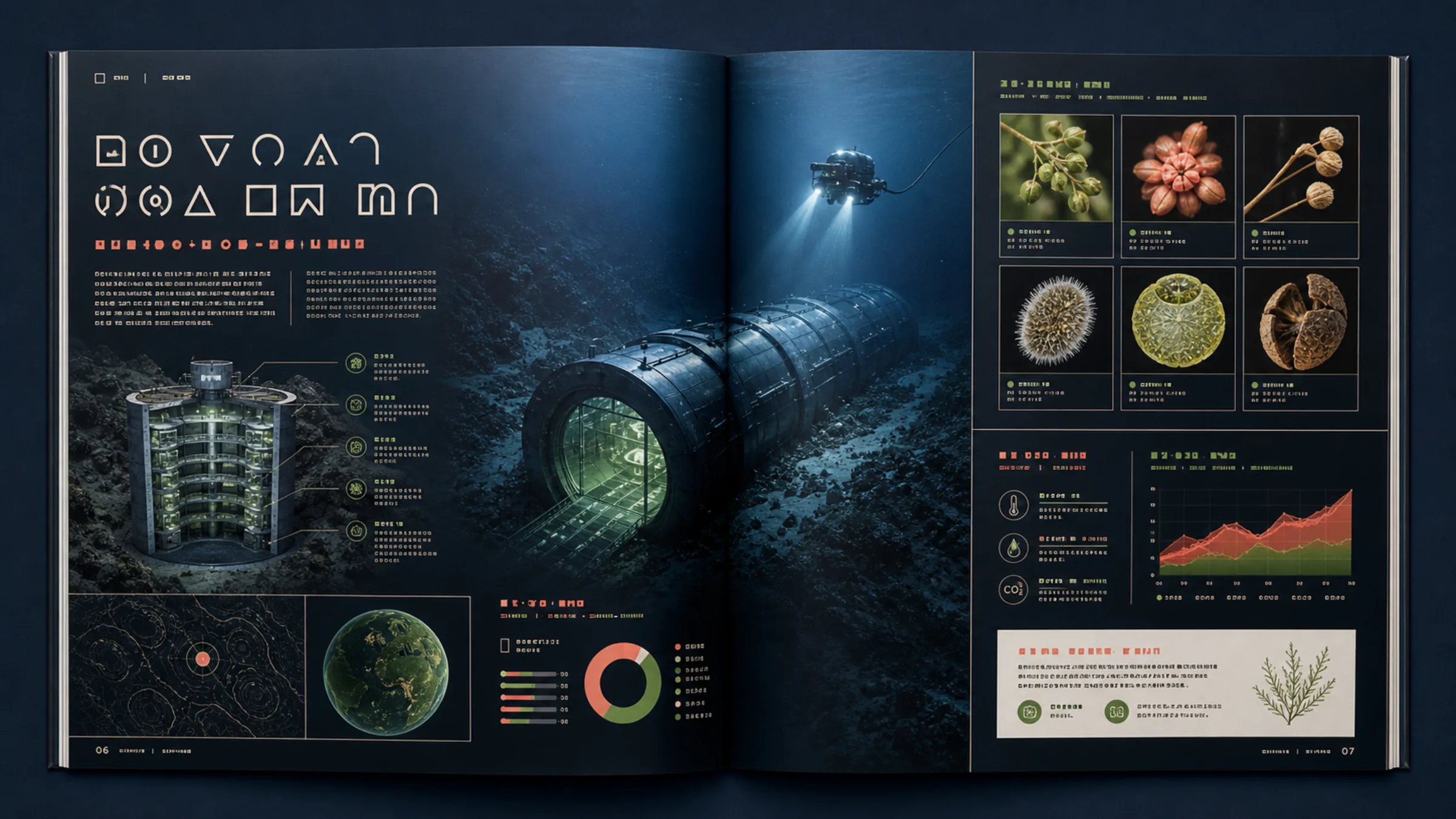
Turn long, structured briefs into useful visuals with dense layouts, fine text, realistic detail, and reference-guided editing. Create posters, interfaces, product scenes, portraits, and illustrated worlds from one clear direction.
Start generating
Create or edit with Qwen Image 3.0 Pro
Start with a detailed prompt or guide an edit with reference images, then refine the result without losing the structure that matters.
Built for information-rich, useful images
Qwen Image 3.0 Pro extends image generation beyond a single attractive scene: it can organize dense content, render fine details, and use references to steer precise changes.
RICH CONTENT & TEXT
Keep long briefs and dense layouts organized
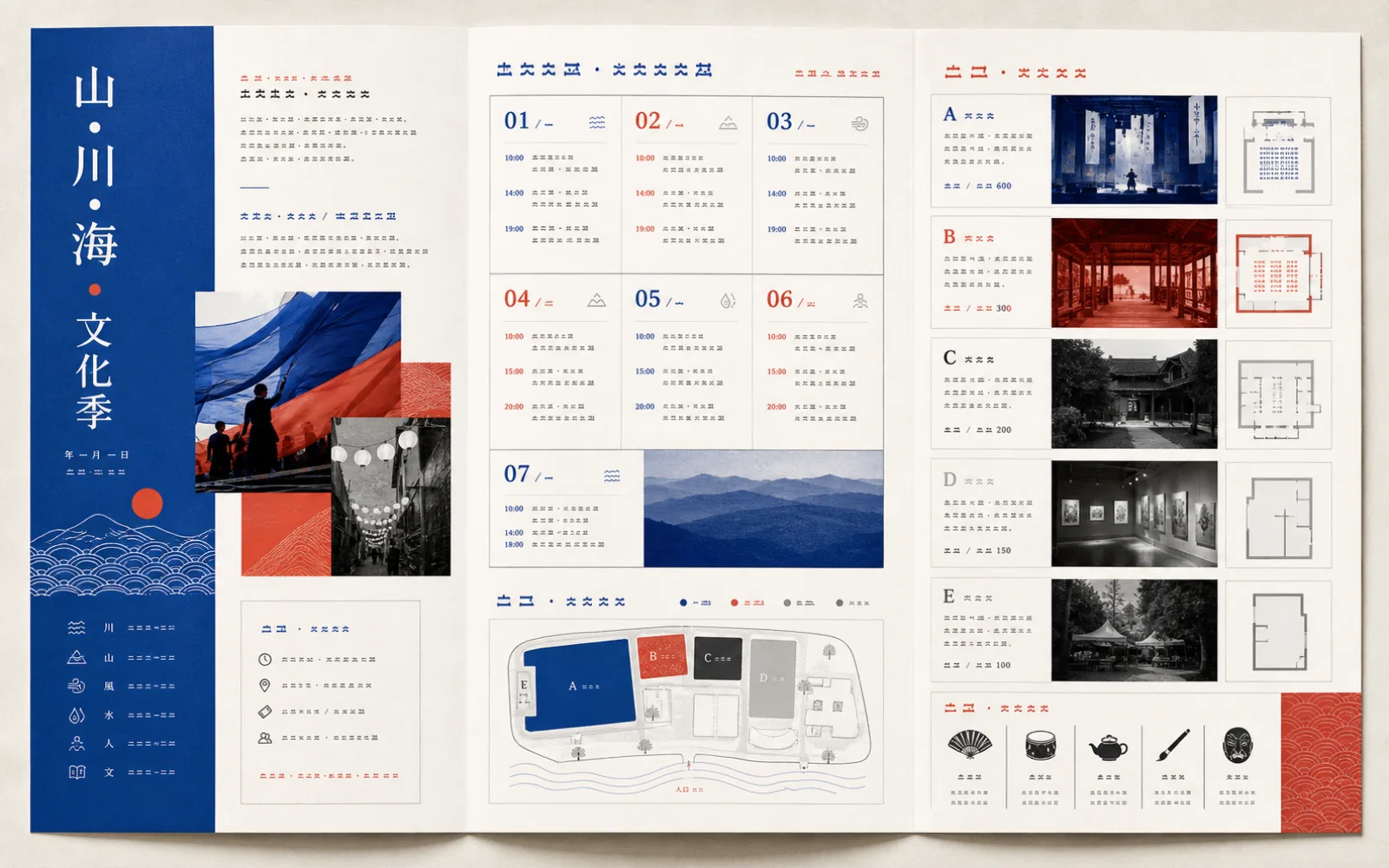
Direct multi-section visuals such as posters, menus, storyboards, interfaces, and editorial pages. Define hierarchy, modules, captions, images-within-images, and multilingual content in one structured prompt.
Describe sections and reading order explicitly
Pair exact text with placement and typography direction
Use compact labels, diagrams, and nested imagery together
REALISTIC TEXTURE & SEMANTICS
Preserve the small details that make an image believable
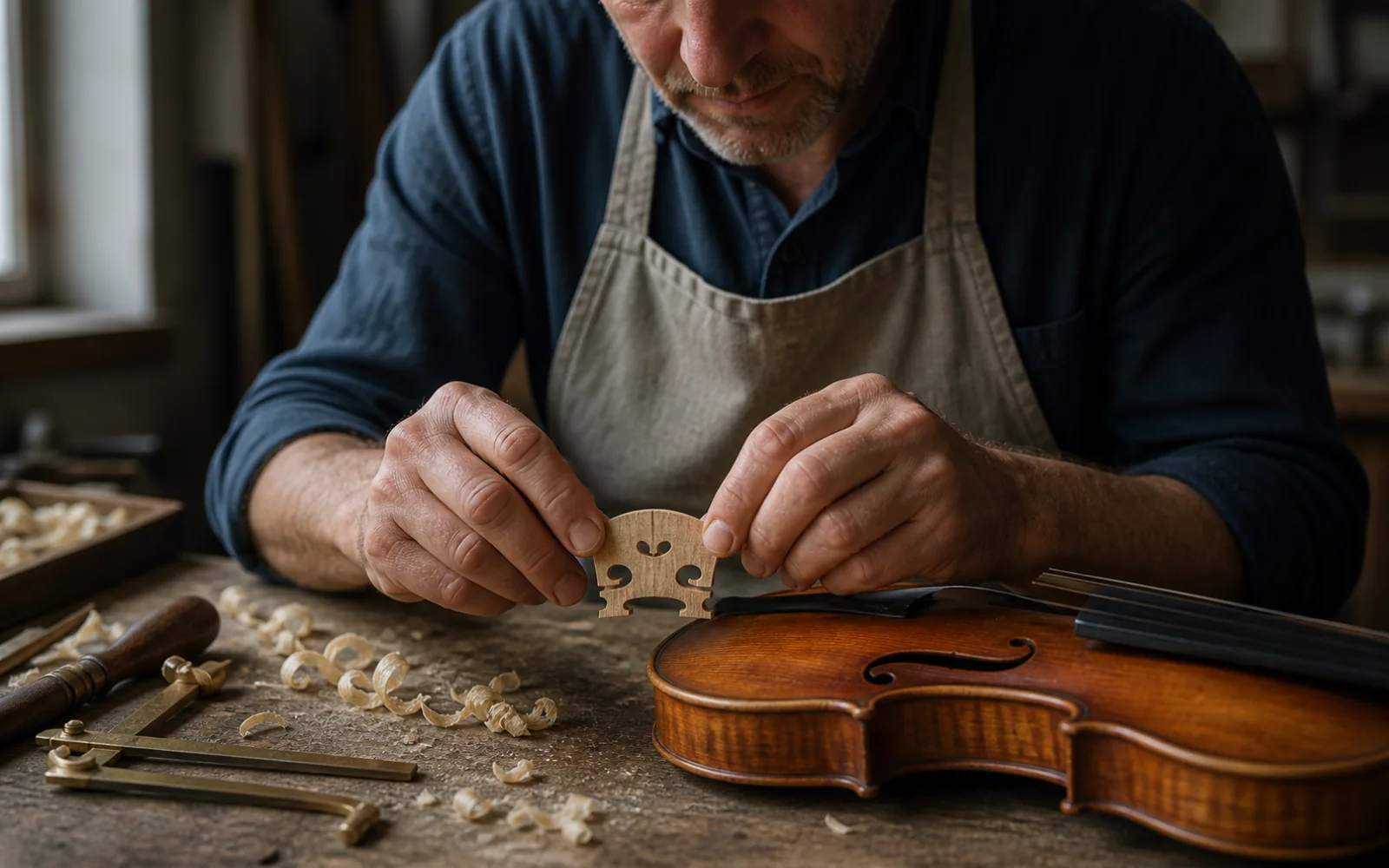
Use concrete language for people, products, materials, and spatial relationships. Qwen Image 3.0 Pro is designed to hold realistic texture and semantic constraints together inside complex scenes.
Specify materials such as skin, hair, linen, glass, or varnished wood
Lock object counts, colors, positions, and interactions
Review hands, micro-expressions, labels, and fine edges at full size
REFERENCE-GUIDED EDITING
Carry one visual system across multiple scenes
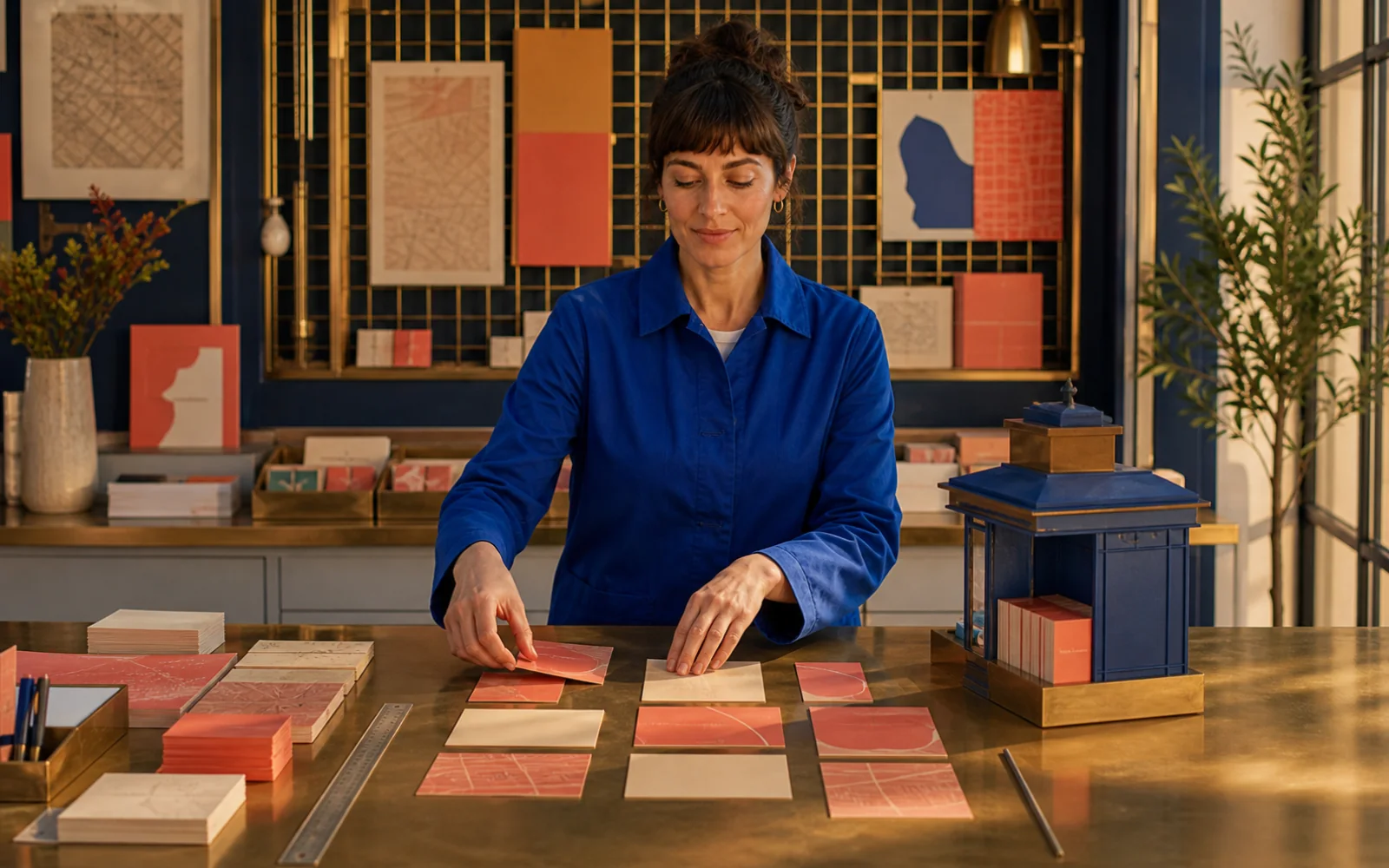
Qwen Image 3.0 Pro accepts reference images for image-to-image generation and editing. Reuse identity, palette, wardrobe, products, or layout rules while changing the shot, action, or environment.
Name identity and design anchors that must remain unchanged
Change one scene, material, or action at a time
Compare face, wardrobe, palette, and signature objects after every pass
Which Qwen Image model should you choose?
The Qwen Image family serves different creative priorities. Start with the most capable workflow you need, then choose a faster or simpler option when the job allows it.
Qwen Image 3.0 Pro
Latest Pro
The newest Pro generation for long structured instructions, information-dense composition, fine multilingual text, realistic detail, and reference-guided editing.
Best for complex production visuals, documents, interfaces, detailed campaigns, and controlled edits.
Qwen Image 2.0 Pro
A professional generation-and-editing model with strong text rendering, realistic textures, semantic adherence, negative prompts, and multiple output variants.
Best for mature 2.0 workflows that need quality, editing, exclusions, or several candidates.
Qwen Image 2.0
The accelerated Qwen Image 2.0 option balances visual quality and response speed while supporting both image generation and editing.
Best for faster iteration, everyday creative work, and production drafts.
Qwen Image Plus
A streamlined text-to-image model known for diverse artistic styles, capable text rendering, and fast high-quality generation.
Best for straightforward text-to-image prompts when editing is not required.
Show creative example 1
MAKE THE IMAGE USEFUL, NOT JUST BEAUTIFUL
Bring the layout, words, materials, references, and tiny constraints into one brief. Create with Qwen Image 3.0 Pro on PixPix, then refine with intention.
Qwen Image 3.0 Pro questions
Practical guidance for the newest Qwen Image model and a clear comparison with earlier Qwen Image options.
Qwen Image 3.0 Pro is Alibaba's newest Qwen image generation and editing model. It is designed for long structured briefs, dense information layouts, fine multilingual text, realistic visual detail, and image editing with one to three reference images.