Wan 2.7 Pro

Build polished images from precise direction. Wan 2.7 Pro brings text rendering, controlled brand colors, multi-image reference, editing, and consistent visual series into one image model.

From reference to finished campaign in three steps

Start with a clear prompt here, then use the PixPix workspace to add references, choose available settings, and refine the result.

Your reference
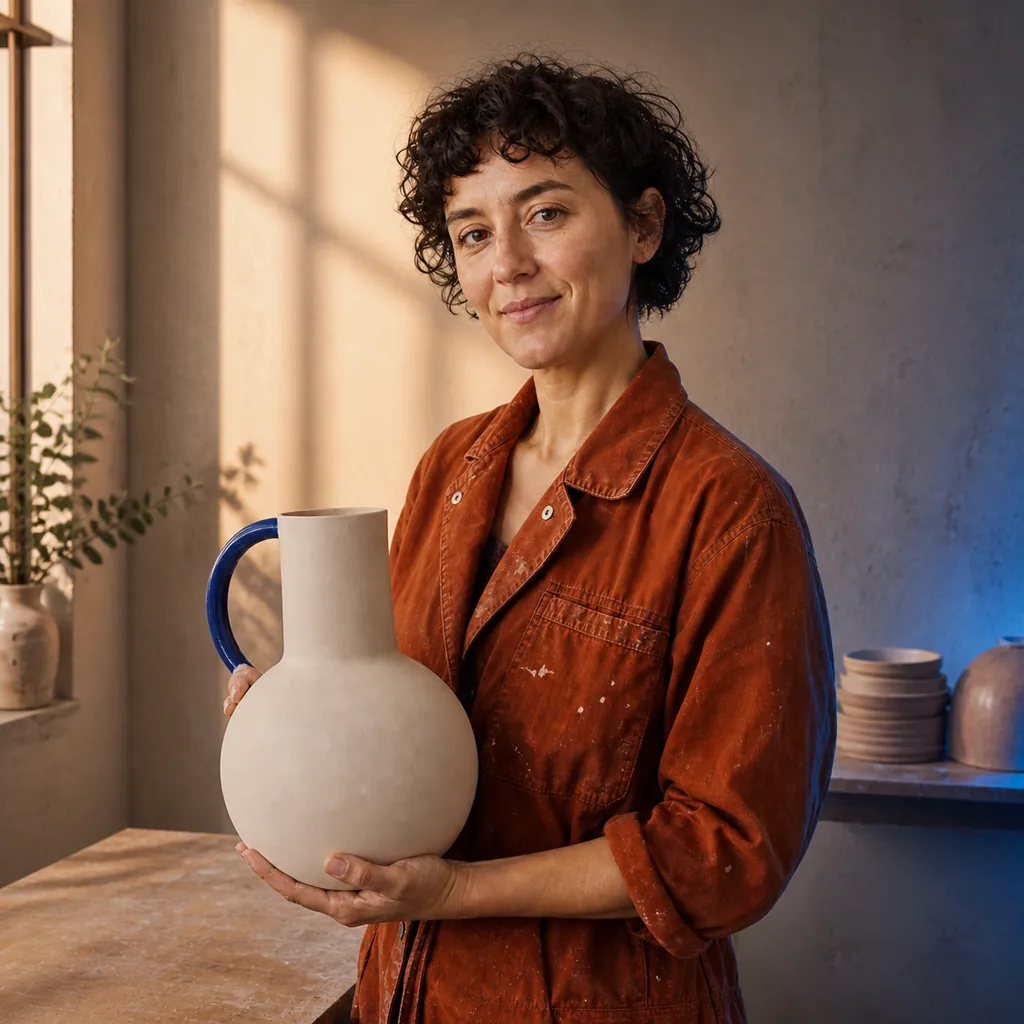
Ceramic artist reference photograph used in the Wan 2.7 Pro tutorial
Add a reference image

Step 1: Add a reference (optional)

Open the workspace and upload an image when identity, composition, product shape, or style needs to stay recognizable.

Turn this ceramic-studio reference into a polished editorial campaign. Keep the same person, pose, rust jacket, cream vase with one cobalt handle, camera angle, and room direction; refine only lighting and finish.

Step 2: Direct what changes

Name the subject, layout, exact short text, brand colors, materials, lighting, and the details that must remain unchanged.

Refined ceramic campaign image preserving the tutorial reference subject and composition

Step 3: Generate and refine

Choose the available size and output options, review text and anatomy at full scale, then revise only the details that need work.

Control the details that make a visual system feel intentional

Wan 2.7 Pro combines image generation and editing with stronger control over text, brand colors, multiple references, and connected image sets.

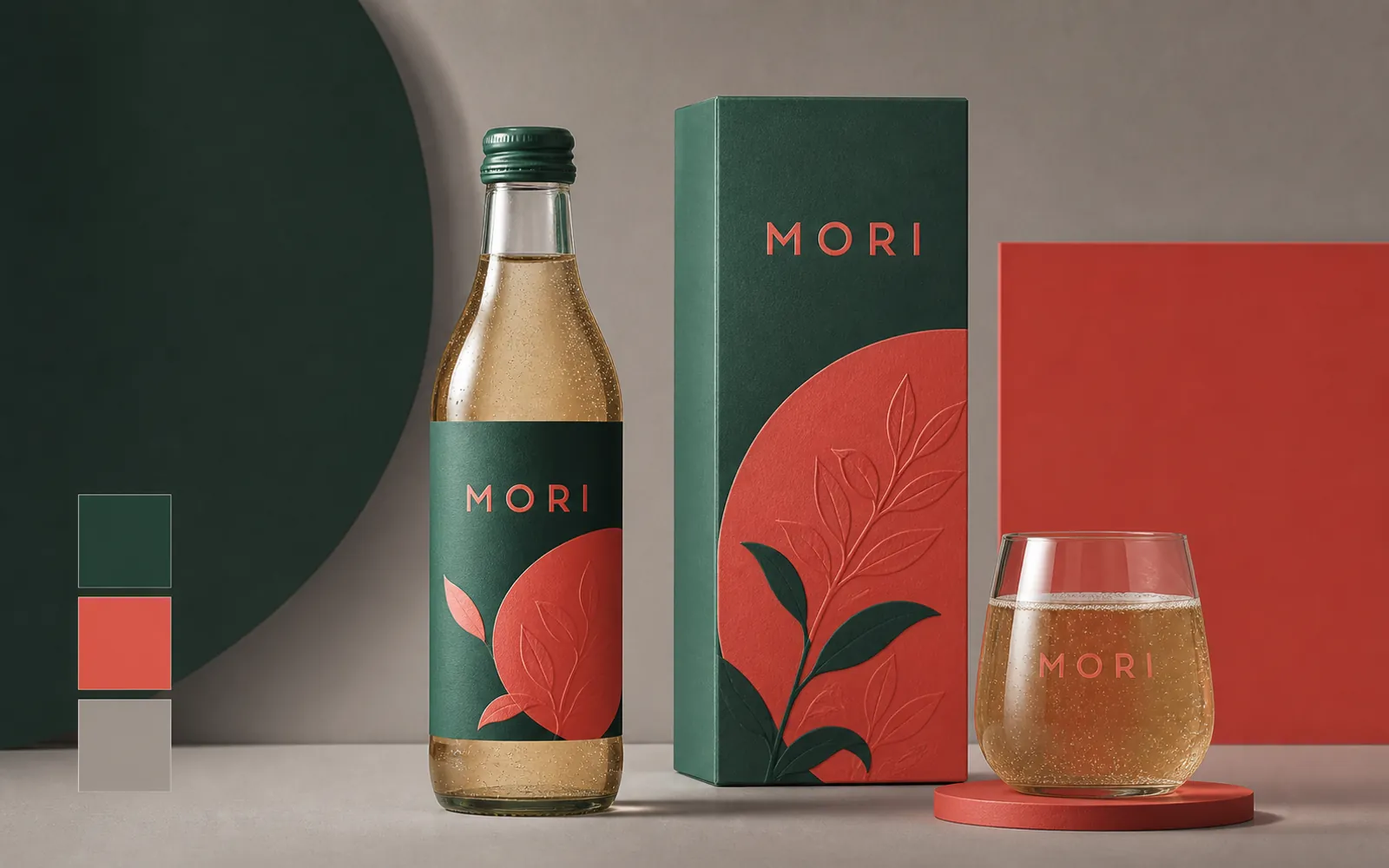
Fictional MORI beverage brand system with consistent forest green, coral, and readable short labels

TEXT & BRAND COLOR

Keep short copy and signature colors on brief

Direct a compact label, packaging family, and repeated palette in the same request. Always proofread generated text before publishing.

  • Specify short text exactly and keep the surrounding copy minimal
  • Repeat named colors across packaging, props, and backgrounds
  • Review spelling, contrast, and color consistency at full size
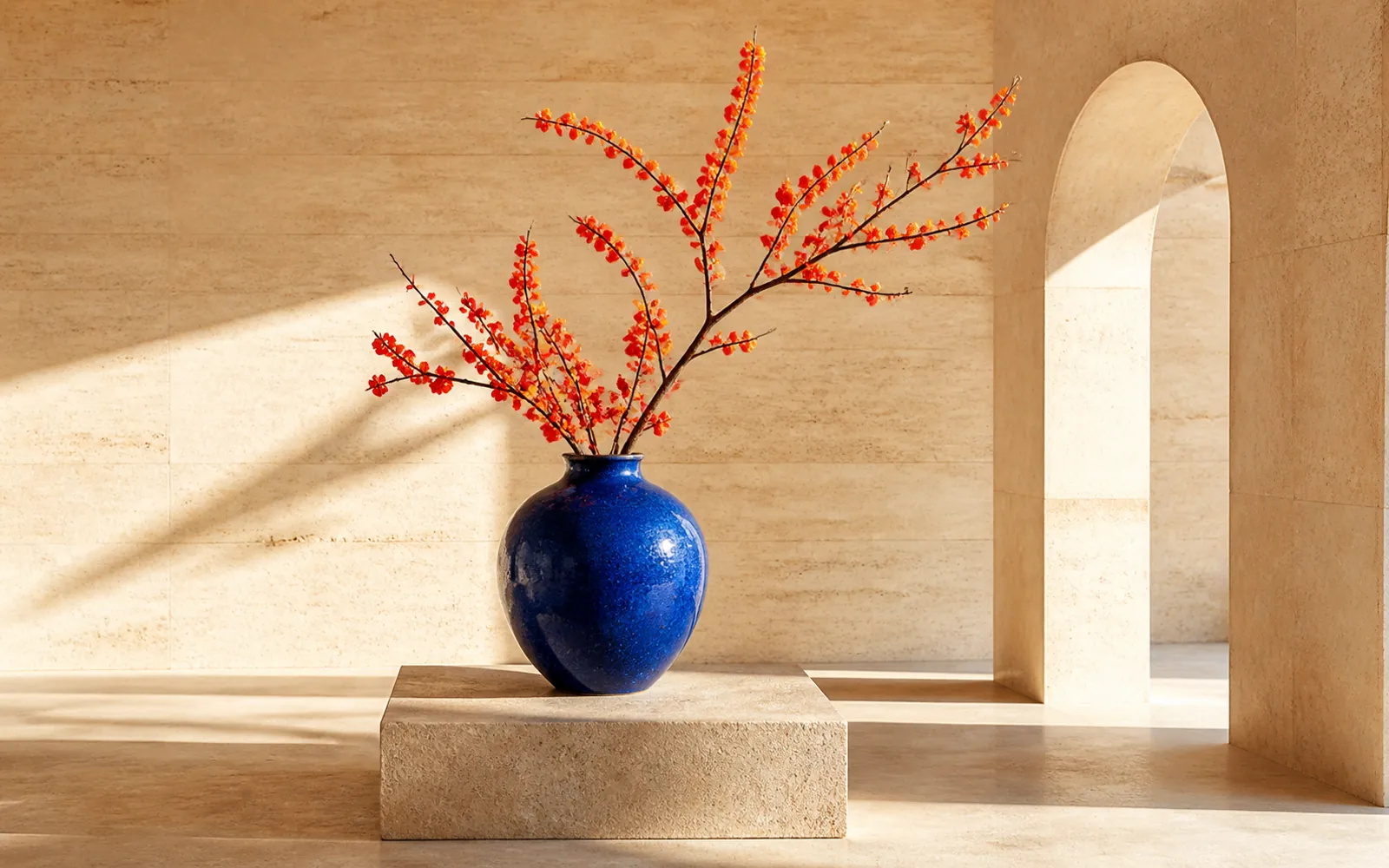
Cobalt vase and vermilion botanical branch combined inside a sunlit travertine gallery

MULTI-IMAGE REFERENCE

Bring separate references into one coherent scene

Use several images to guide subject, object, style, or environment, then describe their relationship and what must not change.

  • Assign a clear role to every reference image
  • Match perspective, scale, light direction, and contact shadows
  • Use focused edits instead of rebuilding the whole composition
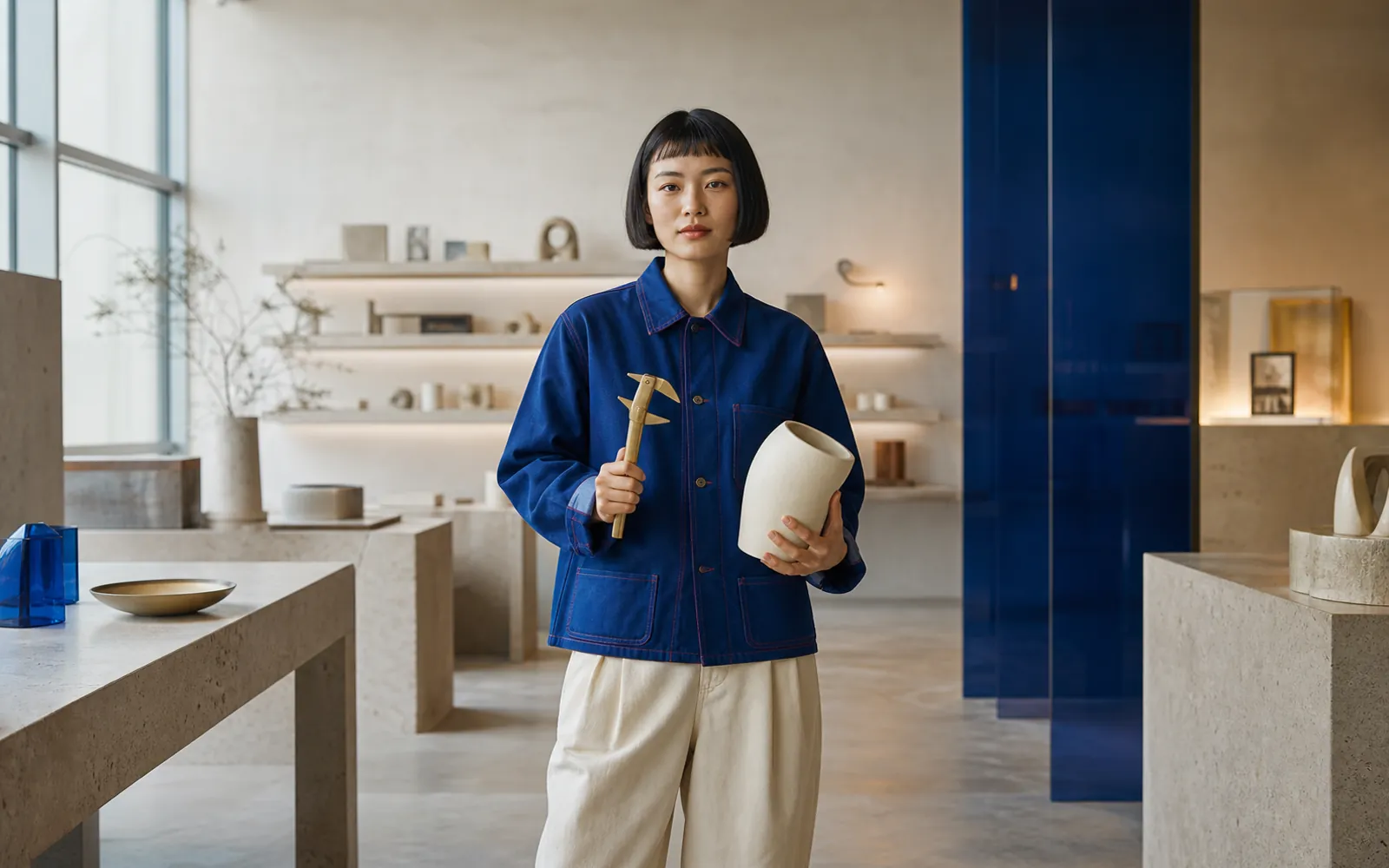
Designer Aya holding a ceramic prototype in a cobalt material studio
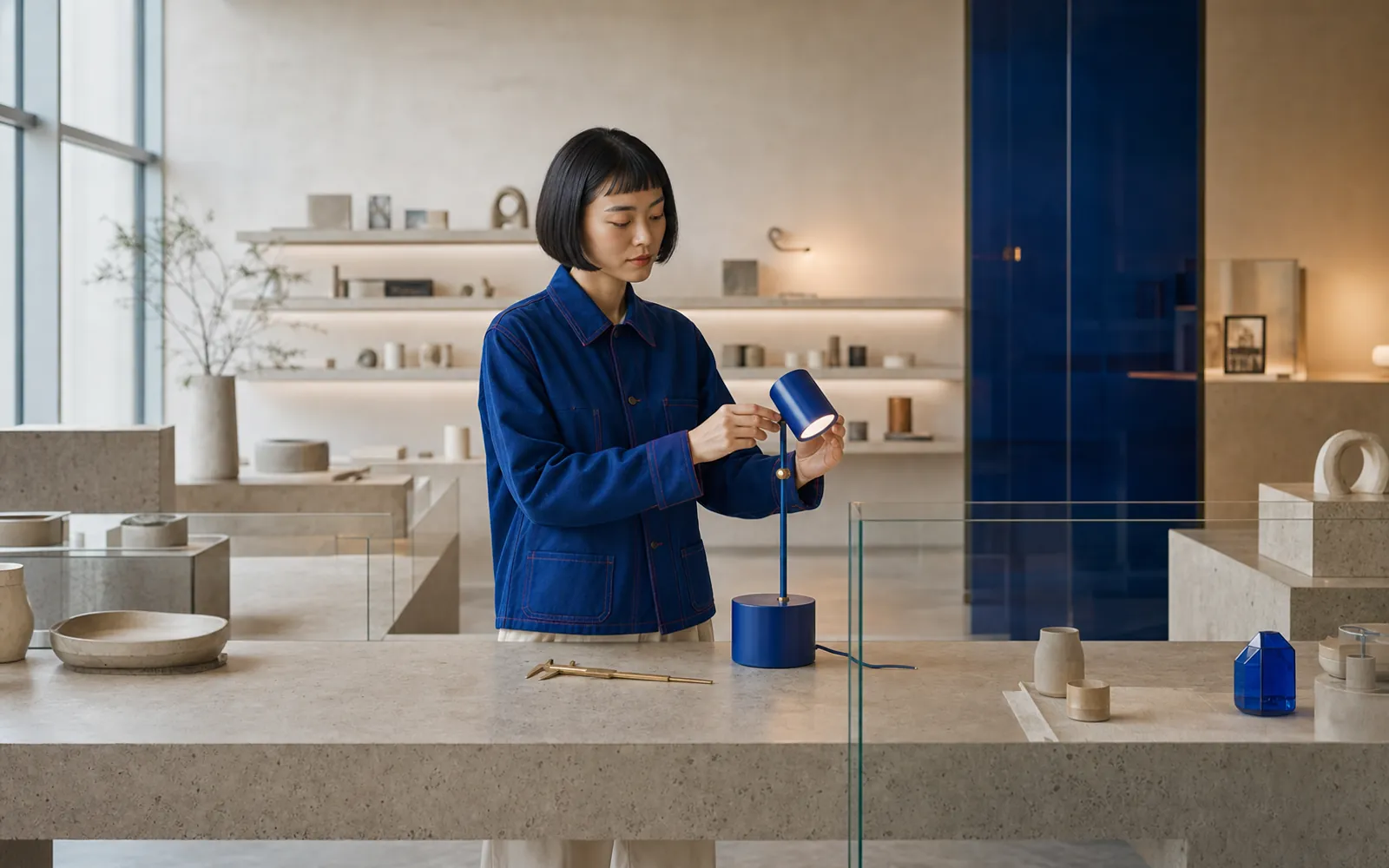
The same designer testing a cobalt lamp at a travertine workbench
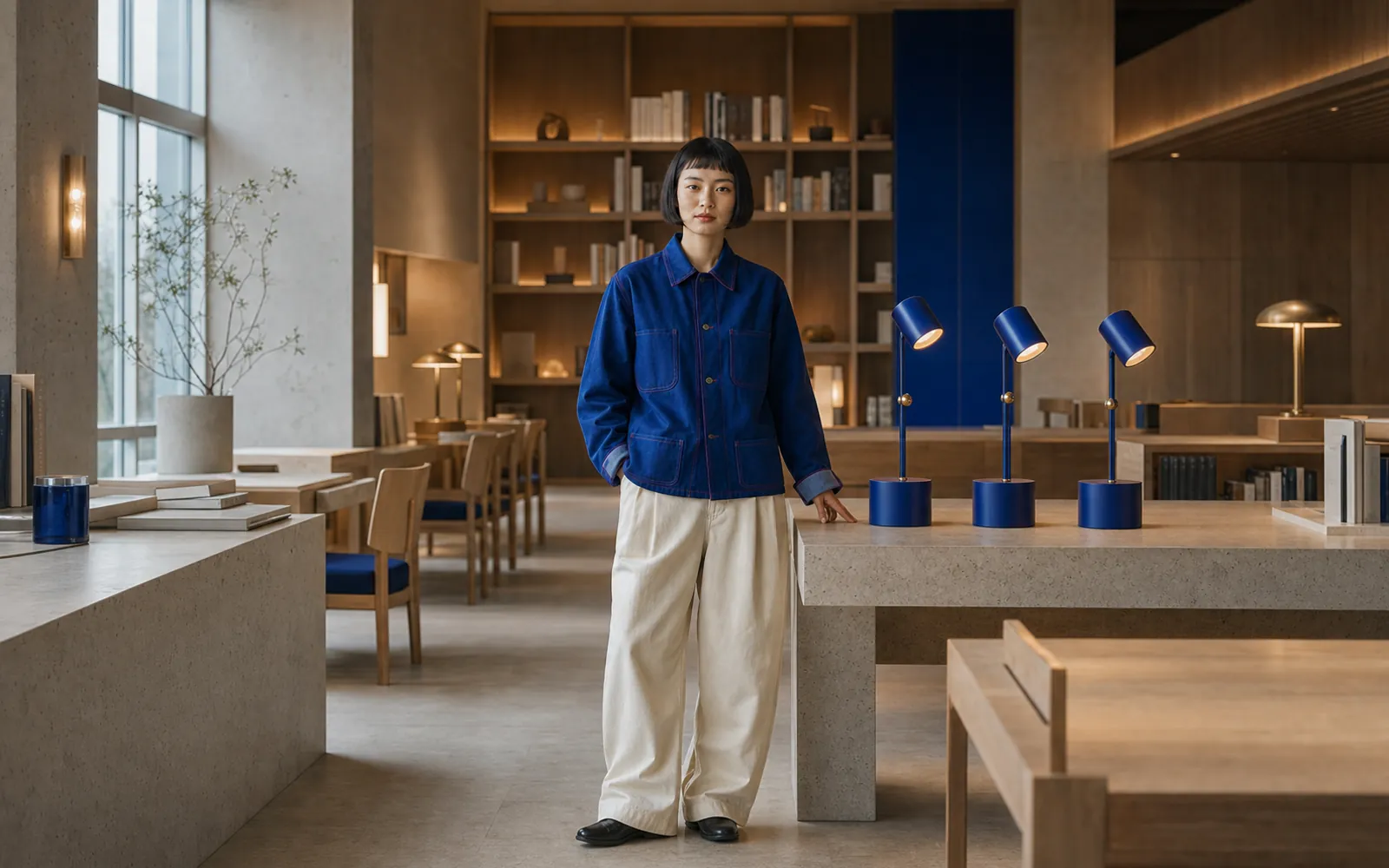
The same designer presenting the lamp series in a completed reading room

CONSISTENT IMAGE SETS

Carry one character and product language across a series

Lock identity anchors, wardrobe, palette, object design, and lighting before changing the shot scale or environment.

  • Reuse concise identity and wardrobe anchors
  • Keep materials and signature colors stable
  • Vary portrait, process, and environment views without losing the world
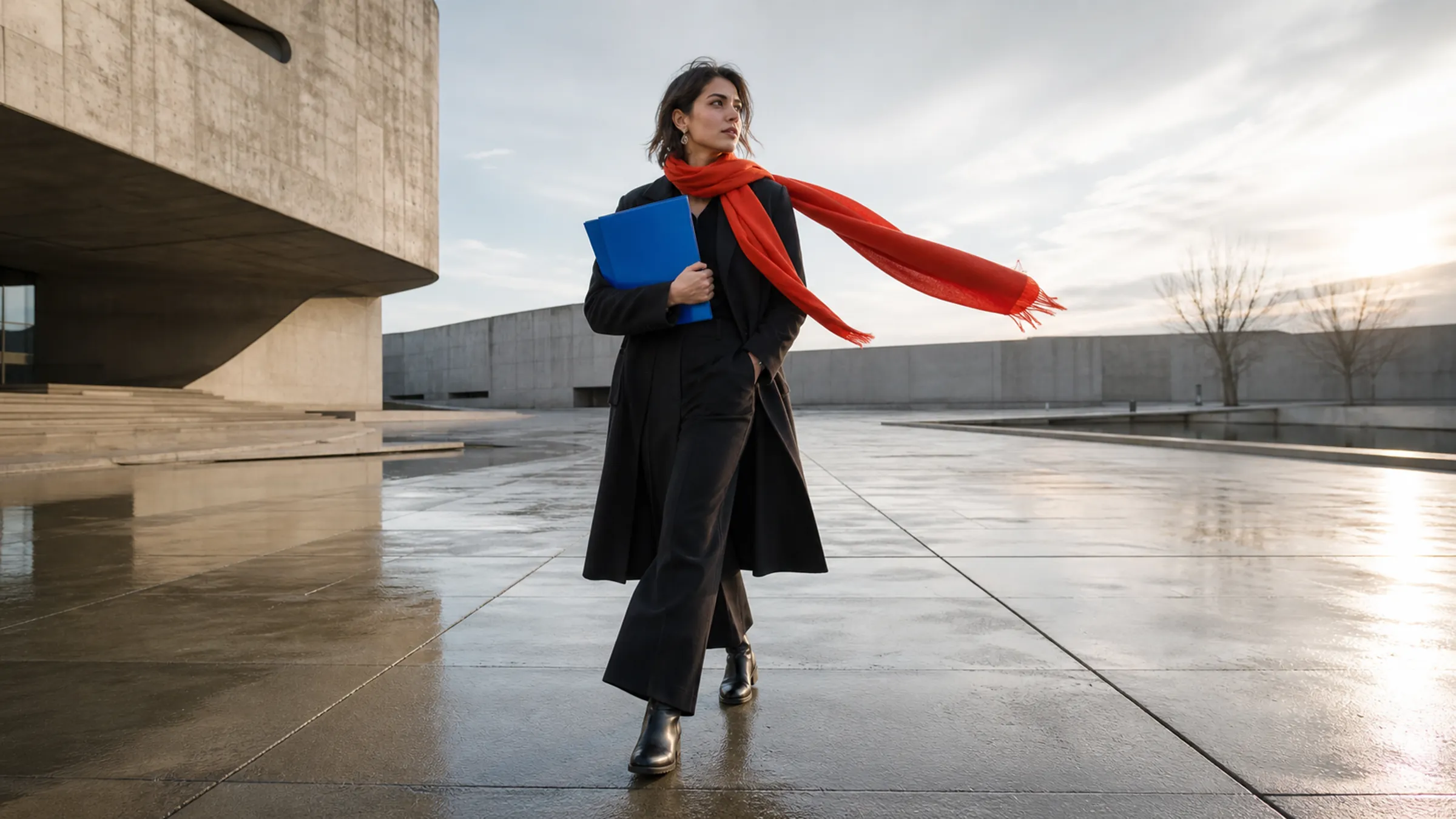
Architectural fashion photograph with cobalt and vermilion accents
Show creative direction 1

TURN ONE BRIEF INTO A VISUAL SYSTEM

Begin with a prompt, move into the PixPix workspace, and build an image or connected series with Wan 2.7 Pro.

Wan 2.7 Pro questions

A practical guide to model capabilities, image editing, output size, prompting, and responsible use.

Wan 2.7 Pro is Alibaba Cloud's image generation and editing model. It supports text-to-image, image editing, multi-image reference, and sequential image-set workflows.