AI Video Generator

Seedance 2.0

Create cinematic AI videos with Seedance 2.0 using text, image, video, and audio references, synchronized sound, and director-level control.

Direct every layer of the scene

Combine multimodal references with stable motion, cinematic camera language, and sound that is generated with the picture.

MULTIMODAL REFERENCE

Bring every kind of reference into one brief

  • Start from text, images, video clips, or audio
  • Assign characters, locations, props, motion, framing, and sound from separate references
  • Combine up to 9 images, 3 video clips, and 3 audio clips in supported workflows
  • Keep the creative intent connected across mixed inputs

DIRECTOR-LEVEL CONTROL

Stage performance, light, and camera with precision

  • Describe shot scale, viewpoint, camera movement, and pacing in natural language
  • Reference composition, movement rhythm, visual effects, and sound characteristics
  • Direct multi-shot narratives from a storyboard or shooting script
  • Extend or edit a sequence while preserving its intended direction
SYNCHRONIZED NATIVE AUDIO

Generate picture and sound as one experience

  • Create dialogue, ambience, sound effects, and music alongside the video
  • Align audio events with action and visual rhythm
  • Use stereo output for a more immersive sound field
  • Review voices, lyrics, pronunciation, and timing before publishing

COMPLEX MOTION

Keep demanding action smooth and believable

  • Handle multi-subject interaction and staged action with stronger stability
  • Preserve weight, contact, and physical relationships through movement
  • Carry subjects and environments through longer multi-shot sequences
  • Render both large motion and subtle expressions with coherent pacing

Seedance 2.0 showcase

Explore reference-led direction, cinematic movement, and synchronized audiovisual storytelling.

Multimodal direction

From reference to final cut in three steps

Lock the subject and visual language with a reference, direct camera, action, and sound, then generate and refine the result.

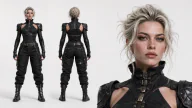
Add character reference
Reference portrait of a short silver-haired courier in a black technical jacket
Character reference locked

Step 1: Add a character reference

Upload a character or scene reference to anchor facial features, silver hair, the black technical jacket, and its muted-red strap.

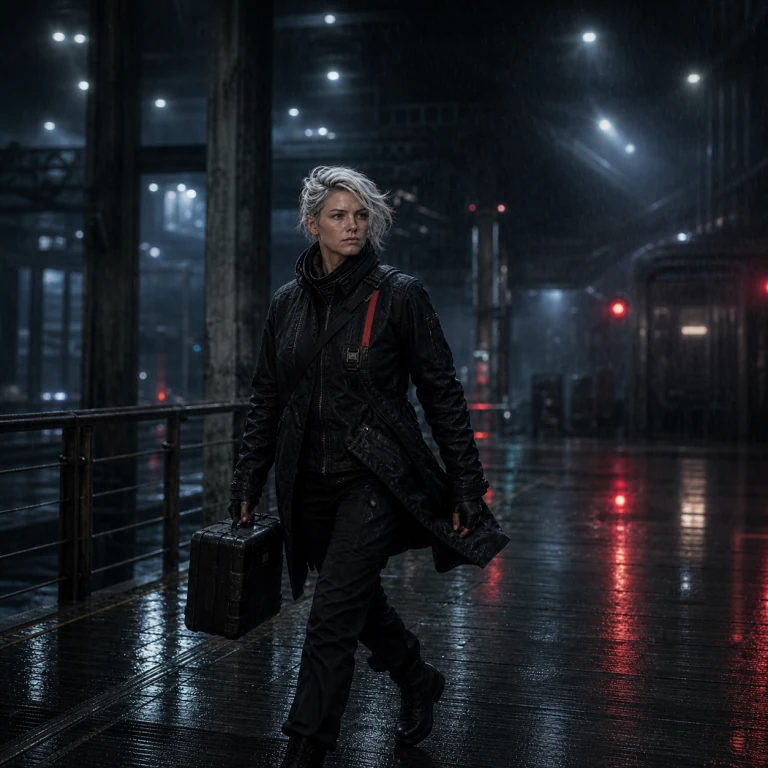
Rainy industrial transit concourse at night. Low tracking shot follows the silver-haired courier moving quickly across a wet steel walkway. Preserve her face, black technical jacket, and muted-red strap; synchronize footsteps, rain, fabric, and distant machinery.

Step 2: Direct the rain-lit tracking shot

Define the industrial transit setting, tracking pace, walking action, cool-warm lighting, footsteps, rain, fabric, and mechanical ambience.

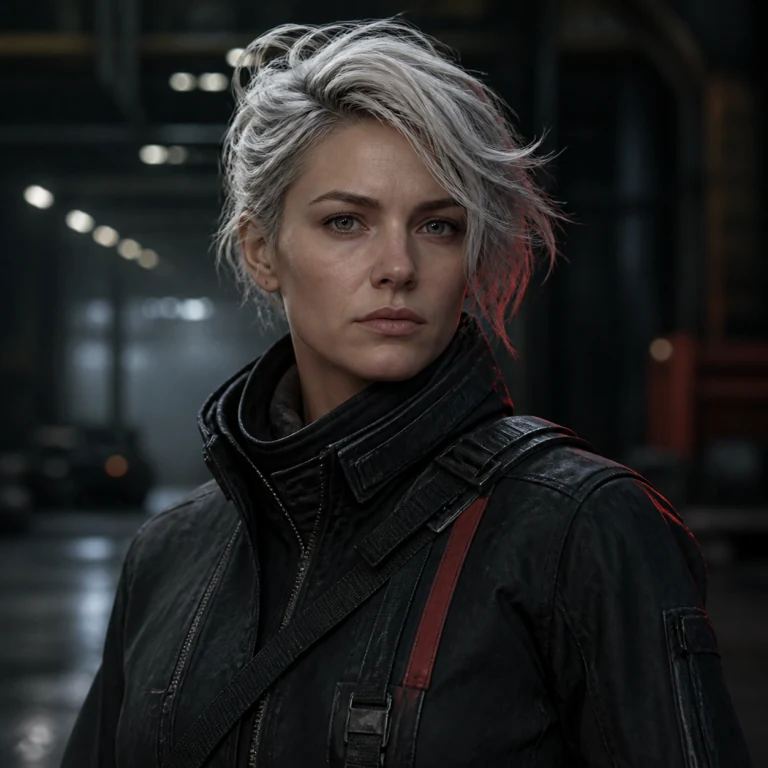
Cinematic frame of the silver-haired courier crossing a rain-lit industrial transit concourse

Step 3: Generate and review the cut

Review identity, motion continuity, rain physics, and audio sync together, then refine the prompt or references.

Turn your references into a directed audiovisual scene

Open Seedance 2.0 in the PixPix workbench and shape the picture, movement, camera, and sound from one creative brief.

Choose the right plan for Seedance 2.0

Get more video generations and create with Seedance 2.0 alongside the full PixPix creative toolkit.

Loading plans…

Seedance 2.0 questions

Practical answers about inputs, duration, resolution, audio, reference control, and responsible commercial use.

Seedance 2.0 supports text, image, video, and audio inputs. The exact combination available in PixPix depends on the selected generation mode and current workbench options.