Alibaba has released Qwen-Image-3.0, with PixPix being the first in the industry to integrate and now available for use.
On July 21, Alibaba launched the image generation and editing model Qwen-Image-3.0, PixPix —the industry’s first to complete integration. Key highlights unveiled in this release include support for longer text inputs, multilingual text rendering, and reference-image editing. Specifically, Alibaba has introduced the next-generation image generation and editing model Qwen-Image-3.0, with PixPix being among the first to integrate it. Users can experience Qwen-Image-3.0’s image-generation capabilities directly through PixPix’s online creation workflow, without needing to configure models or call APIs themselves.
I. What capabilities does Qwen-Image-3.0 bring this time?
Qwen-Image-3.0 has significantly enhanced its abilities in generating complex content, rendering text within images, and editing based on reference images.
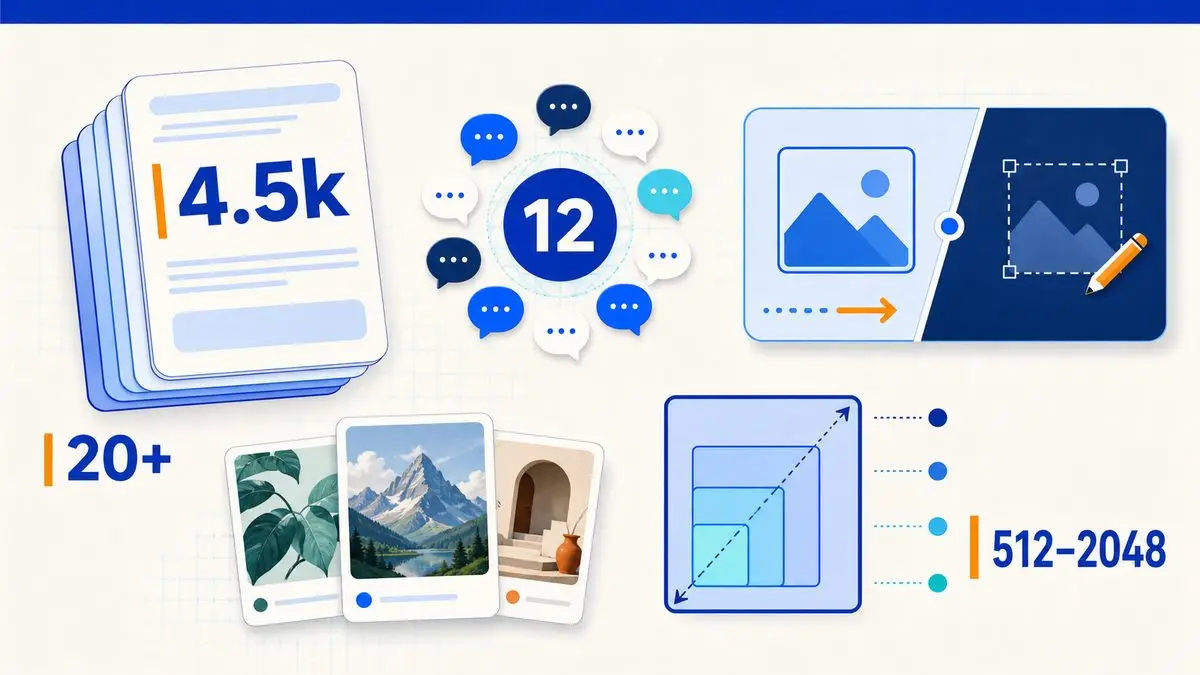
1. Supports up to 4,500 tokens as input
Qwen-Image-3.0 Pro supports up to 4,500 tokens of input, allowing users to incorporate more detailed subject descriptions, compositional requirements, textual content, layout structures, and constraints into a single instruction.
According to official Alibaba Cloud documentation, this model can handle highly information-dense, complex layouts such as newspaper pages, storyboards, menus, and exam papers, while also supporting picture-in-picture compositions and densely packed information arrangements.
For e-commerce visual production, this means that operators can clearly specify product angles, usage scenarios, campaign titles, key selling points, aspect ratios, blank space locations, and specific product details that must remain unchanged—all within a single prompt—thereby reducing the likelihood of overlooked requirements during multiple rounds of generation.
2. Supports 12 languages and over 20 fonts
Qwen-Image-3.0 natively renders text in 12 languages and over 20 different fonts, while enhancing its ability to generate intricate graphics, small-sized text, and multi-module interfaces. Official materials further note that the model can render text as small as 10 pixels.
This capability is ideal for cross-border product images, overseas advertising materials, multilingual event posters, product description visuals, and social media graphics. Teams can preview, during the generation phase, how different languages will fit within the same layout in terms of character length, line breaks, and spatial requirements.
It should be noted that although the model can generate text, this does not mean that product names, prices, discount terms, or translated content can bypass review. Prior to official release, each piece of copy still requires item-by-item verification against approved texts.
3. Supports both text-to-image and image-to-image editing
Alibaba Cloud’s API documentation indicates that Qwen-Image-3.0 supports both text-to-image and image-to-image editing—meaning it can directly generate images from textual descriptions or further edit existing images.
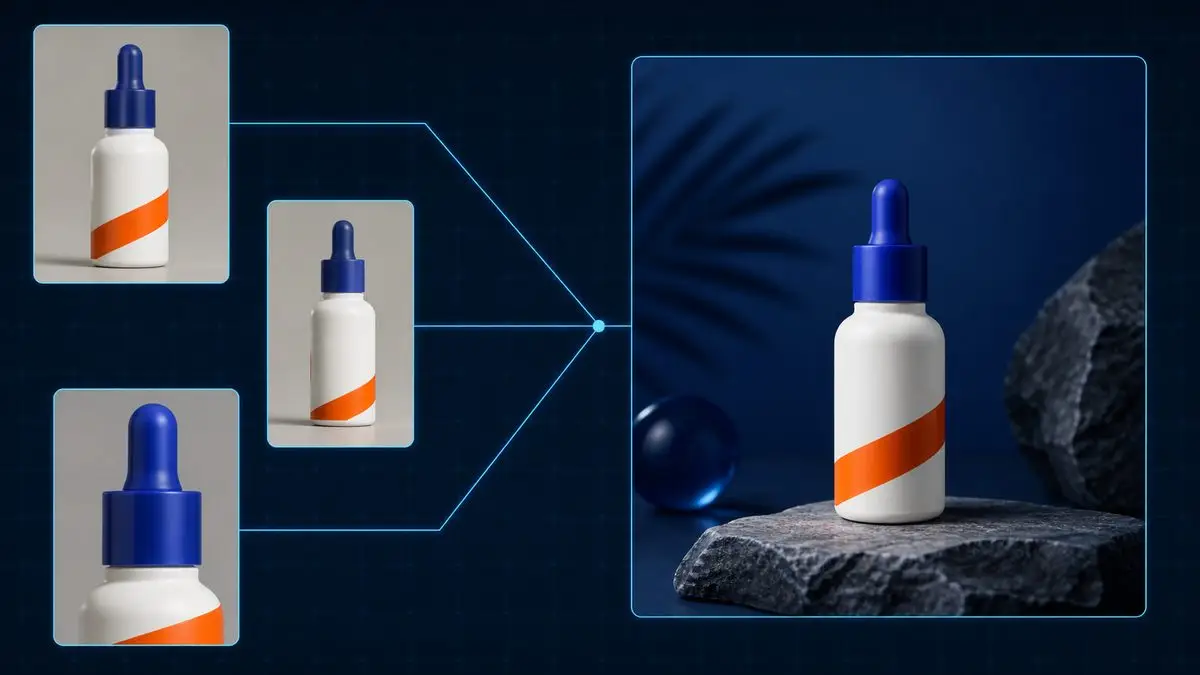
In image-editing tasks, users can submit one to three reference images along with textual instructions to modify the content. Multiple reference images can provide front, side, and close-up views of a product, helping the model gather more comprehensive product information.
When creating images for e-commerce products, reference photos should ideally come from the same SKU. Mixing images of different versions, packaging, or colors may send conflicting signals to the model.
4. Supports resolutions up to 2048×2048
Current Alibaba Cloud documentation states that Qwen-Image-3.0 supports resolutions up to 2048×2048 for both text-to-image and image-to-image editing tasks, with a maximum output of six images per request, formatted as PNG files.
II. Why is Qwen-Image-3.0 well-suited for e-commerce visual production?
Traditional AI-based product image generation typically focuses primarily on combining the product with its background, whereas real-world e-commerce content also requires managing product details, marketing copy, layout structure, and size specifications tailored to various channels.
Qwen-Image-3.0’s support for long prompts and complex layouts enables operations teams to incorporate more requirements into a single task. For example:
Preserve the product’s shape, color, material, and packaging text;
Specify the product’s angle, lighting direction, and intended use scenario;
Set the placement of the title, key selling points, and promotional information;
Leave designated areas for buttons, pricing, or brand logos;
Specify whether to use landscape, portrait, or square compositions;
It is explicitly prohibited to add accessories, alter interfaces, or modify packaging.

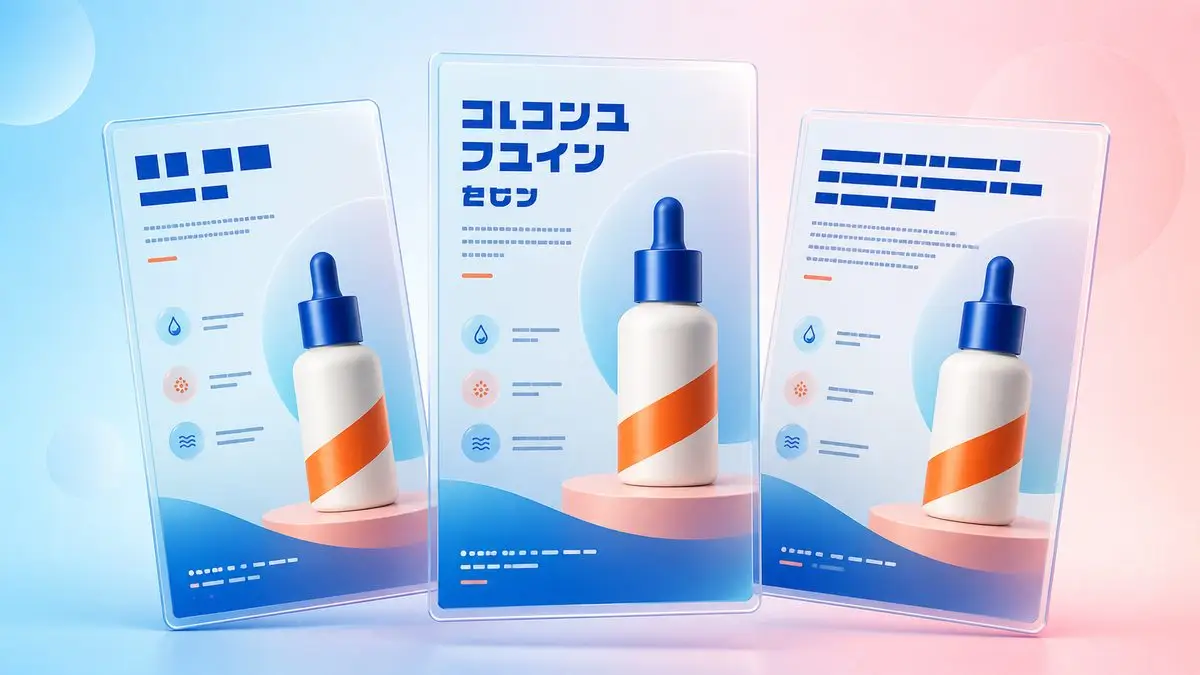
For detail page modules, promotional posters, product feature illustrations, and multilingual product images, this more comprehensive instruction-handling capability helps improve the alignment between generated results and original requirements.
III. What does PixPix’s integration with Qwen-Image-3.0 mean?
Currently, PixPix has been the first to integrate with Qwen-Image-3.0. Users can experience related image-generation capabilities through PixPix without needing to independently apply for an API key, write calling code, or configure model parameters.
Qwen-Image-3.0 provides underlying image-model capabilities, while PixPix incorporates these models into an online creation workflow. For e-commerce sellers, designers, and content managers, the new model can be used to produce main product images, scene-based product visuals, detail-page illustrations, promotional posters, multilingual advertising materials, and social-media cover images.
Compared to calling the model API directly, this product-side integration further lowers the barrier to entry, enabling users to generate and edit content directly using existing product assets.
IV. What should you pay attention to when creating product images with Qwen-Image-3.0?
Qwen-Image-3.0 has enhanced its ability to understand complex instructions, render text, and edit reference images; however, AI-generated results still require manual review.
Before officially deploying on e-commerce platforms, it is recommended to carefully verify the following:
Whether the product’s outline, color, interface, and accessories match the actual SKU;
Whether the brand name, model number, and packaging text are accurate;
Whether the price, discounts, event dates, and promotional terms are correct;
Whether multilingual content conforms to local linguistic conventions;
Whether the image proportions, text safe zones, and clarity meet platform requirements;
Whether the image includes features or accessories not actually present in the product.
While the model’s capabilities can boost content-production efficiency, product information and marketing materials must still adhere to authentic data and approved copywriting.
V. Common questions about Qwen-Image-3.0 and PixPix
1. What is the difference between Qwen-Image-3.0 and Qwen-Image-3.0 Pro?
Alibaba Cloud currently offers two model versions: qwen-image-3.0-pro and qwen-image-3.0.
The Pro version is designed for higher-quality generation of complex content, supporting inputs of up to 4,500 tokens, making it ideal for intricate layouts, small-sized text, and high-fidelity images; the Standard version balances generation quality and speed. Both versions support text-to-image generation and image editing, with a maximum resolution of 2048×2048.
2. What core capabilities does Qwen-Image-3.0 support?
According to official documentation, current supported capabilities include inputs of up to 4,500 tokens, rendering in 12 languages and over 20 fonts, text-to-image generation, image editing, the use of 1–3 reference images, outputting up to 6 images per request, PNG format, and a maximum resolution of 2048×2048.
3. How can ordinary users access Qwen-Image-3.0 after PixPix integration?
According to ZNDS reports, PixPix has already completed integration with Qwen-Image-3.0. Users no longer need to call the model API themselves; they can experience relevant image-generation capabilities through PixPix’s online creation workflow.

Summary
Qwen-Image-3.0 further enhances the AI image model’s capacity to handle long instructions, complex layouts, multilingual text, and reference-image editing.
For e-commerce visual teams, their value extends beyond simply generating a product scene image; it also encompasses handling complex image requests that include text, selling points, layouts, and multiple constraints.
PixPix was the first to integrate Qwen-Image-3.0, enabling ordinary users to leverage the new model for creating product images, detail pages, promotional posters, and multilingual marketing materials—without needing to configure APIs or model parameters.

AI Image Tool Built for E-commerce Teams
For new product launches, advertising, and promotional campaigns, use AI to generate product images, scene visuals, ad creatives, and short video assets — making content production faster.