AI Video Generator

Happy Horse 1.1

Create AI videos with Happy Horse 1.1 using expressive motion, synchronized audio, multi-reference control, and output up to 1080p.

Picture, performance, and sound in one generation

Direct polished short-form video with natural motion, synchronized sound, and flexible visual references.

JOINT AUDIO + VIDEO

Sound that belongs in the scene

  • Generate dialogue with the picture, without separate voice-over
  • Match ambience and sound effects to action and setting
  • Direct voice, tone, and atmosphere in the prompt
  • Keep picture, motion, and audio on the same beat

MOTION + VISUAL QUALITY

Motion that holds up shot after shot

  • Render physically grounded movement with smoother trajectories
  • Preserve fine visual details while action unfolds
  • Keep character identity steadier across changing shots
  • Improve realism, motion continuity, and overall consistency

MULTI-REFERENCE CONTROL

Keep a cast recognizable

  • Guide characters, wardrobe, props, and style with references
  • Keep subjects recognizable across changing shots
  • Carry details from multiple images into one scene
  • Improve continuity in character-led sequences

FLEXIBLE DELIVERY

From social cuts to cinematic frames

  • Generate clips from 3 to 15 seconds
  • Deliver at up to 1080p resolution
  • Choose available aspect ratios for different placements
  • Refine duration and format in the active PixPix workflow

Happy Horse 1.1 showcase

Explore dialogue, performance, cinematic motion, and native sound on a larger stage.

Happy Horse 1.1 creation 1

Create with Happy Horse 1.1 in three steps

Choose how to begin, direct the full audiovisual scene, then generate in the PixPix workbench.

Text, first frame, or reference images
Step 1: Choose your input

Step 1: Choose your input

Start from a text prompt, a first frame, or the reference inputs available in your selected workflow.

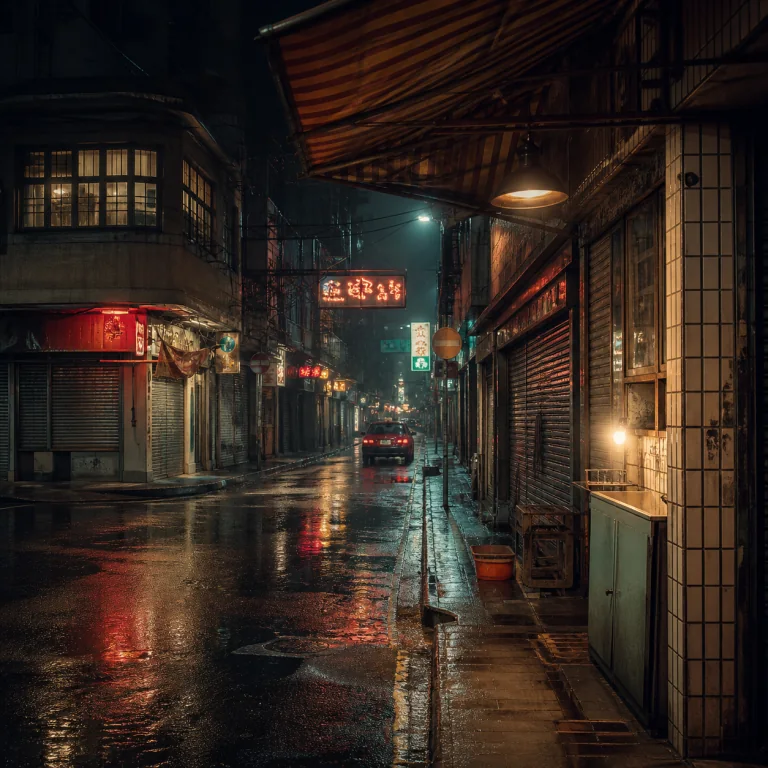
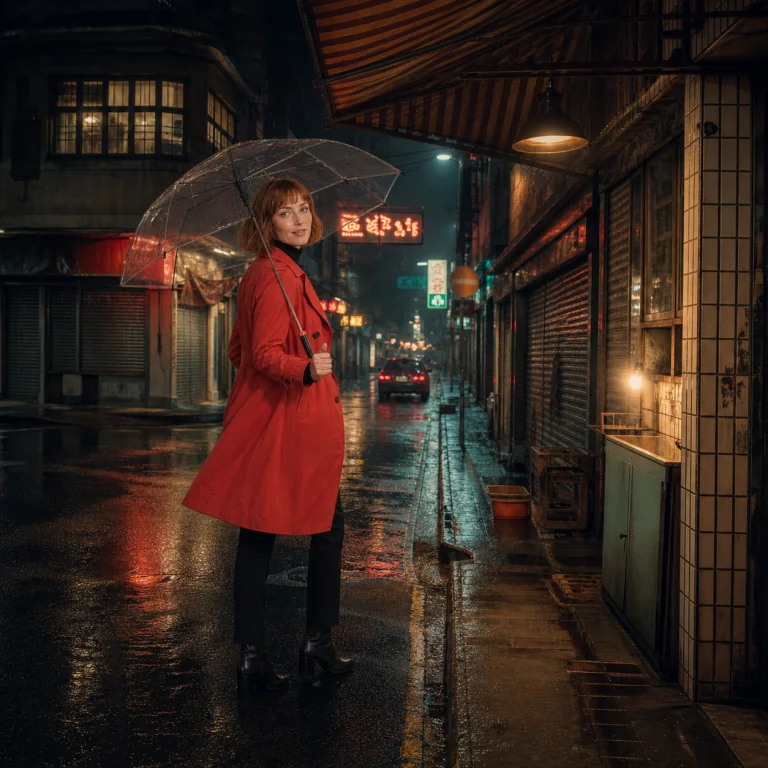
Slow dolly-in. She delivers the line as city rain and distant traffic fill the scene.

Step 2: Direct the scene

Describe the subject, action, camera movement, dialogue, ambience, and details that must remain consistent.

Step 3: Generate and refine

Step 3: Generate and refine

Set the available format and duration, generate the clip, then refine motion, timing, sound, or references.

Give your next scene a voice

Open Happy Horse 1.1 in PixPix and turn one clear direction into a complete audiovisual clip.

Choose your plan

Get more generations and early access to new creative features from PixPix.

Loading plans…

Happy Horse 1.1 questions

Practical answers about inputs, duration, native audio, references, and responsible use.

Happy Horse 1.1 is an AI video model for generating short audiovisual clips from text, first-frame images, and reference images, with expressive motion, synchronized audio, and stronger consistency.